
Participant
December 12, 2021
Question

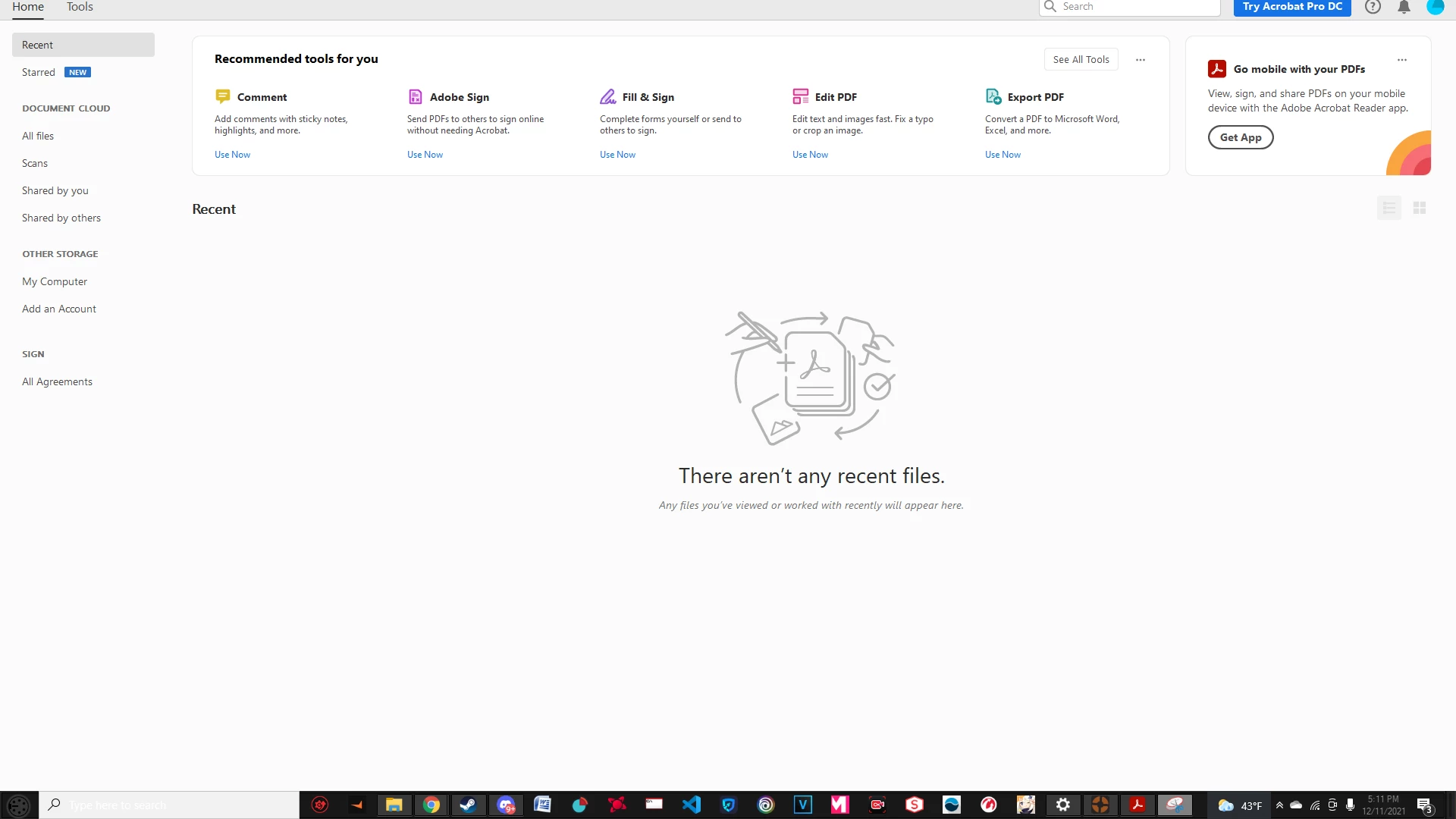
Task Bar Missing from top of the application.

  • December 12, 2021
  • 1 reply
  • 713 views

Whenever i launch Acrobat, I am unable to use view, edit, save, or even minimaize or close the document. There is just nothing there. I've tried unistalling and reinstalling it, changing my monitors resolution, pressing esc, f ,windows,etc. nothing is working. 
This topic has been closed for replies.

1 reply

Amal.
Community Manager
Community Manager
December 13, 2021

Hi Joshua


Hope you are doing well and sorry for the trouble. As described, Task Bar Missing from top of the application.


Would you mind sharing the version of the Adobe Acrobat DC you are using? To check the version go to Help > About Acrobat and make sure you have the recent version 21.07.20099 installed. Go to Help > Check for updates and reboot the computer once.


Also try to repair the installation from the help menu and see if that works.


You may also try to create a new test user profile with full admin rights and try using the application there and check.


Regards

Amal

Participant
December 20, 2021

I did that but now acrobat is tiny and in the corner of my screen 

Amal.
Community Manager
Community Manager
December 21, 2021

Hi there


Please go to Edit > Preferences > Under, Scale for screen resolution Select 'Auto detect' > Click OK and reboot the computer.

And go to Edit > Preferences > Page Display > Under resolution, toggle between  'Use system settings' and 'Custom Resolution' > Click OK and reboot the computer.


Regards

Amal