3 replies

AnandSri
Community Manager
Community Manager
March 18, 2025

Hello!


I hope you are doing well. Have you tried the suggestions shared by our product community experts? If not, please try them and let us know how it goes.


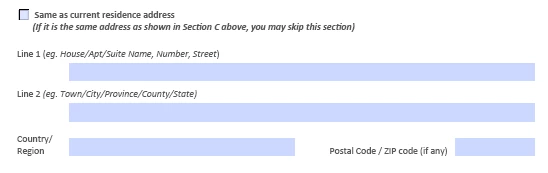
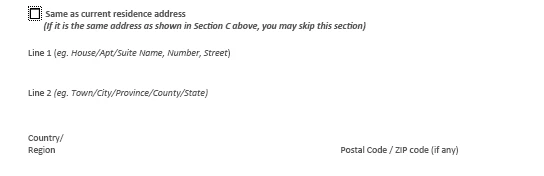
Also, is it happening with all the PDFs, or is it specific to the one for which you have shared the screenshot? 

For testing purposes, Disabling Protected Mode:

  • Protected Mode can sometimes interfere with text box functionality:

    • Go to "Menu" > "Preferences" > "Enhanced Security."
    • Uncheck "Enable protected mode at startup."
    • Uncheck "Enhanced Security."
    • Click "OK" and restart Acrobat.
  • Note: Disabling security features may pose risks; re-enable them after testing.

Also, Restoring Text Field Properties:

  • If text field properties are missing:

    • Go to "Tools" > "Prepare Form."
    • Click on "More" at the right side of the window.
    • Select "Revert to Acrobat Form."

For more details, see this article: https://adobe.ly/3DzImjG


I hope this helps.

Thanks,

Anand Sri.

Participant
March 18, 2025

Check Field Visibility Settings – In Adobe Acrobat Form Properties, ensure the field is set to Visible and not Hidden or Hidden but Printable.

Nesa Nurani
Community Expert
Community Expert
March 18, 2025

Check if you have any script that affect those fields.