
Participant
May 31, 2025
Question

Text not displaying

  • May 31, 2025
  • 2 replies
  • 273 views

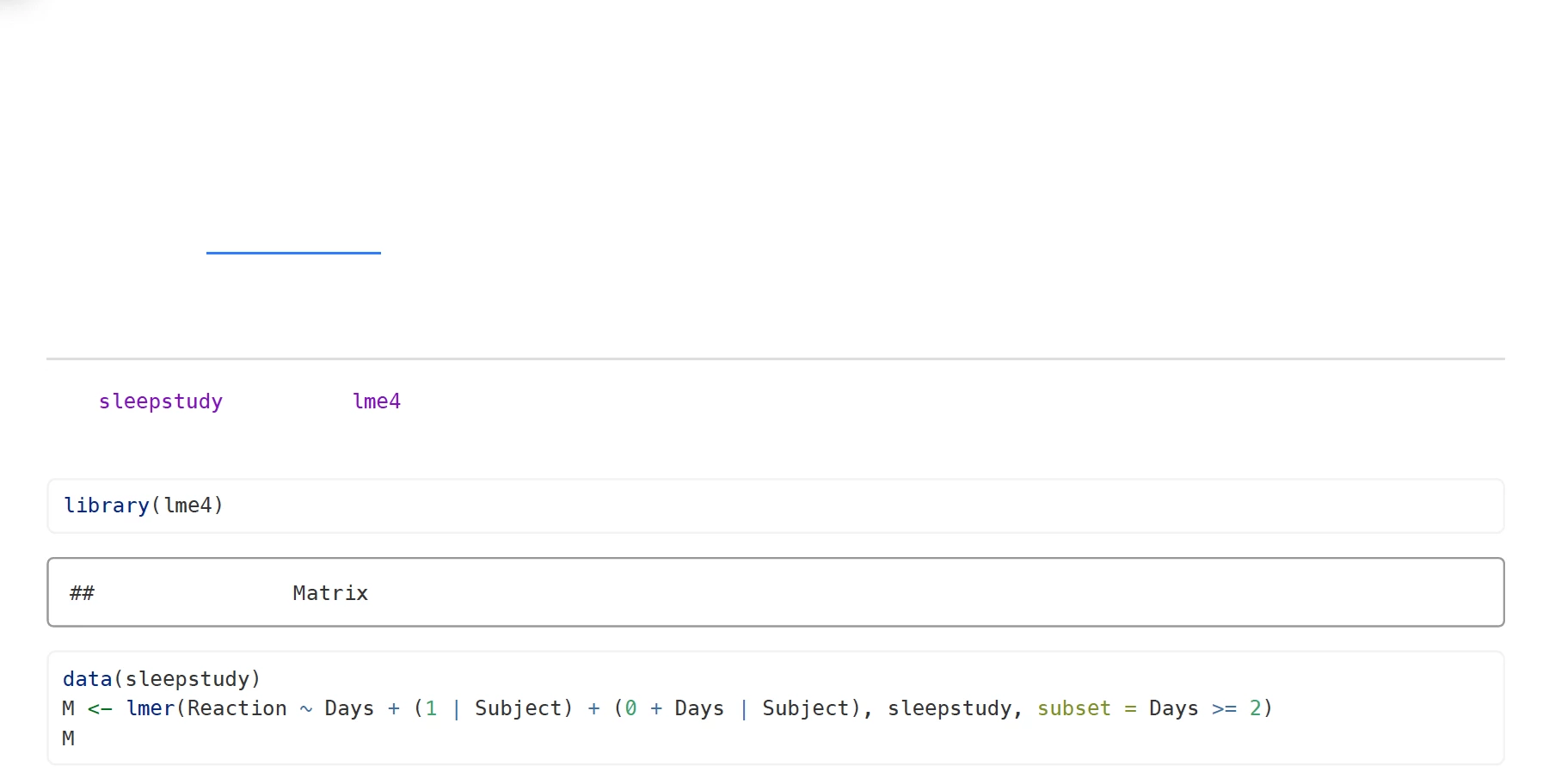
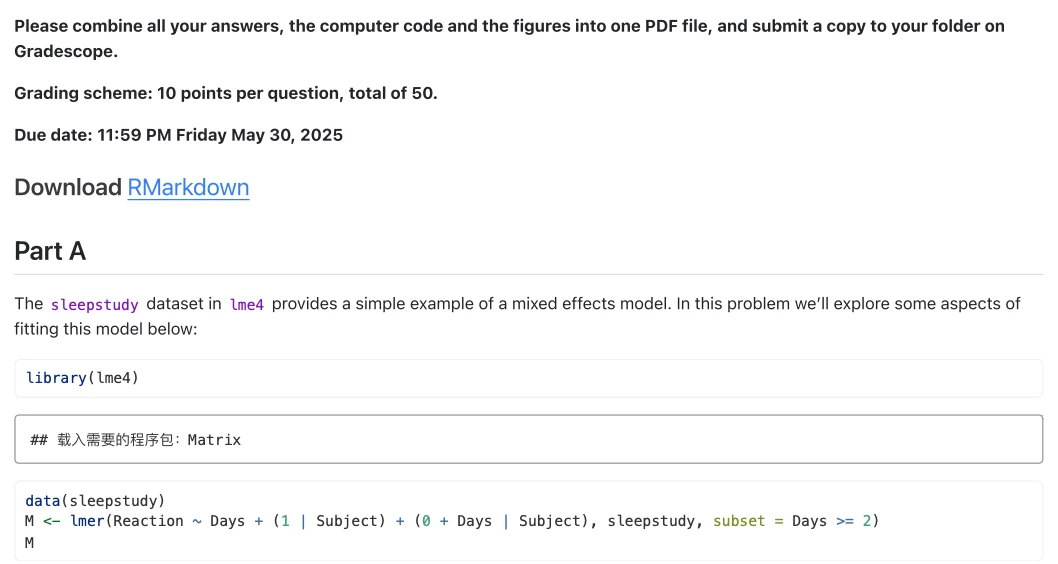
On my end, Adobe Acrobat fails to render some math formulas and text for a long time. The first screenshot shows the output in Adobe Acrobat, basically, everything is missing. The second is from macOS Preview. Adobe is the only viewer that fails to render any content, compared to Preview, Skim, Chrome, or even Safari. 


The only solution I found is from 2 years ago, by unchecking "use local font", but this is no longer available. 

-----------------------------
------------------------------------
 

2 replies

Legend
June 2, 2025

Hi @Rui371027845l50, 


Sorry for the troubled experience, and thank you for reaching out. 

It looks like the issue might be related to fonts not being embedded in the PDF. When fonts aren’t embedded, Acrobat or Reader may substitute them or fail to display the text correctly, especially if the font isn’t available on your system.


To check this:

  1. Open the PDF in Acrobat.
  2. Go to File > Properties > Fonts.
  3. See if the fonts are marked as “Embedded” or “Embedded Subset.” If not, that’s likely the issue.


How to fix it:

  • If you have access to the source document (e.g., Word, InDesign), re-export the PDF with the “Embed fonts” option enabled.

  • In Word: File > Options > Save > Embed fonts in the file.

  • In Acrobat Pro, you can try Preflight to embed fonts post-export, but re-exporting from the source is the cleanest solution.


Let us know how it works and if you have further questions. 


~Tariq

radzmar
Community Expert
Community Expert
June 1, 2025

If this is reproducable at your end, it may be a bug. Use https://acrobat.uservoice.com/forums/590923-acrobat-for-windows-and-mac to report the issue.