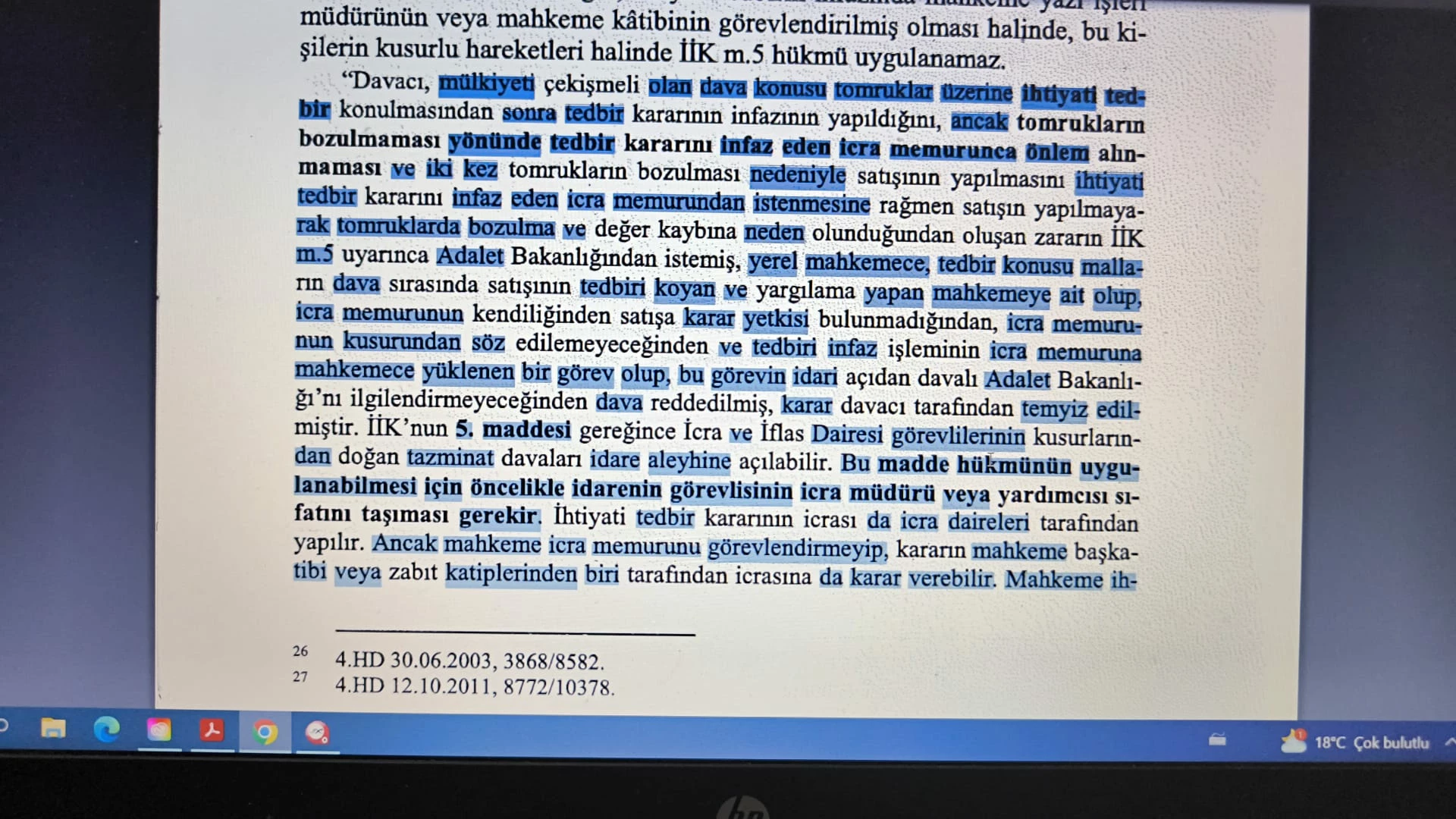
Hi, @Habib36866182f990. Yeah, that's a pretty extreme example of something that is often seen with OCRed text.
When you process OCR, there are three different routines for the process; here they are:
Searchable Image
Ensures that text is searchable and selectable. This option keeps the original image, deskews it as needed, and places an invisible text layer over it. The selection for Downsample Images in this same dialog box determines whether the image is downsampled and to what extent. Consequently, #1 is typically not acceptable to a FedGov agency (or any entity with an interest in a document of record having the proper "provenance").
Searchable Image (Exact)
Ensures that text is searchable and selectable. This option keeps the original image and places an invisible text layer over it. It is recommended for cases requiring maximum fidelity to the original image. Typically, this is what a FedGov agency requires if submitting a scanned image of text.
Editable Text & Images (Formally known as Clear Scan)
Synthesizes a new custom font that closely approximates the original and preserves the page background using a low-resolution copy.
If you read over these options, it's pretty clear that you had your settings set for the first one (intentional or not). So, you are successfully capturing all the text (as you claimed), but what you're selecting is not necessarily aligned with the original text.
This is a bit annoying but harmless. It does make it a bit of a challenge when wishing to select a specific word that is not aligned.
If you wish to try and use the other two options, you'll need to go back to your original scan (before you ran the OCR) because Acrobat will not let you re-OCR text that has already been OCRed. If you need help finding these options, let me know which version of Acrobat you are using and if it's the latest version, let me know if you are using the new or old user interface.
 AdChoices