
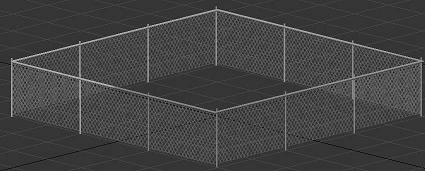
Texture Masking In Adobe Acrobat DC and Adobe Acrobat Reader DC
I've created several alpha channels for fencing, low res/high res trees, gates, rail fences, ornate benches, various conduits/lattice structures, and pylons; basically, anything that can be viewed as a planimetric 3D model that is extruded and textured with a jpg and a mask created in Photoshop, then exported as a tga file.
The textures and masks work in 3D Studio Max 2018, but I run into problems when I generate files and view them in Adobe Acrobat Reader DC.
I have a chain link fence with a concertina wire coil on top that is visually displayed properly with a functional mask in Adobe Acrobat DC, but the mask turns opaque in Adobe Acrobat Reader DC.
Are there any settings that may correct the opacity of the mask in Reader DC?
I've already played with the transparency, but it just manipulates the mask and texture of the chain link. I want the chain link to view with 100% opacity, while the tga file (mask) masks the background 100% like it does in 3D Studio Max 2018.
 AdChoices