Hi @ajbicat
This issue often points to a problem with the specific file itself — rather than the printer or Acrobat. If you’re seeing the error:
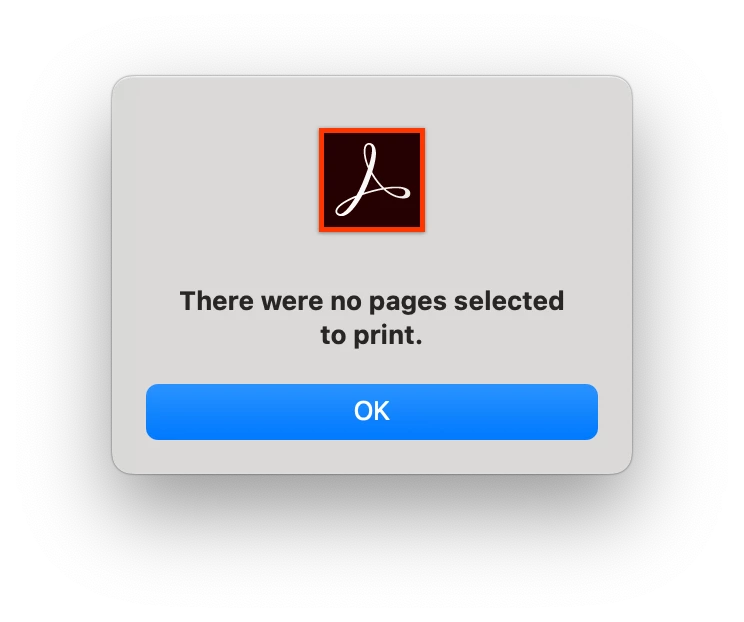
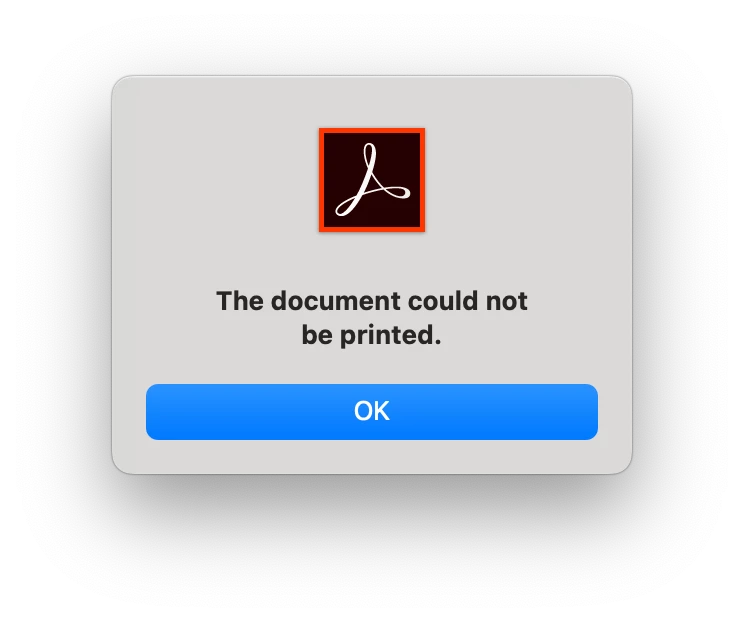
“The document could not be printed. There were no pages selected to print”
Here are a few steps you can try:
Troubleshooting Steps:
1. Try “Print as Image”:
-
In Acrobat, go to File > Print > Advanced.
-
Check “Print as Image” and try again.
-
This helps bypass rendering issues that Acrobat might struggle with.
2. Check if the file is restricted:
3. Recreate the PDF (if possible):
-
If you have the source file, try re-saving or re-exporting it to PDF.
-
You can also try opening the PDF and selecting “Print to PDF” to create a new copy.
4. Try with a different printer or driver:
-
If you’re printing to a physical printer, try switching to Microsoft Print to PDF or Adobe PDF as a test.
-
Make sure your printer drivers are up to date.
5. Update or Repair Acrobat:
-
Make sure you’re using the latest version.
-
Go to Help > Check for Updates, or try Help > Repair Installation.
If none of the above work, it may help to test with a different PDF — if other PDFs print fine, it’s likely something specific to this file. You’re welcome to share more details about the file type or how it was created.
Let us know how it goes — happy to help further!
Best regards,
Tariq | Adobe Community Team




 AdChoices