
Answered
The document will be saved with the following metadata. Double-click on a property to edit it
Hi,
How can I disable the "The document will be saved with the following metadata. Double-click on a property to edit it" window from popping up every time I save a PDF?
I have this issue when I save a PDF file in a SharePoint/Teams.
I do "Save">"SharePointSite">"Shared Documents">"General".
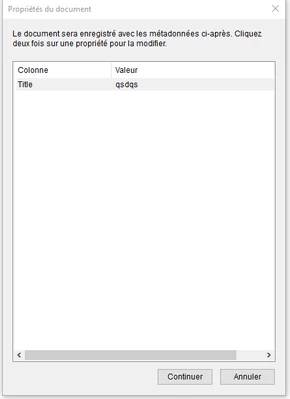
Is there a way to disable this message ?
Thanks


 AdChoices