



Question
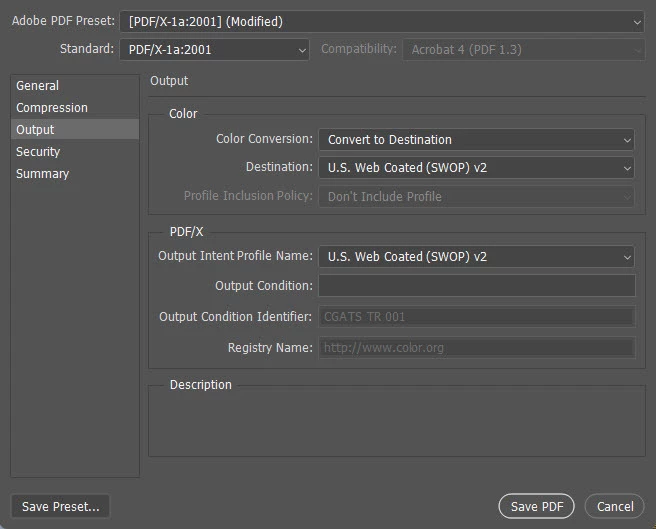
The original cover PDF still has 240% ink levels, but even if I use the original PSD and and save as a PDF using the same output settings the ink levels are now way to high.
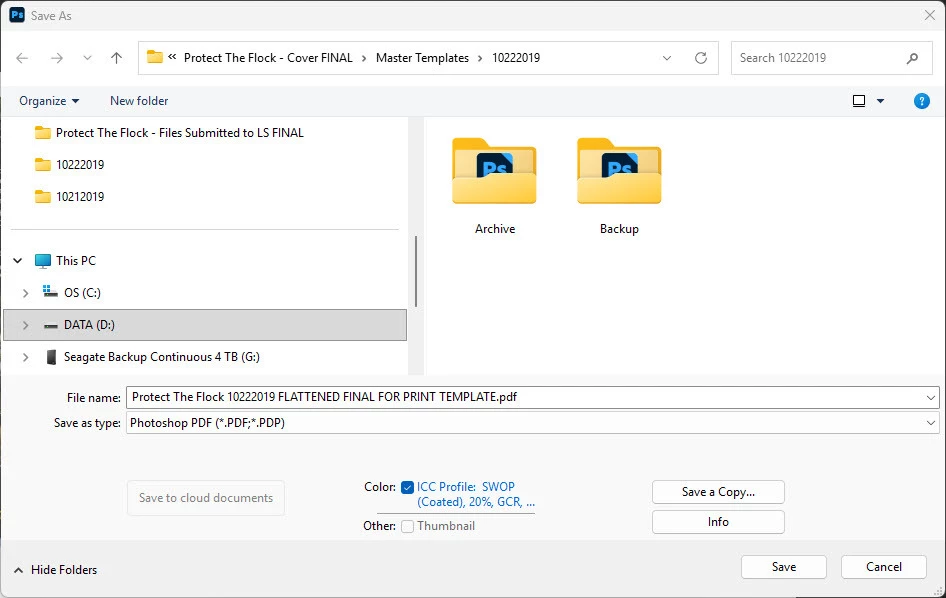
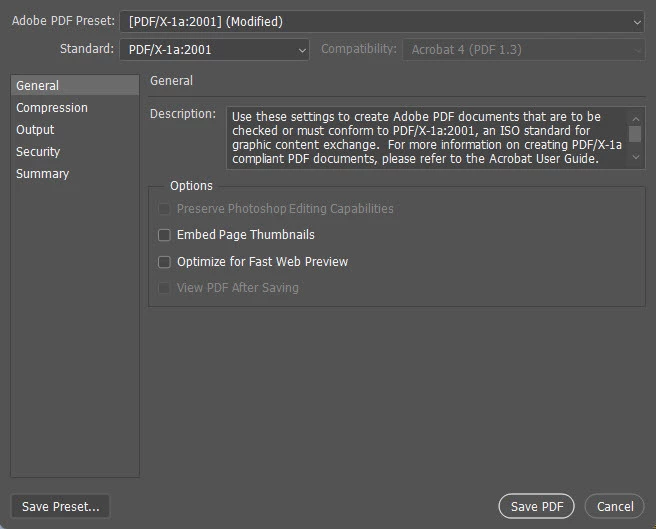
In 2019 I created a CMYK book cover in Photoshop, flattened, and saved as a PDF. At that time, the ink totals in Adobe Acrobat Pro were less than 240%. Perfect.
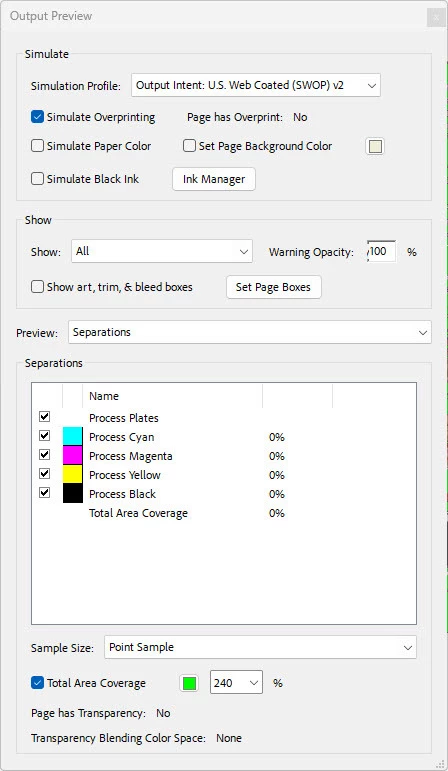
I recently had to make a minor text change (price) and had to lay a new barcode onto the cover. Nothing else was changed in my process to make a PDF. Now, the ink totals in Adobe Acrobat Pro are way over 240%.
The original cover PDF still has 240% ink levels, but even if I use the original PSD and and save as a PDF using the same output settings the ink levels are now way to high.
How to correct?
 AdChoices