
Participant
April 4, 2025
Question

TOC and TOCI appear as <Sect> and <P> tags when exporting to PDF from InDesign

  • April 4, 2025
  • 1 reply
  • 151 views

I am working with several InDesign files that up until recently were working fine. Back in February 2025, I was able to export these files to PDF, and my TOC and TOCI tags were exported as expected, but more recently (mid-March 2025) I have exported those same files, unchanged, and now the PDF's contain <Sect>. and <P> tags in place of the <TOC> and <TOCI> tags.


Upon inspecting the tag properties though, I am finding that each <Sect> that should be a <TOC> is actually tagged as a Table of Contents, and each <P> that should be a <TOCI> is tagged as a Table of Content Item.
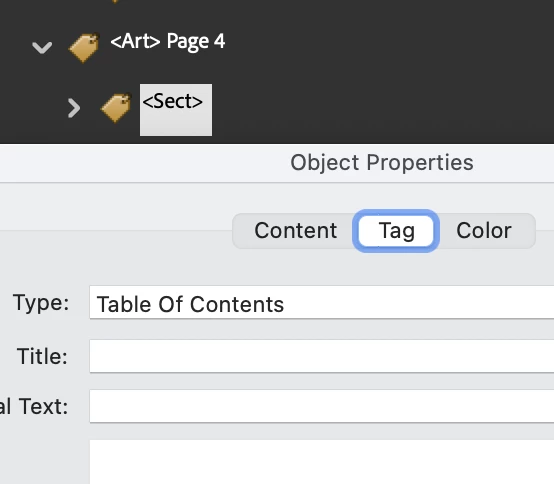
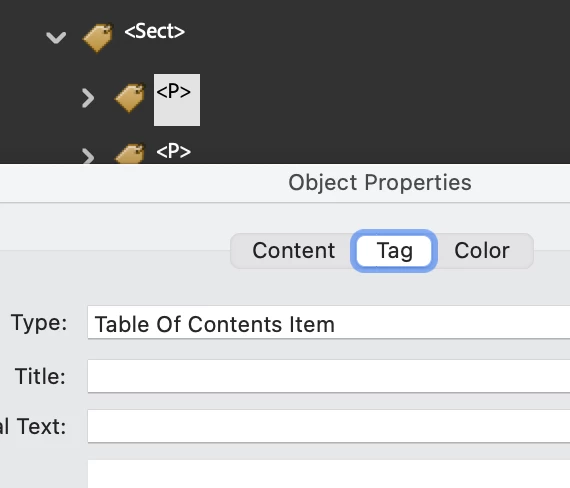
 

Under Edit Tag for the Sect/TOC, I see the following:
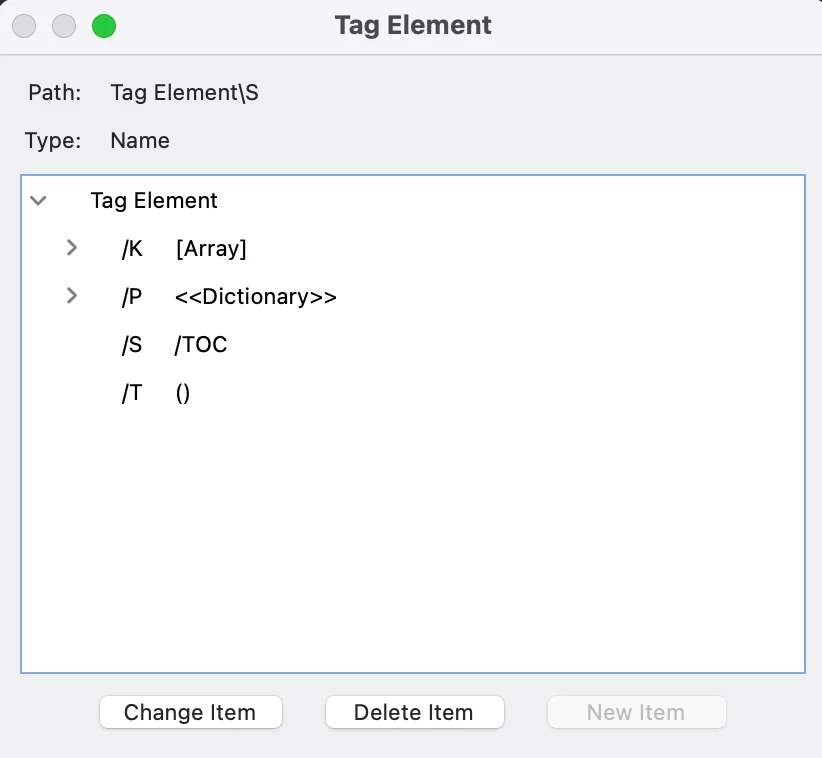
Is this a mapping issue of some sort?

1 reply

creative explorer
Community Expert
Community Expert
April 7, 2025

@patrick_5498 yes, it strongly appears to be a mapping or tagging interpretation issue happening during your PDF export process from InDesign. While you mentioned the files were unchanged, it's worth double-checking your PDF export presets. An accidental modification to the tagging or accessibility settings within the export dialog could be causing this remapping. 

I can't remember if there was an a recent update between February and March 2025?  Software updates can sometimes alter default export behaviors. If you suspect a recent InDesign update is the culprit and the issue is critical, you might consider temporarily rolling back to the InDesign version you were using successfully in February 2025.

Or you could try resetting your preferences versus removing the preferences. Corrupted preferences can sometimes cause unexpected behavior. You can try resetting your InDesign preferences. The method varies slightly depending on your operating system and InDesign version. Typically, it involves holding down specific keys (like Shift Ctrl Alt (PC) or Shift Option Command Control (Mac) while launching InDesign and clicking "Yes" to delete preference files.


m