
Inspiring
February 26, 2024
Answered

Total Sum Fields needs to be blank before other fields populated

  • February 26, 2024
  • 2 replies
  • 1516 views

Hi,

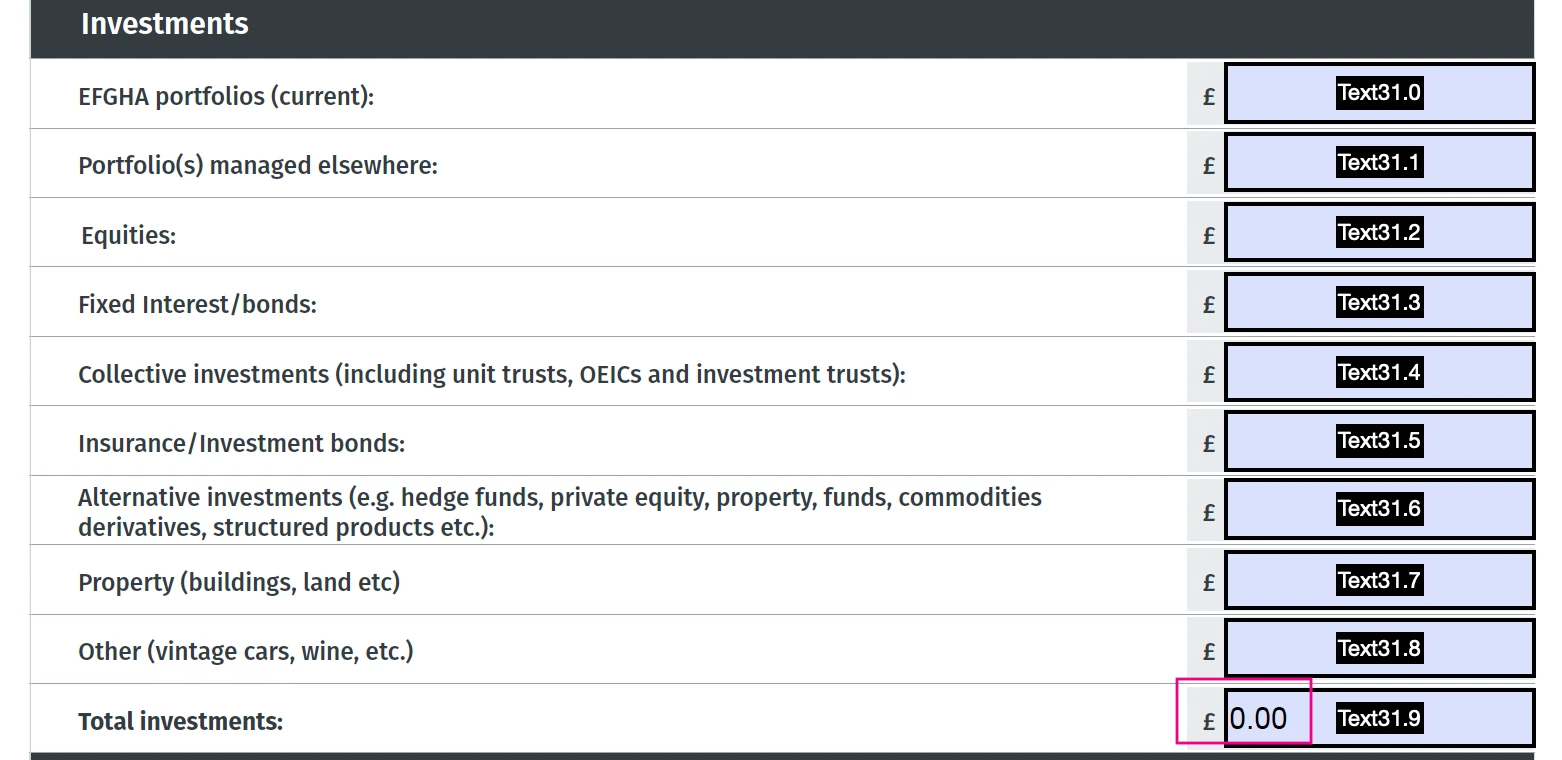
Is it possible for the Total Fields Value to show as blank rather than 0.00 before the calculated fields are populated as sometimes the form needs to be printed out and filled in manually


see attached pic for reference


thanks in advance
 

thanks

This topic has been closed for replies.
Correct answer Nesa Nurani

As that field 'Validate' script use this:

if(event.value == 0) event.value = "";

2 replies

PerivanPAuthor
Inspiring
February 29, 2024

Hi,


Still struggling to get this to work, can anyone help please as to where to place the below script and if I have to replace any words in the scripts with field names, I just need the total Investments field highlighted in the red box to show as blank when none of the other fields are populated


Thanks in advance

Nesa Nurani
Community Expert
Community Expert
February 29, 2024

Share your file.

PerivanPAuthor
Inspiring
February 29, 2024

Hi,


As you can see the Total fields have 0.00, they both have Calculation Sum + in them. what the customer is asking is that the total fields show blank so if someone wants to print out the form and fill in manually they can, rather than fill in online.

Thanks for your help on this

Nesa Nurani
Community Expert
Nesa NuraniCommunity ExpertCorrect answer
Community Expert
February 26, 2024

As that field 'Validate' script use this:

if(event.value == 0) event.value = "";

PerivanPAuthor
Inspiring
February 26, 2024

Hi,


Thanks for the reply does this script go in the total fields  validation script as this doesn't seem to be working, see attached screen shot

thanks


Paul

Nesa Nurani
Community Expert
Community Expert
February 26, 2024

It's validation script, so trigger field value to change and then will work.