


Participant
August 8, 2025
Question

Transfer Adobe Acrobat Pro 2020 license to another Laptop

  • August 8, 2025
  • 1 reply
  • 520 views

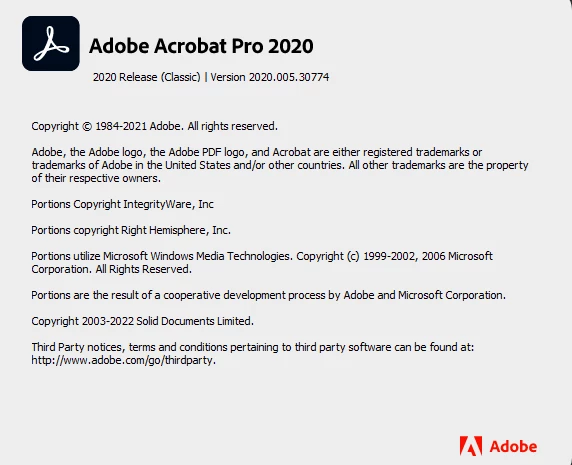
Hi, I have three laptops with Adobe Acrobat Pro 2020, 2020 Release (Classic) version 2020.005.30774,

Those laptops have to be disposed of, then I want to transfer these licenses to other Laptops.

How can I proceed, please?
 

Thanks,

Jonathan

1 reply

try67
Community Expert
Community Expert
August 8, 2025

On each machine open Acrobat and go to Help and select Deactivate Acrobat.

Then you should be able to re-activate it on your new machine, after you install it.

mariahweyne
Inspiring
August 11, 2025
Deactivation_Acrobat_v2020.pdf
S_S
Community Manager
Community Manager
August 12, 2025

Hi @jonathan_3334,


Thanks for writing in!


++ to the comments above, 


You might want to try logging in to https://adobe.ly/4ow7IBx and deactivate the devices you want to dispose of.


Once done, you can download the installer for the application from https://adobe.ly/4fy7HZx on the new machine.

Post download, install the application and proceed with the verficiation.


You should then be good to go.


Hope this helps.


Regards,
Souvik.