Transfer duplicate information from one form to another
I hope this is the appropriate forum. I am using Acrobat Pro DC on a PC with Windows 7. I am brand new to scripting. I have a portfolio that contains five various fillable pdf hiring forms. Three forms require multiple electronic signatures. One form (call it the master form) is filled out by a hiring official, signed, and then sent to admin. The remaining forms are completed by admin, extracted, and then routed to different departments for signatures and processing. I can't use one 5 page pdf since extracting pages to send to different departments invalidates the signature. The logical path would be to have the forms filled out completely by admin in the 5 page one form pdf, extract the pages, send to the hiring official for signatures, and then sent on to the various departments. However, due to certain constraints the master form needs to be initiated by the hiring official and then sent to admin.
Goals:
1. Transfer duplicate information from the master form to the other five forms i.e., the name filed typed into the name filed on the master form is copied to the name field in the other four forms.
2. After forms are completed and signed, extract forms to be emailed to appropriate department with intact electronic signatures.
Questions:
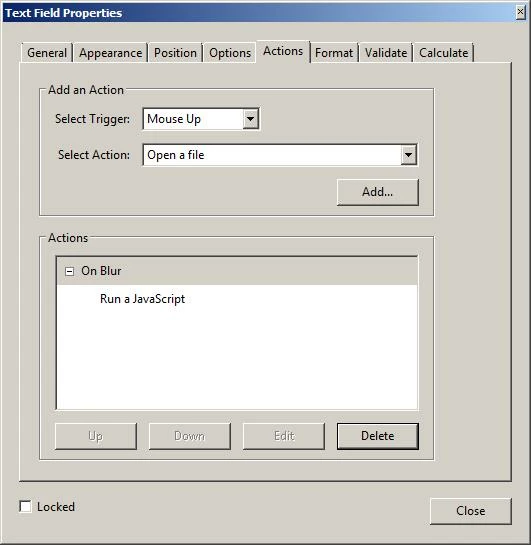
1. Can a field level script be used in the master form to open another document and then transfer information to any same named field? The following scripted is what I attempted to use but nothing happens:
var md = this ;
var sd=app.opendoc("Action Request", this) ;
sd.getField("Name).value = md.getField("Name").value ;
this.disclosed = true
2. If question #1 is not possible are there other options or methods?
Any assistance is appreciated.
 AdChoices