transparent 3D annotation background does not stay transparent
Hello,
We have some problems loading 3d pdf files in Adobe Acrobat Reader (same behaviour in Adobe Acrobat Pro) :
When loading some of our 3D files in Acrobat, such as attached file, we get unexpected behaviour :
3D annotation background which is set to transparent appears black (for dark gray display themes) or grey (for light gray display themes). When clicking on annotation, it then becomes transparent as required.
We have noticed this behaviour on files we produce, but also on files from different pdf producers which make us think this is a problem in Acrobat.
Here is the file we produce :
And following screen captures of Acrobat behaviour :
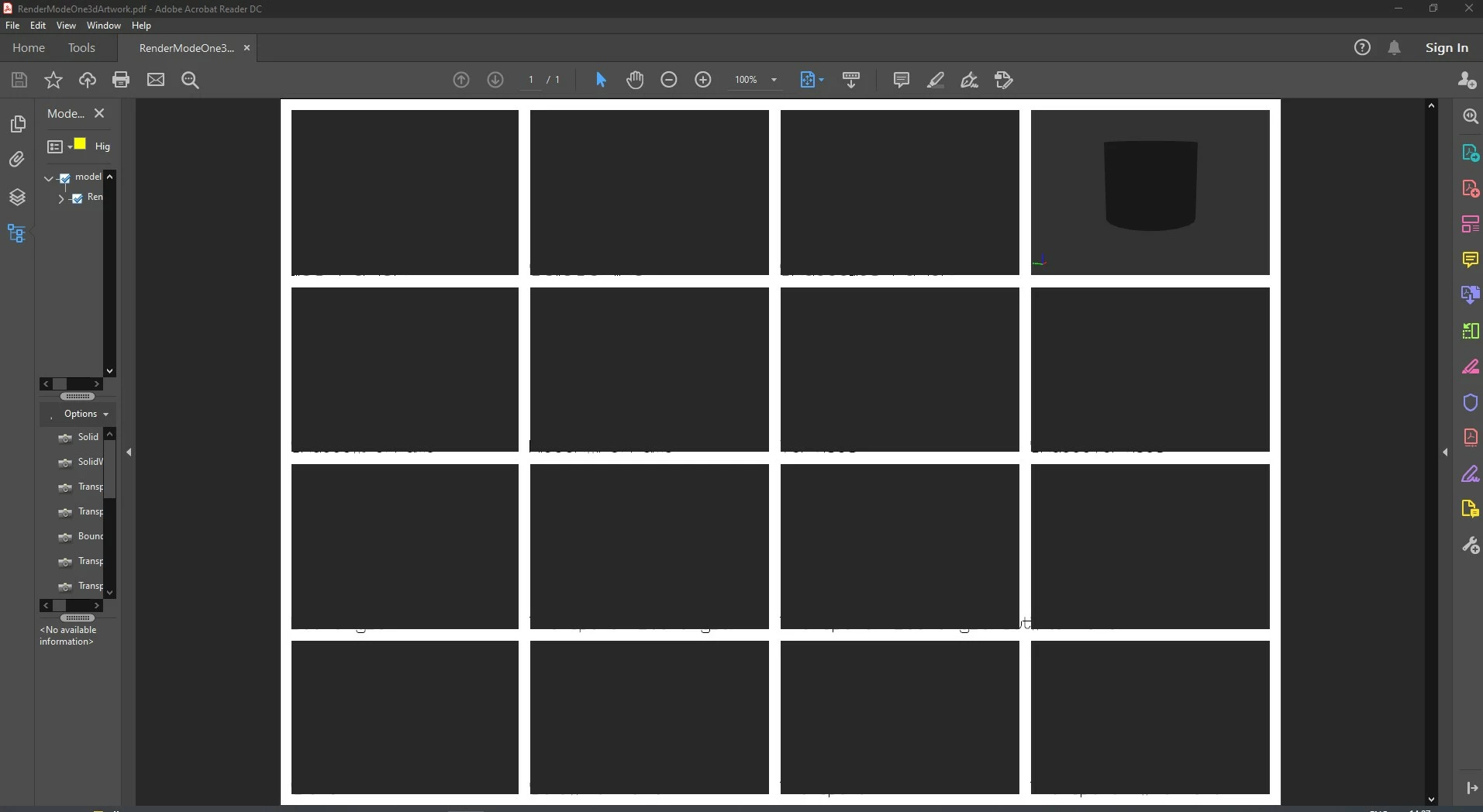
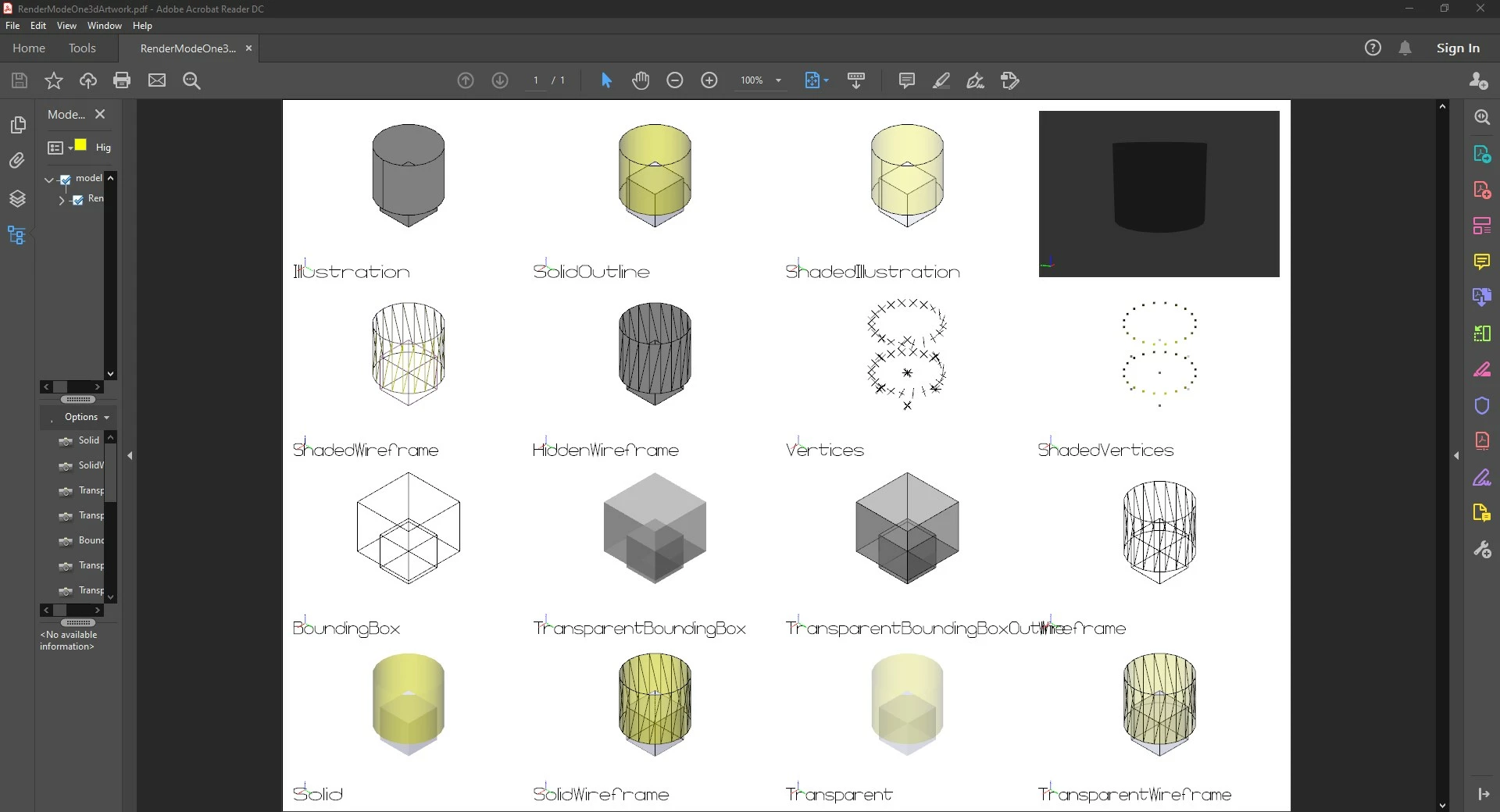
First capture occurs sometimes, not always. Second capture is always (this is the state when pdf file is loaded but no click in the application was made)
Then clicking on top right 3d annotation (which is the last 3d annotation created) gives expected behaviour :
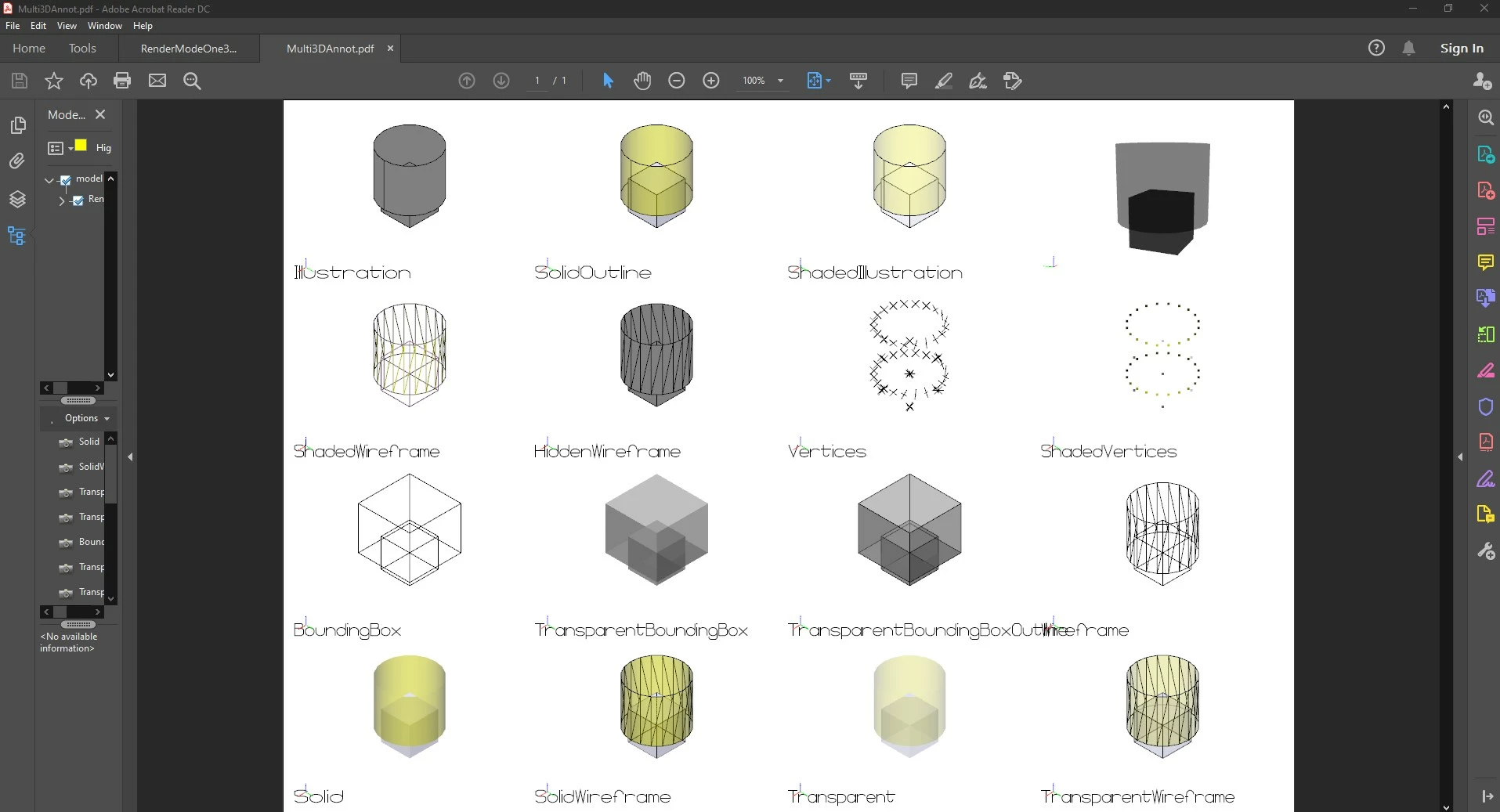
It is possible to have this display when file is just loaded?
Best regards
Guillaume
 AdChoices