


Trimming video to seconds
Hi
I have some videos that I would like to trim to perhaps 10 seconds or even a few seconds.... and i'm finding it difficult.
It is possible to 'mark manually' a small segment and then use the keyboard arrows left/right to go frame by frame to trim the segment... you do that on the left bar using right arrow, and then on the right bar using left arrow, to bring them together..
However, as it is such a small amount of video, it is then very difficult to navigate from one bar to the other.... the only way to do it is to leave a larger gap between the bars and then you have one shot to bring them together (scrolling frame by frame, though you can make it quicker by holding down the arrow), as the lines come closer together, it becomes impossible again to navigate to the other bar ... hope that makes sense!
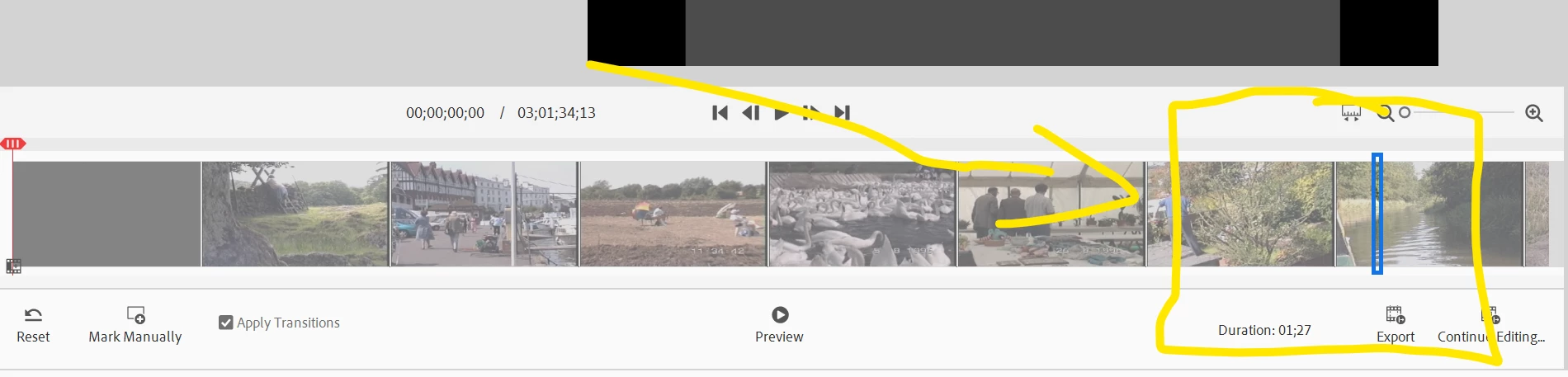
Wondering if there is a more effective way to do this?
Appreciate there might be something on "Advanced".. but i haven't touched "Advanced" before as it appears more complicated.
For example, this one segment of video shows up twice in "Advanced".
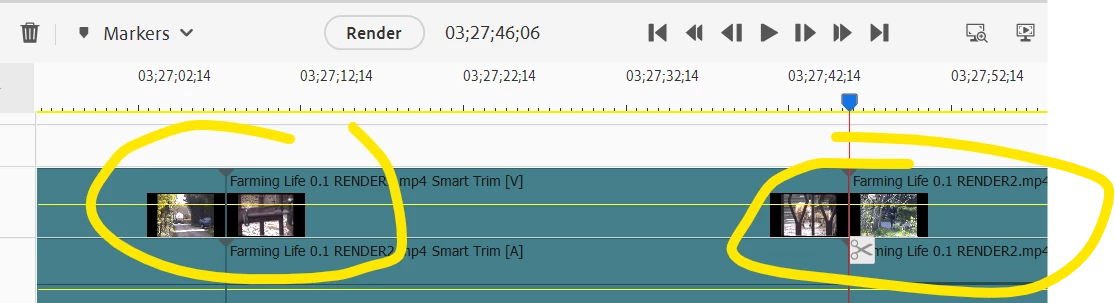
Any advice greatly appreciated!
 AdChoices