parent5446
Participant
April 11, 2015
Answered

Trouble installing Chrome plugin for Acrobat DC

  • April 11, 2015
  • 1 reply
  • 12114 views

Right now I'm trying to use the !Adobe Acrobat Pro DC plugin to view PDFs in my browser, and I am having a lot of trouble getting it to work.

Browser: Chromium 42.0.2281.0 (64-bit)

OS: Apple OS X 10.10.3 (14D131)

Acrobat: Adobe Acrobat Pro DC 2015.007.20033

I've already enabled the "Adobe Acrobat NPAPI Plug-in, Version 15.007.20033" plugin and disabled the built-in Chrome PDF viewer.
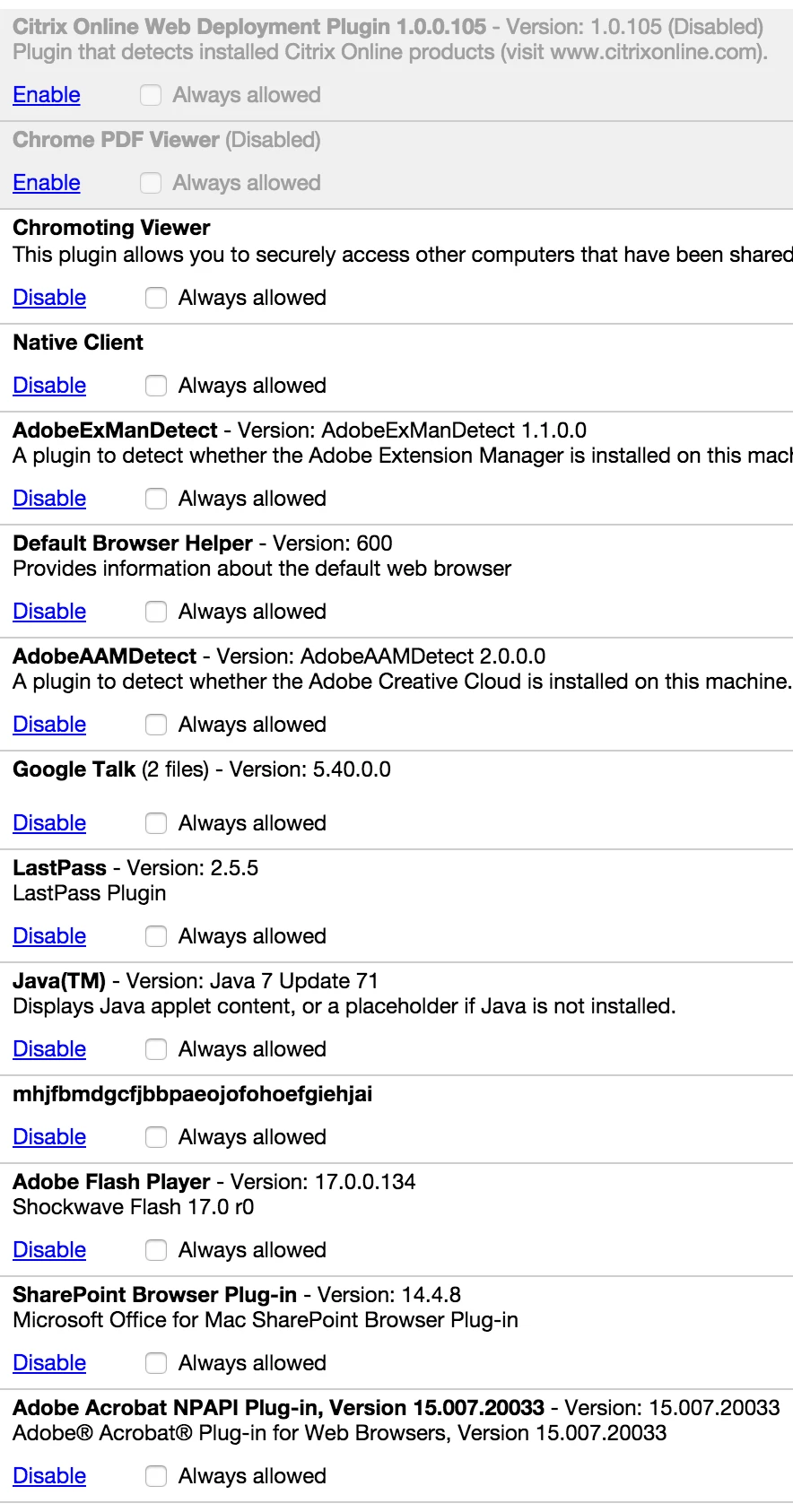
However, it still does not work, and all I get is the Chrome plugin screen saying:
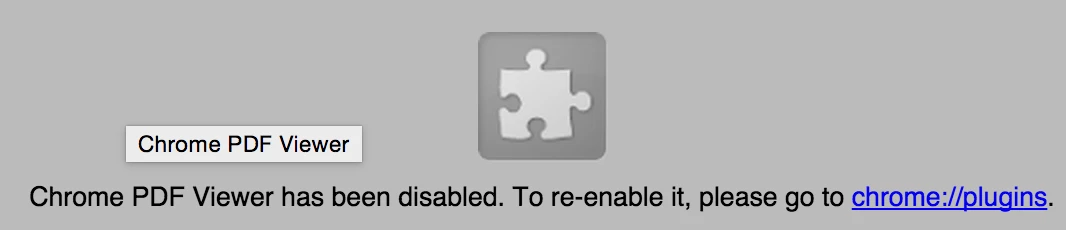
I have tried uninstalling and re-installing Acrobat, then restarting Chrome, and nothing changes. Maybe it has to do with the fact I'm using Chromium and not standard Google Chrome? Or maybe OS X does not support the browser plugin properly?

Any help is appreciated.

This topic has been closed for replies.
Correct answer Anubha Goel

Hey parent5446,

Chromium browser does not have an embedded PDF reader as Google Chrome does. That is the reason why you won't be able to do anything in order to view PDFs directly in the browser and you will need to download them first and then read.

Therefore, you must opt to use Google Chrome on your machine. Please follow these instructions in order to read PDFs in the browser only:

  • Open Google Chrome and go to chrome://plugins
  • To open PDFs in the browser, click Enable for Adobe Reader plugin (as shown below):


Hope that helps. Let me know if you need further assistance.


Regards,

Anubha

1 reply

Anubha Goel
Anubha GoelCorrect answer
Participating Frequently
April 13, 2015

Hey parent5446,

Chromium browser does not have an embedded PDF reader as Google Chrome does. That is the reason why you won't be able to do anything in order to view PDFs directly in the browser and you will need to download them first and then read.

Therefore, you must opt to use Google Chrome on your machine. Please follow these instructions in order to read PDFs in the browser only:

  • Open Google Chrome and go to chrome://plugins
  • To open PDFs in the browser, click Enable for Adobe Reader plugin (as shown below):


Hope that helps. Let me know if you need further assistance.


Regards,

Anubha

pala9137114
Participant
April 20, 2015

Hi

I have the same problem

Adobe reader is updated to Adobe reader DC

I opened the plugins in chrome

and I cannot see the Adobe reader DC under the list

any help is good

thanks

Adobe Employee
April 20, 2015

Hi, Did you try the steps suggested by Anubha. If you still have issues, please share the chrome plugins screenshot to understand the problem better. Thanks.