
Participant
April 13, 2020
Question

Trying to Convert a PDF to HTML: Completely distorted!

  • April 13, 2020
  • 1 reply
  • 7993 views

I'm simply trying to convert this pdf to HTML for a newletter:
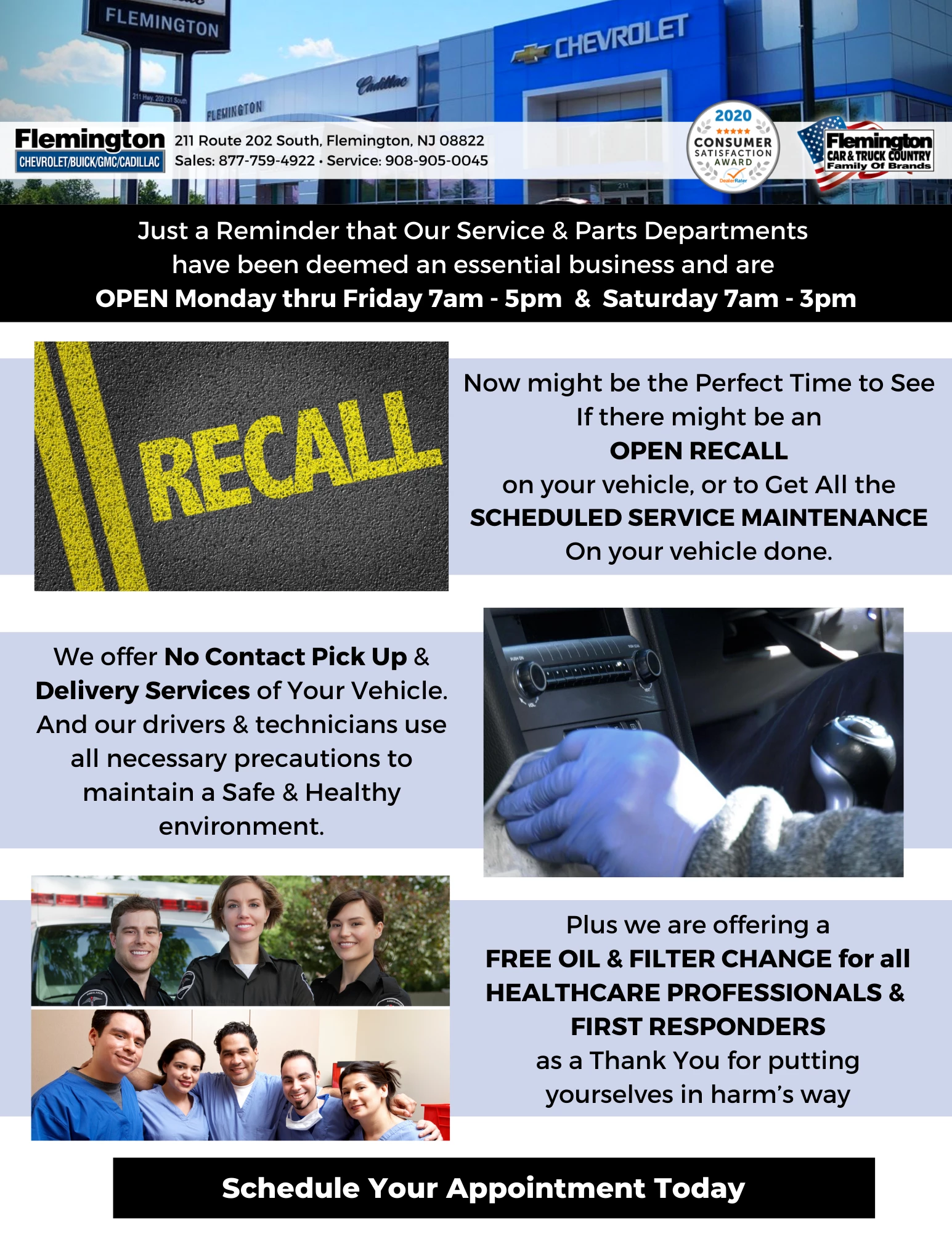


Here's a screenshot of what happens after exporting from Acrobat:
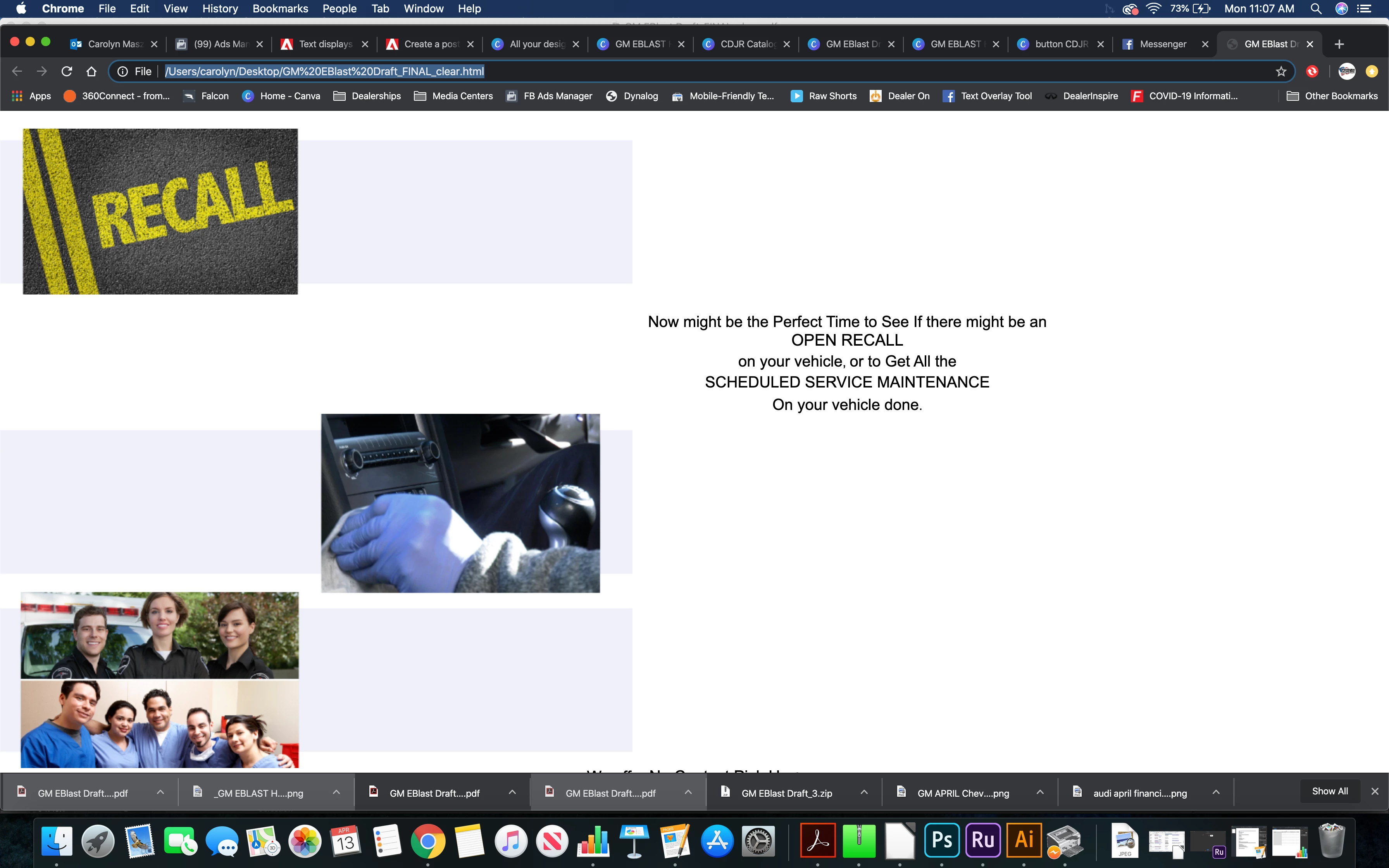


I have the whole CC suite-- I tried embedding, expanding text, saving in different formats, etc. What am I missing? 


1 reply

ls_rbls
Community Expert
Community Expert
April 13, 2020

Hey cdmaze,


Quick and easy... open this PDF with Acrobat and select "File" ---> "Export to" ---> Select TIFF image.


Open this TIFF file directly in Acrobat and repeat step above but this time select  the "Export to HTML."


When the conversion and optimization is done it will open up in your default web browser like shown in my image below:


ls_rbls
Community Expert
Community Expert
April 13, 2020

I just love the possibility of things you can do in Acrobat by the way.

cdmazeAuthor
Participant
April 13, 2020

Me too- but it's still jumbled-- I'm sure this is my error. It's my first time trying to convert to HTML for newsletter at work. 


Could it be my brower? I'm on chrome...