

TurboCAD PDF export not accurate in size
Hi, everyone. I am using TurboCAD version 10.0.5 on Mac 10.11.6. I’m a novice but I love learning and using it.
I am using TurboCad to design a graphic that will be laser-cut from a cardstock sheet. The workflow involves exporting a PDF of a 2D drawing, and opening it in Photoshop to create the artwork. Later, the CAD drawing will be used to do the cutting of the printed sheet.
I had a hundred 11"X17" (279.40mm X 431.80mm) test sheets printed on an off-set printer and the laser cut did not line up with the graphic. It was off by about a millimeter on the right side.
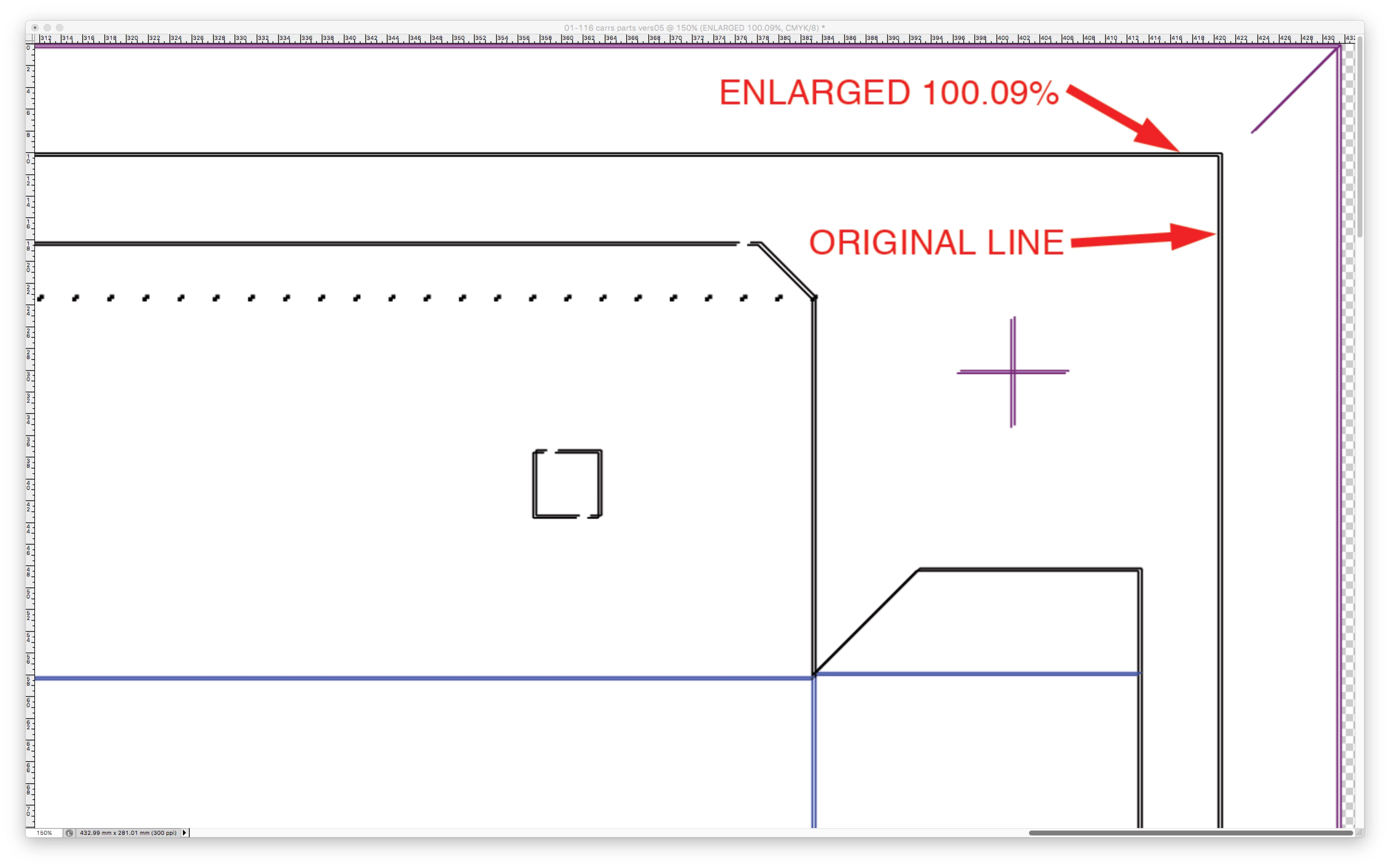
For some reason, Photoshop imports the image ever-so-slightly undersized and it needs to be enlarged 100.10% to be corrected.
If I open the TurboCad PDF in the Mac Preview app, export it as a jpeg or tiff and open it in Photoshop, the same thing happens. This leads me to believe the problem occurs when exporting from TurboCad, not when importing into Photoshop.
The folks at TurboCAD say the issue would be with the Mac's creation of the PDF file. How accurate is a PDF when it is created?
Barry S.
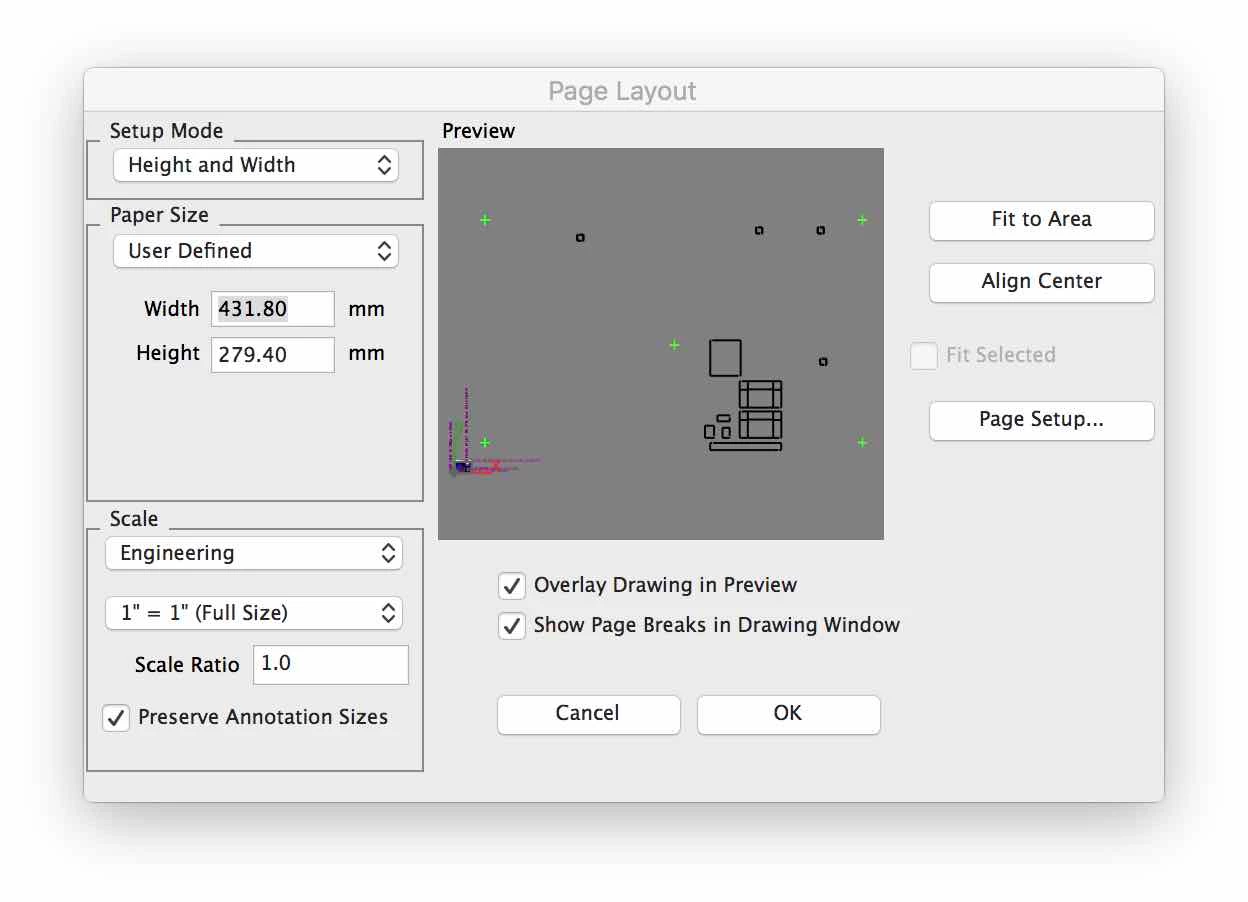
The image below shows the results that came back from the company that does my laser cutting. The lines on the left are the artwork. The lines on the right represent where the machine would cut, off by about 1mm Fail.
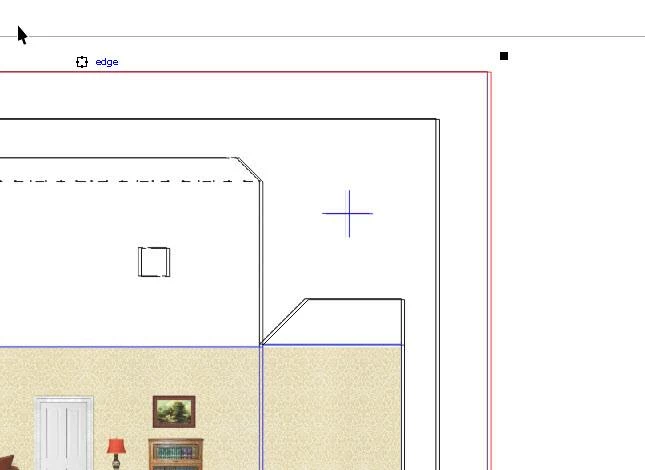
In the example below, the PDF has been imported into Photoshop. "Original line" represents the image that is too small, and "Enlarged" shows that it must be stretched to be the correct size to match the laser cut. It turns out that 100.10% is the correct number, or at least my best estimate.
 AdChoices