
Participant
June 22, 2022
Question

Unable to activate Adobe Acrobat 2020 Standard

  • June 22, 2022
  • 1 reply
  • 577 views

Hi all,


We are trying to install Adobe Acrobat Standard 2020  for Windows with licensed serial number. 


The installation was successful but when the application starts first time, I was prompted to login with Adobe account. I type in the account email and password then click continue, the application got stuck in the “Acrobat Licensing Application” window.



After waiting for few minutes, it will return to the page when open the application first opened.
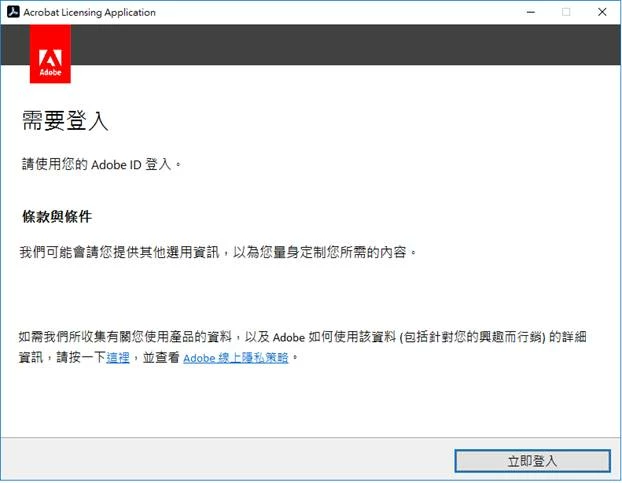


I have tried to uninstall and reinstall but still the same. Also tried to use the “Adobe Cleaner tool” to uninstall then reinstall but still no luck. Any idea for the case? Thanks.

This topic has been closed for replies.

1 reply

Karl Heinz  Kremer
Community Expert
Community Expert
June 22, 2022

For all licensing related issues, you will have to reach out to Adobe's customer support. 

Participant
June 22, 2022

Thanks for the reply. We actually have two pcs can sucessfully install and sign in. However, for the other pcs, we have tried using another adobe account/turn off antivirus/ reinstall/ .... but still no luck. So we are thinking if the case is due to computer confirguration instead of licensing related issues, and grateful to know if any configuration have to turn on/off to successsfully sign in the adobe acrobat 2020.