
Participating Frequently
March 24, 2021
Question

Unable to apply digital signature in PDF Form

  • March 24, 2021
  • 1 reply
  • 2770 views

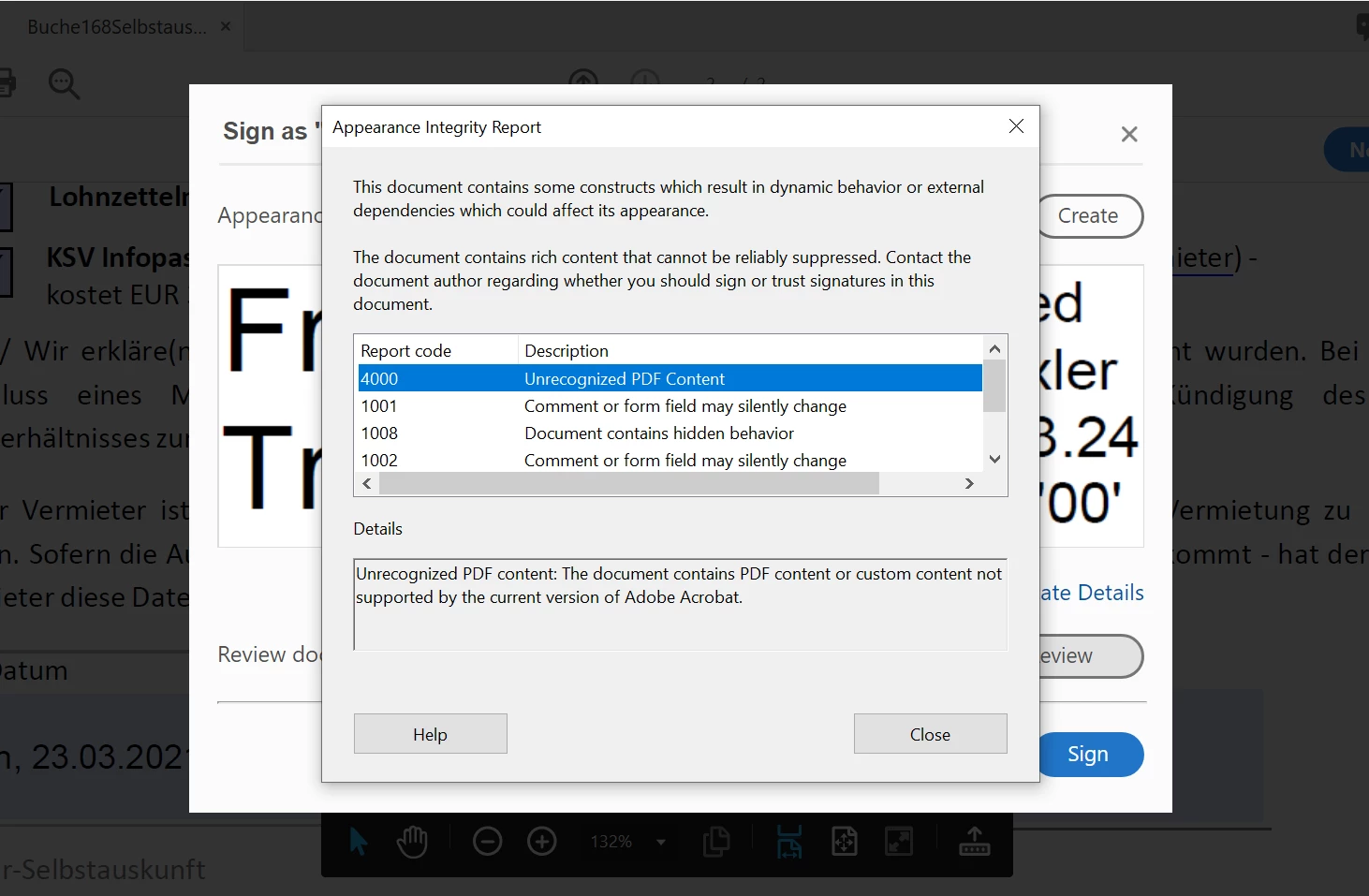
Dear Support Community, I created a Form from an existing PDF document that I would like potential clients to complete and sign.  In the Form, I inserted a field for a digital signature.  When testing out the Form with my own data, all the fields functioned, except the one for the digital signature.  When trying to perform the digital signature, it gave me an error message (shown below), including Report Codes 4000 - Unrecognised PDF Content, 1001 - Comment or form field may silently change, 1008 - Document contains hidden behavior, and 1002 - Comment or form field may silently change.  Can you please advise on how best to resolve this issue ?


This topic has been closed for replies.

1 reply

ls_rbls
Community Expert
Community Expert
March 24, 2021

Is this happening with every PDF that you try to digitally sign?


Seems to me like the PDF that you're currently using was not sanitized entirely. Maybe it has signatures that need to be cleared, or some sort of editing restrictions that need to be cleared (if it had password protection before).

Participating Frequently
June 4, 2021

Dear ls_rbls,

Thanks for your answer. 

The problem seems to only be with the PDF form I created.  Is there a tutorial available on how 'sanitize' this form?

ls_rbls
Community Expert
Community Expert
June 4, 2021

Before I go into that, what version of Acrobat Pro are you using?