
Unable to digitally sign PDF
Hi
I have been a digital certificate holder for over six years, successfully installing it on a new laptop every two years. A couple of months ago, I replaced my old laptop with a new one (IdeaPad Pro 5 14' R7 - Windows 11 Home - 16GB - 512GB). However, unlike previous cases, I am unable to digitally sign documents.
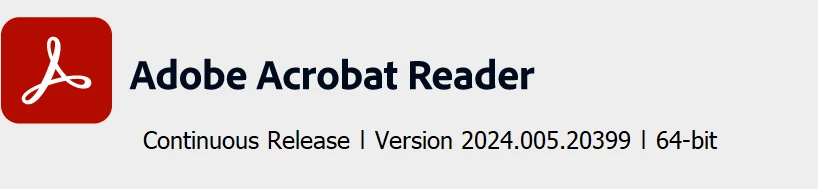
My certificate appears under Adobe's "Identities & Trusted Certificates", but when I attempt to digitally sign a document, it does not appear in the list of available certificates. The installed Adobe version is as follows:
I have tried repairing and reinstalling the application. I have also tried to make more attempts to import the digital certificate. But the issue persists.
I reached out to the certificate issuer, FNMT, for support, but they stated that this is an issue that needs to be resolved by Adobe.
I would appreciate your assistance in identifying and resolving the problem.
Best regards,
Paolo


 AdChoices