Hello @Anais,
I hope you are doing well, and thanks for reaching out. We're sorry for the trouble you had.
Could you please share more details about the issue?
Which Acrobat version are you using: Acrobat Pro (Continuous) or Acrobat Classic (perpetual/2020/2023)?
What is your OS (Windows/macOS), and are you on a managed corporate network (with firewall/security tools)?
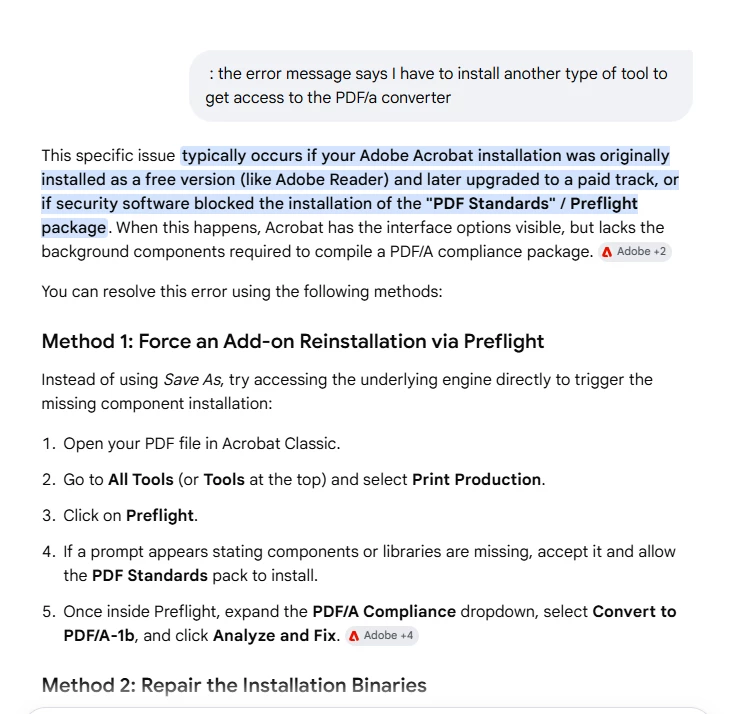
When you go to All Tools > Print Production > Preflight, do you get any prompt to install components there, or does it fail silently?
Can you share the link that is giving a 404 error? Did you get the link within the app, or from the Google search?
Suggestions:
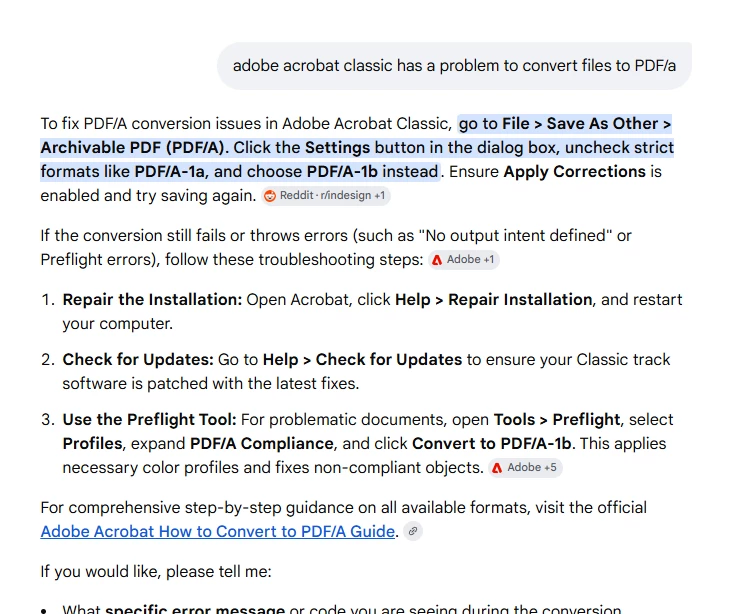
Please close Acrobat and other Adobe apps if in use. Restart the machine once. Go to the Windows Settings > Apps > Installed apps > Adobe Acrobat > the three dots > Modify (choose Customize if prompted). In the installer, open Optional Features, find Preflight, and set it to "This feature, and all subfeatures, will be installed on local hard drive." Finish the installer and restart the computer, then try Save As PDF/A again. You can also refer to this link for more information: https://adobe.ly/4b2Z9sK
Please note and confirm that you are on Acrobat Pro (Menu > Help > About Adobe Acrobat). Full PDF/A conversion via Preflight is a Pro feature; Acrobat Standard and Reader cannot do it.
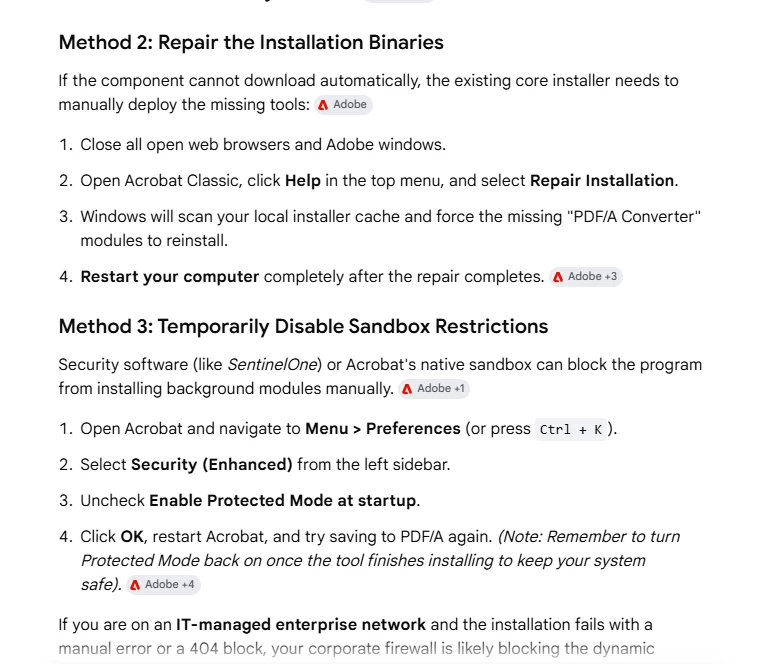
If your machines are on a managed/corporate network, the on-demand download may also be blocked by a firewall or proxy, which is a second reason it falls back to the broken link. Your IT team may need to allow Adobe's network endpoints. Installing Preflight locally via the steps above avoids that dependency entirely.
Please try the suggestions, and let us know how it goes. And reach out if you need any assistance.
Regards,
Anand Sri.




 AdChoices