



Winginsue
Inspiring
August 12, 2022
Answered

Unable to print to Adobe PDF

  • August 12, 2022
  • 3 replies
  • 1772 views

Since the last update I have not been able to print to Adobe PDF.   When I try out of MS Word or Excel, it opens the location to save the file then nothing.  Nothing happens.  I just tried to printn out of Photoshop.  It appeared to start working then the progress bar just stopped.   I thought perhaps it was stuck due to the size of the file so I opened Word and tried printing from there.   I got the same stuck screen but notice the document name (for the file name I typed in "test") vs the PDF progress bar.  The document name is the file I tried to print from Photoshop.
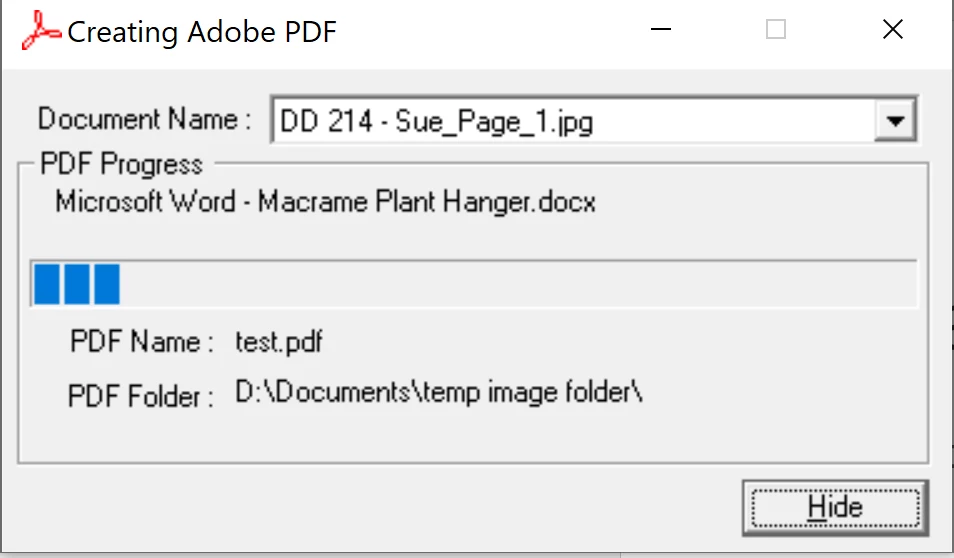
 

So I rebooted and tried to print the Word doc.  The dialog box opened as to where to save.   Then nothing. 

So I thought I would try a simple Photoshop file.  I opened a letter size board and drew a yellow circle on it.  Tried to print then got this:
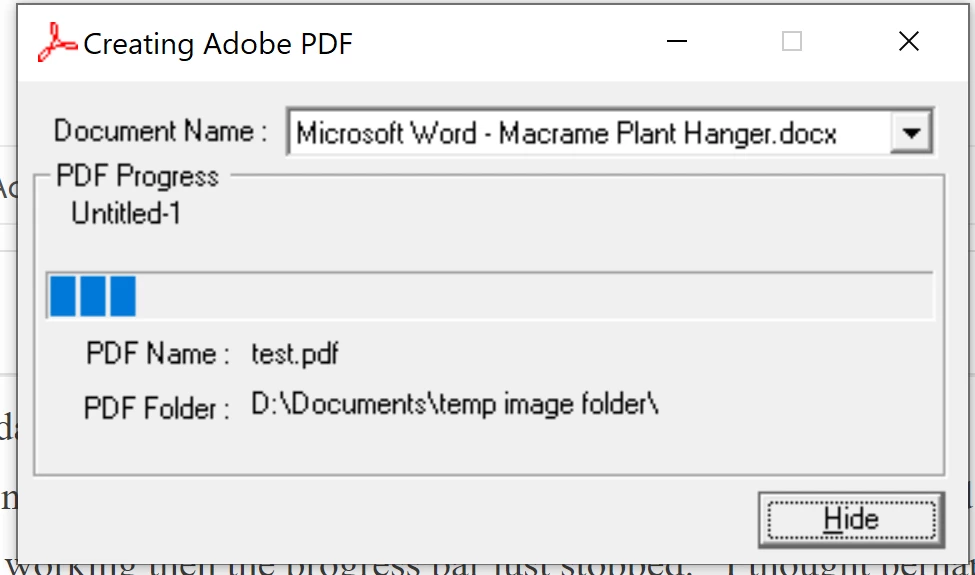
Now the print box seems to be stuck on the document. 


 I wound up having to print to MS PDF. 


HELP!!!  I use print to PDF a LOT.  

This topic has been closed for replies.
Correct answer Winginsue

Update:  I uninstalled everything except the cloud app.  Cleaned the registry.  Rebooted, cleaned the registry again and rebooted again.   Reinstalled.  It works now. 


3 replies

Winginsue
WinginsueAuthorCorrect answer
Inspiring
August 15, 2022

Update:  I uninstalled everything except the cloud app.  Cleaned the registry.  Rebooted, cleaned the registry again and rebooted again.   Reinstalled.  It works now. 


ls_rbls
Community Expert
Community Expert
August 15, 2022

Good deal!

Legend
August 15, 2022

For what it's worth, Adobe put a lot of work so you didn't need to print to PDF from Excel or Word. You get a MUCH better result by using Acrobat from the Word/Excel ribbon than you can possibly get by printing to PDF.

ls_rbls
Community Expert
Community Expert
August 13, 2022

Did the operating system updated too?


Have you tried repairing the Acrobat installtion?

Winginsue
WinginsueAuthor
Inspiring
August 15, 2022

I have never done a repair to Adobe.   I will find out how and try it.  Thank you.  As far as operating system update, I had one but it was after the Adobe update and before I started having issues.