
Participant
March 26, 2024
Question

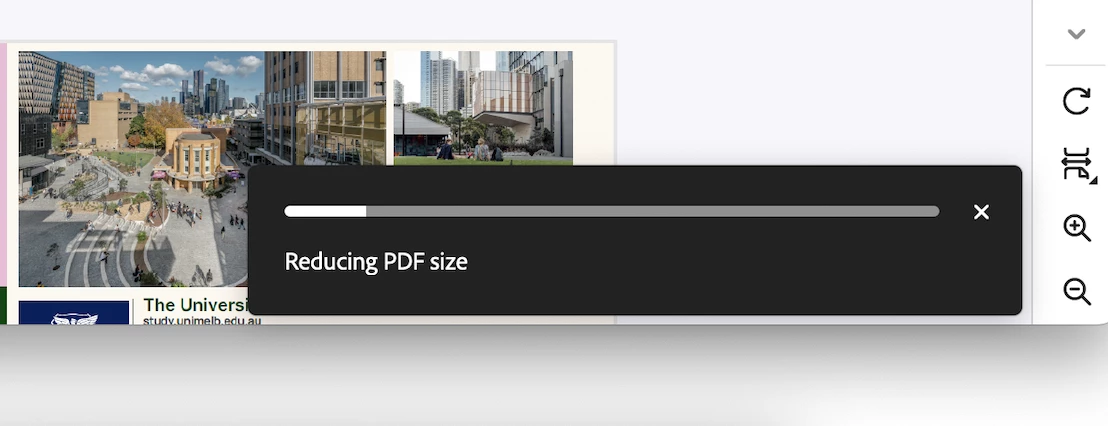
Unable to save reduced size PDF

  • March 26, 2024
  • 1 reply
  • 366 views

Hi, 


I'm trying to reduce the size of a PDF.


I've selected File > save as other > reduce side PDF and also File > compress PDF.


For both of these options the dialogue box shows 'Reducing PDF size' however once finished there's no file saved in the specified folder. This only appears to be an issue since Acrobat updated to the newest version.
 

This topic has been closed for replies.

1 reply

Amal.
Legend
April 2, 2024

Hi there


Hope you are doing well and thanks for reaching out.


Would you mind sharing the version of the OS and the Acrobat Pro you are using?


To check the version go to Help > About Acrobat and make sure you have the recent version 24.01.206XX installed. Go to Help > Check for updates and reboot the computer once.


I have tried to reproduce the issue at my end and its working fine.


Please try to repair the installation from the help menu (Win Only) and see if that works.
 
Also try to reset the Acrobat preferences as described here https://adobe.ly/3THxtjM and check.


Let us know how it goes.


~Amal