Participant
March 26, 2025
Answered

Unable to see Filled in Field Data

  • March 26, 2025
  • 3 replies
  • 551 views

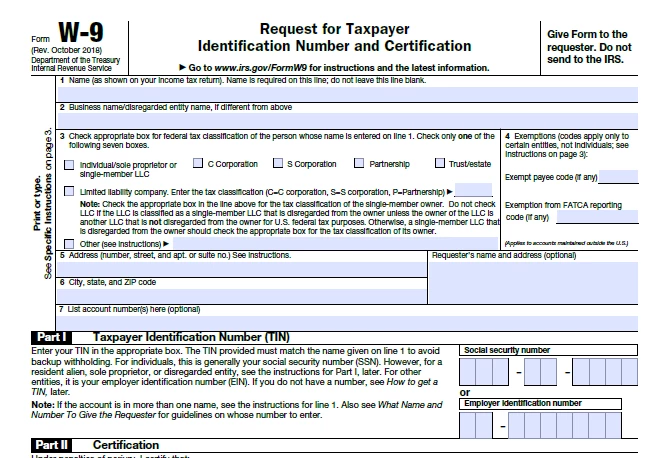
Our accounting department is receiving filled in W-9s pdfs, but the filled in data is not showing up in Acrobat DC. The data does show up when it is opned in a web browser like Edge or Chrome.

Correct answer MikelKlink

This might be a hybrid AcroForm/XFA form, i.e. a PDF with two form definitions in different formats. Adobe software usually processes the XFA form entries while most other PDF processors process the AcroForm form entries.

3 replies

PDF Automation Station
Community Expert
Community Expert
April 15, 2025
MikelKlink
MikelKlinkCorrect answer
Participating Frequently
March 26, 2025

This might be a hybrid AcroForm/XFA form, i.e. a PDF with two form definitions in different formats. Adobe software usually processes the XFA form entries while most other PDF processors process the AcroForm form entries.

PDF Automation Station
Community Expert
Community Expert
March 26, 2025

The field text is probably the same color as the field highlighting so you can't see it on the screen.  Open the printer dialog and see if you can see it in the preview, or see it it prints.  To turn off highlighting select Edit > Preference > Forms  and unselect "Show border hover color for fields".