
Question
Unable to send PDF as email using Mac Outlook 2016
Hi there,
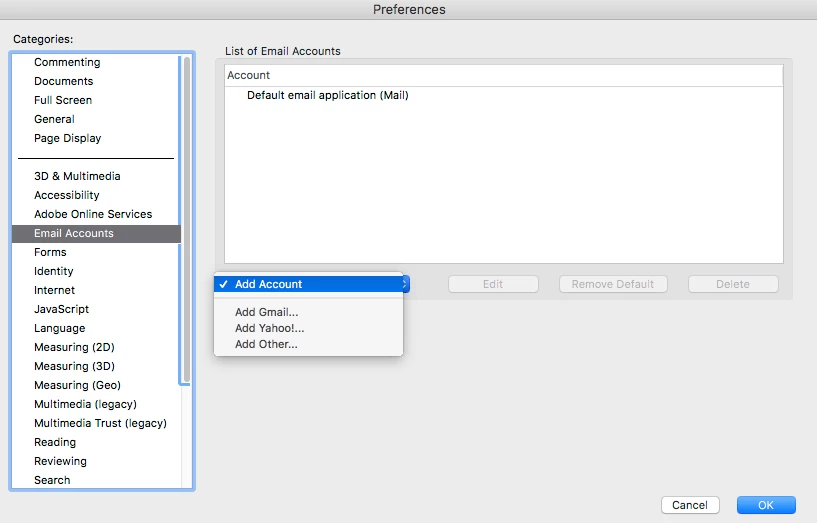
we are running Acrobat DC Pro on macOS 10.12.6 and Mac Outlook 2016. Mac Outlook 2016 is the default email client in Outlook Preferences > General. However, Acrobat DC Pro uses the predefined Apple’s Mail client, only. If we 'Add Account' we can’t select Mac Outlook 2016. It’s impossible to add Mac Outlook 2016 as default email application. Trying to send a PDF menu item > File > Send file > Attach to Email… fails.
How can I fix this issue? Acrobat Pro DC simply misses the feature to send emails.
 AdChoices