

Question
Unable to use Add Text in Fill & Sign tool
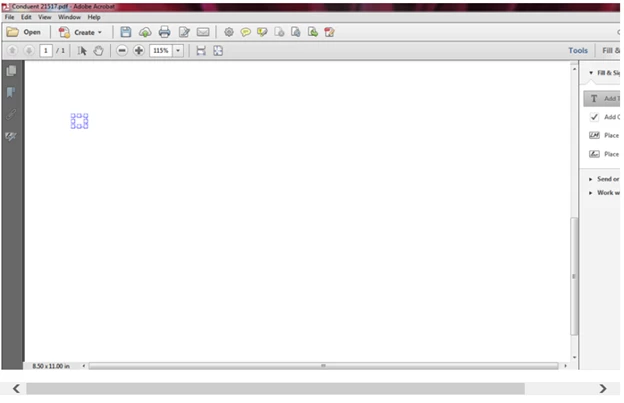
I am using Adobe Acrobat XI Standard.I just did a software upgrade and somehow it messed up my Fill & Sign tools. I have invoices that I have to review in PDF format and add tick (check) marks and notes. Now I can't add text. When I click on"Add Text" under Fill & Sign and I place my cursor in the area I want to add the text, I get a grid box but I can't type anything into it. In the past, when I would place my cursor in the area I wanted to add text, it would place a vertical blinking line and I would type. Below is a screen shot of the grid box that shows up when I try to add text. Can someone help with this?
 AdChoices