
Unacceptable memory usage from Adobe apps and processes
I have been an Adobe CC Full Suite user for 5 years, and while that may not appear like a long time, it is certainly something.
For the first time ever, yesterday, I started to have macOS (14.5) send me messages about my system having run out of application memory, suggesting that I quit something. Trying to keep calm, I launched Activity Monitor, which showed several RED spikes in memory pressure, and a certain Adobe Acrobat (up-to-date as of the date of this post) using 3.86 GB of memory with no document open!
I quit Acrobat and things resumed working normally. Later in the day, and again today, I launched Illustrator and the message came back. Looking at the list in the Memory tab of Activity Monitor, I noticed how many processes Adobe CC has in there, contributing to an absurd amount of memory used just for... nothing that enhanced the user's experience.
Now for the best part: my machine is an M3 Max MacBook Pro with 2 TB SSD and 36 GB of memory! I have been an Apple user since 2009 and never had I seen that message pop-up, even if I am an user who likes to have tons of apps and windows open at the same time. macOS always managed this perfectly, assuming it was allowed to.
Never before as today I have been drawn to switch to the Affinity Suite and to some other PDF editor.
No need to explain why all those bloatwares are needed, licensing and syncing, I am already used to that gurgle from Avid. What I, and certainly plenty of users need, is that all those apps and process stop clogging systems with extra things no one asked for, and that they use the appropriate and minimum necessary amount of system resources.
I am bound by my subscription for another 10 months, but the magic has now faded...
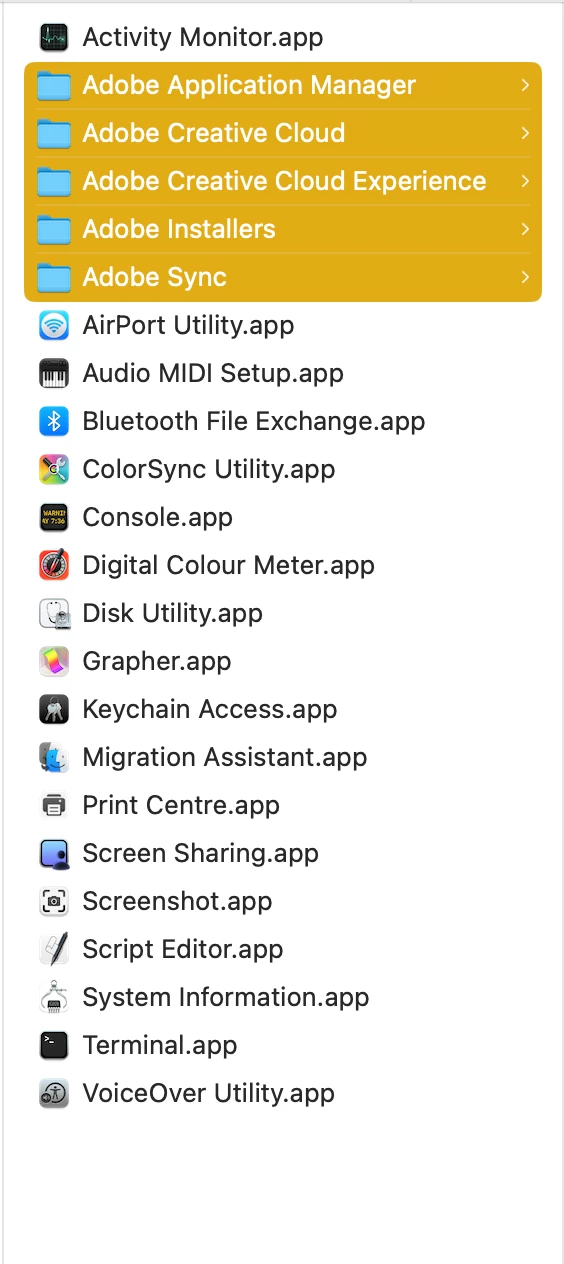
These are just two examples, from the Utilities folder in /Applications
and from the Shared folder:
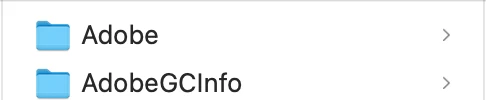
Why are these things here? Who gave them permissions to be installed in there? I certainly didn't because I was never asked.
The only reason keeping me here, honestly, is how amazing the Adobe Community of users has been so far. They, we, all deserve much more.
Thank you


 AdChoices