
Answered
unwanted pop-up edit buttons
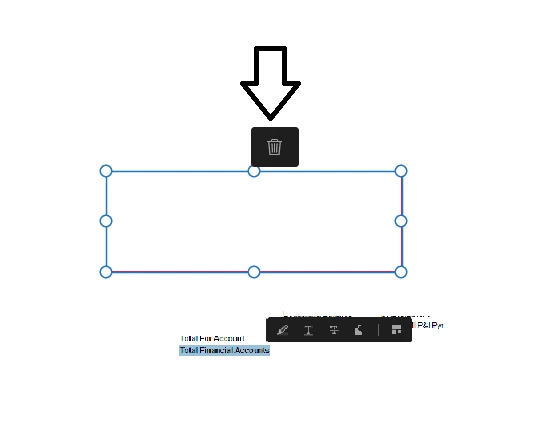
We recently received a new version of Adobe Acrobat. Now when we create text boxes, add text, or select existing text there are annoying pop-up options. For example, if i create a text box, then go to edit said text box, I get a pop-up trash can that, depending on the location of the text box, is in the way of the text I am trying to edit, similar pop-ups occur when I select the preexisting text in the document. My question is, does anyone know how to turn this off? Everyone I have talked to that received the update is annoyed by it. Image attached is an example of both the pop-up's mentioned. Thanks for the help!
 AdChoices