
Participant
April 9, 2025
Question

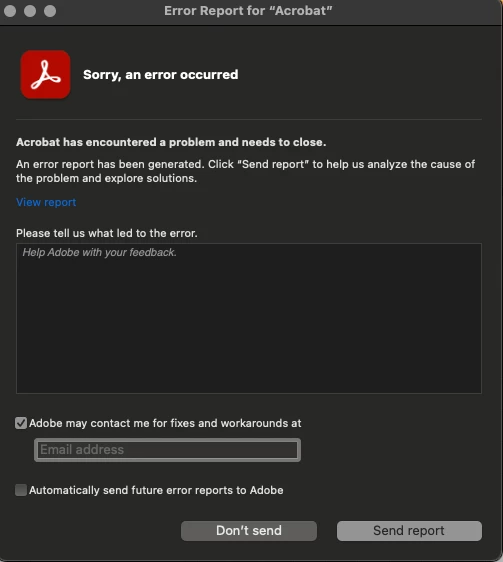
Updated laptop to macOS Sequoia Adobe opens with errors

  • April 9, 2025
  • 1 reply
  • 340 views

Hello, I just updated my macbooks software to MacOS Sequoia Version 15.4, and everytime I go to open a digital textbook for school it is giving me an error message. Is there anything I can do to bypass this?
 

1 reply

Amal.
Legend
April 9, 2025

Hi there


Hope you are doing well and thanks for reaching out.


I'm sorry to hear you're experiencing issues with Adobe Acrobat after updating your laptop to macOS 15 Sequoia.


Is this an issue with a particular PDF file or with all the PDFs? Please try with a different PDF file and check.

Compatibility between Adobe applications and new operating system versions can sometimes present challenges.​

As of now, Adobe is in the process of testing and optimizing its applications for macOS 15 Sequoia. While some Adobe apps have been confirmed to be compatible, others may still encounter issues. It's advisable to check the system requirements of your specific Adobe applications for the latest compatibility information.

In the meantime, ensure that your Adobe Acrobat is updated to the latest version, Go to Help > Check for updates and make sure its updated to version 25.01.2043X,  as updates often include fixes for known compatibility issues.  If it still doesn't work, please remove the application using the Acrobat cleaner tool (https://adobe.ly/4iZMTLr), reboot the computer and reinstall the application using the direct link (https://adobe.ly/426EArn)


Let us know how it goes.