Participant
October 2, 2025
Question

"Updater is already running." But what is it doing?
  • October 2, 2025
  • 1 reply
  • 165 views

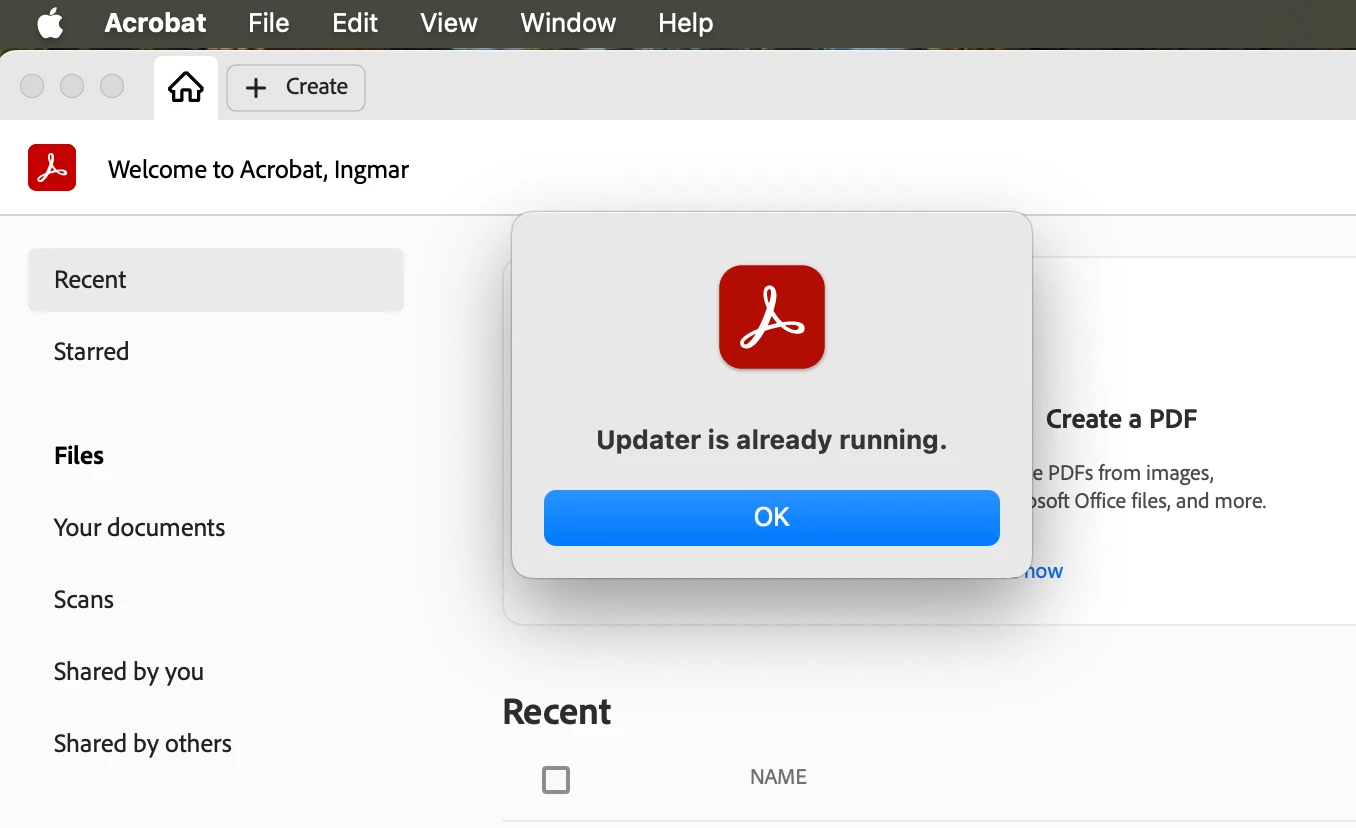
I selected the menu item "Check for updates". A very informative dialog box opens "Updater is already running. [OK]". But what is it doing?
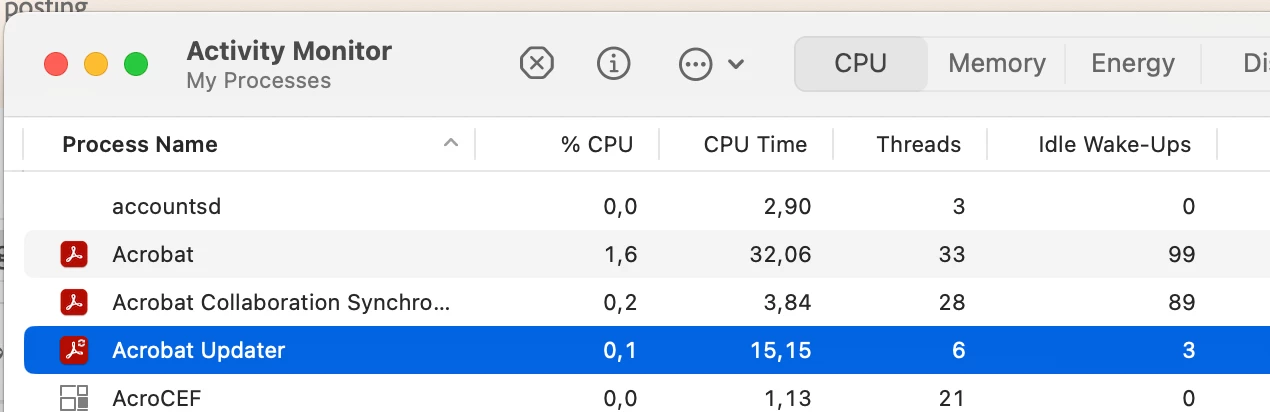
 

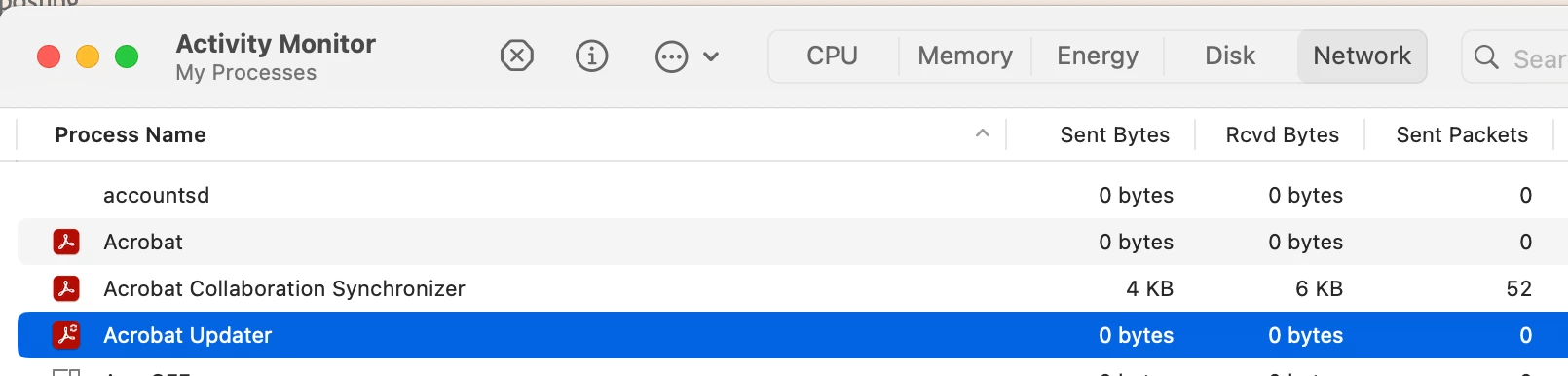
According to Activity monitor, not much. So perhaps the dialog box could contain info like "Acrobat is up to date" or "Waiting to download" or other relevant status?

Any tips?

1 reply

Meenakshi Negi
Community Manager
Community Manager
October 2, 2025

Hi ingmar_8562,


Thank you for reaching out.


We suggest rebooting the machine once and then checking again. The updater might be stuck, and rebooting might help.

If the issue still occurs, try reinstalling the application using the steps suggested below: 

-Remove the application and run the cleaner tool (https://adobe.ly/4nx6a9n).
-Reboot the machine
-Install Adobe Acrobat from the following page: https://adobe.ly/4nzhO3H;


Let us know how it goes.


Thanks,

Meenakshi


Participant
October 2, 2025

Hi Meenakshi,

yes the message after rebooting is "Adobe acrobat is already up to date" (roughly translated).  The problem was that I had updated some software using my admin account and wanted to see if the Acrobat update was finished before logging out and rebooting. So rebooting is not a fix. I can't see when  "Updater is already running" is a useful message to get. In case the updater is already running, opening a window that displays progress or status could be more appropriate.