Known Participant
October 17, 2019
Question

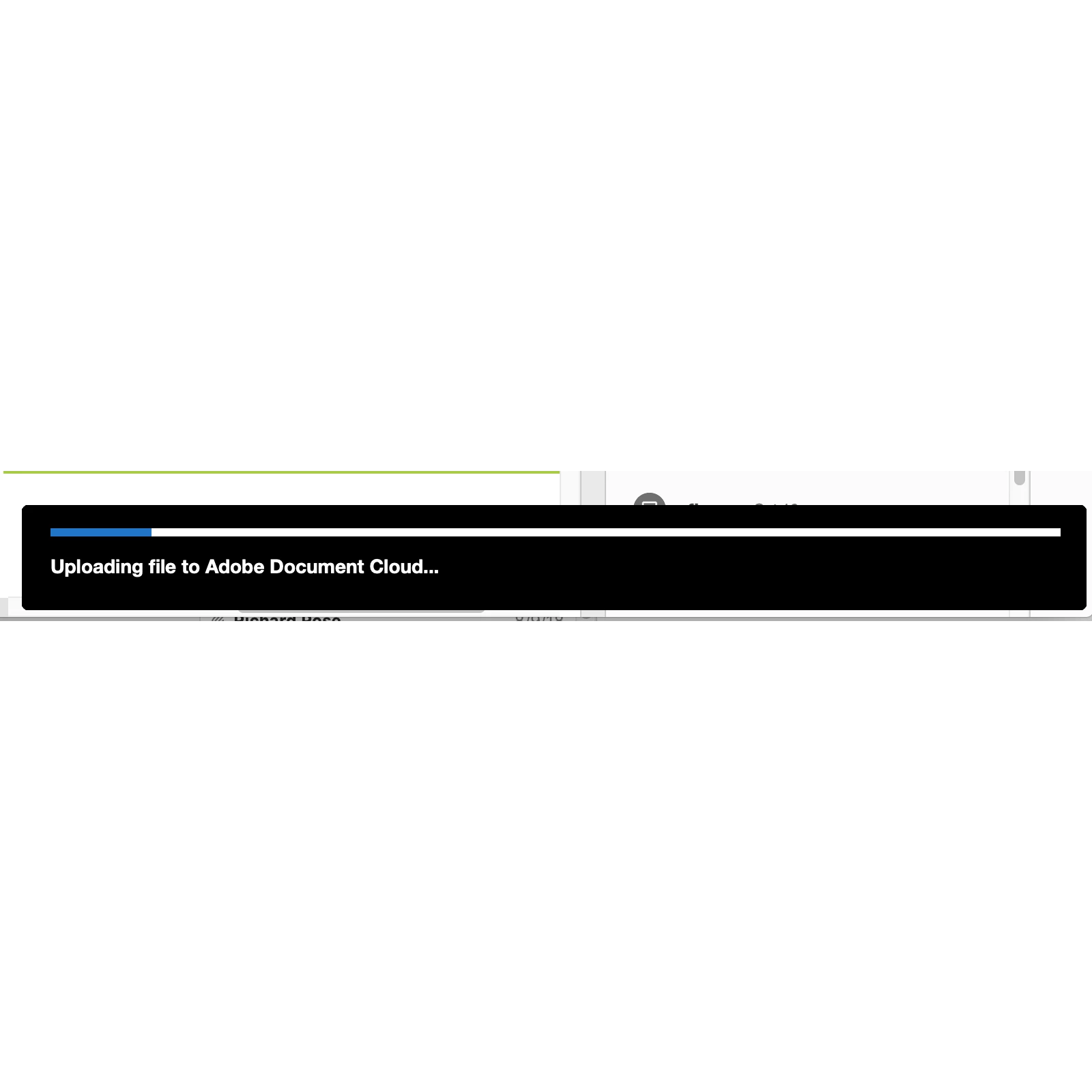
Uploading file to Adobe Document Cloud scroll bar won't go away

  • October 17, 2019
  • 1 reply
  • 558 views

since upgrading to catalina, every pdf document i open has this scroll bar at the bottom that just stays there indefinitely.

it covers up the comments and the horizontal scroll bar.

please advise.
    This topic has been closed for replies.

    1 reply

    Amal.
    Legend
    October 18, 2019

    Hi There 


    Thanks for reaching out. As described above,  uploading file to Adobe Document Cloud scroll bar won't go away, correct?


    Since it started after upgrading to Catalina, would you mind sharing the version of the Adobe Acrobat/Reader installed? To check the version of the application please use the link - https://helpx.adobe.com/acrobat/kb/identify-product-version.html


    A new update for Adobe Acrobat/Reader is released on 17th Oct 2019 version 19.21.20048. Please try to update the application to th new version. Go to Help > Check for updates. see if that works.


    For more information about the new version please use the link https://www.adobe.com/devnet-docs/acrobatetk/tools/ReleaseNotesDC/index.html


    Let us know how it goes


    Regards

    Amal


    Known Participant
    October 21, 2019

    I did have themost recent version that you described above.

    this morning when I started, the bar that was on all my pdfs last week is no longer there. Another mystery.


    thanks for getting back to me though.

    Amal.
    Legend
    October 22, 2019

    Hey there,


    We are glad to hear that the issue got fixed. 


    Feel free to contact us for any assistance required in the future.


    Thanks 

    Amal