Participant
March 28, 2020
Question

Validate to Look for specific text in a text box.

  • March 28, 2020
  • 1 reply
  • 883 views

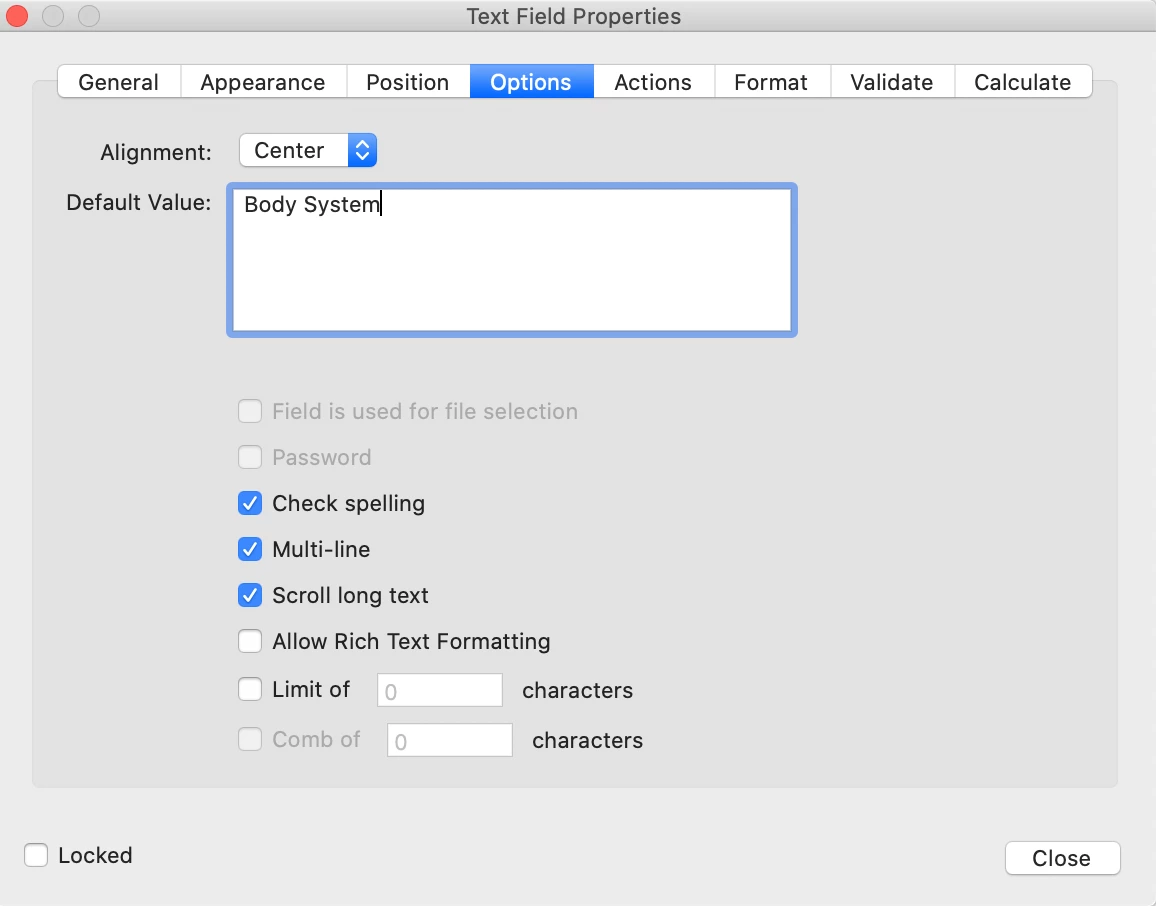
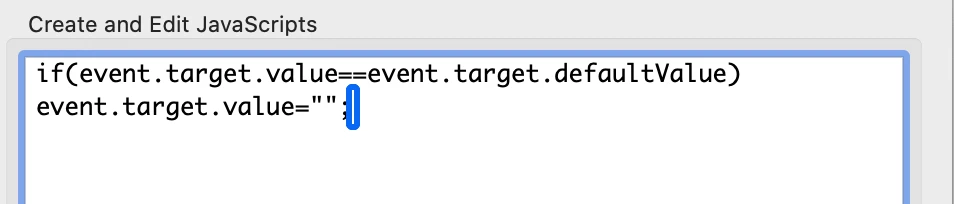
I want a text box that has a default of "Body System" so under Options I placed "Body System" and under Actions, I placed a code to erase the Default Value.
Under Actions:

Select Trigger: On Focus

I ran this code
Then in this same text box I want to check if the word Skeletal is included with the following under Validation:
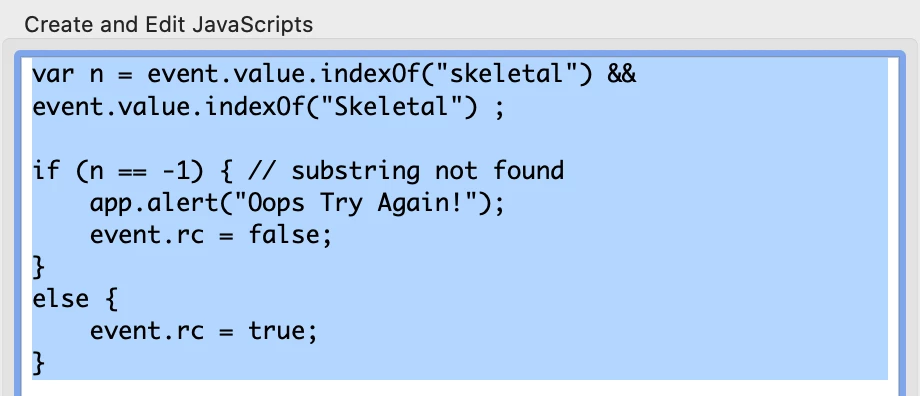
So it works fine but if someone goes into the Text box leaves it blank and clicks out of the text box it gives the error message because they left it blank.  I would like to run the validation only if they typed in the box, and if they type and delete to move to another text box I would like for the Default Value to come back into view.

This topic has been closed for replies.

1 reply

Inspiring
March 28, 2020

Try something like this:

(function () {

    // If blank, set value to default value
    if (!event.value) {
        event.value = event.target.defaultValue;
        return;
    }

    // If this field's value doesn't include "skeletal", regardless of case...
    if (event.value.toUpperCase().indexOf("SKELETAL") === -1) {
        app.alert("Oops, try again!");
        event.rc = false;
    }

})();


NomargmAuthor
Participant
March 30, 2020

George,

Thank you that worked perfectly, just one final thing. 


When I click in the box the default text doesn't disappear anymore I have to manually erase it?


Which code should I enter?  and should I enter it in "On Focus" or do I enter it in Validate?