
Participant
October 31, 2023
Question

"What's new" pop-up not working and crashing Acrobat

  • October 31, 2023
  • 2 replies
  • 1345 views

With the most recent update a lot of my users have been receiving the same kind of issue when starting Acrobat Pro.


I have identified the problem but have not found a consistent solution. The problem is that the "What's New" popup that appears after the update to show the new features (see screenshot below) gets stuck and with no way to close it, Acrobat has to be closed in Task Manager. This popup doesn't appear every time and not always on launch, sometimes it can take a couple of minutes, I can easily replicate it by going to the question mark in the top right and clicking on "What's new".
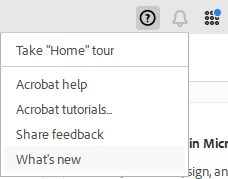
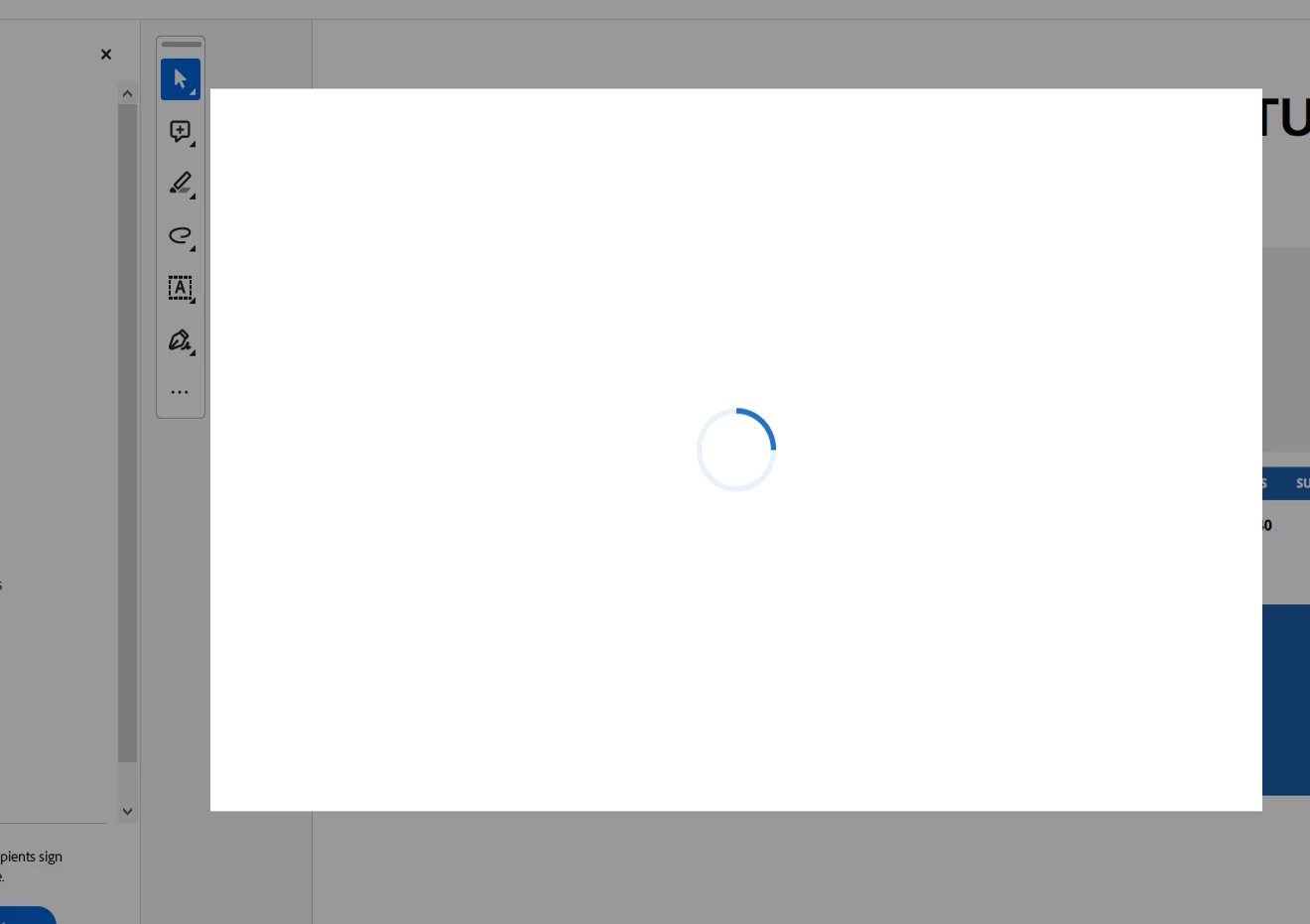


The only solution I found (that works 50% of the time if done through creative cloud) is deleting Acrobat and reinstalling it. If that doesn't work I download the installer and install it seperately. 

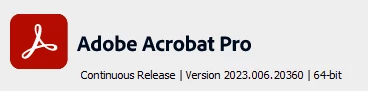
This is the release that we are experiencing issues with :


This topic has been closed for replies.

2 replies

JR Boulay
Community Expert
Community Expert
July 8, 2024

Try to revert to the Classic UI: https://community.adobe.com/t5/acrobat-discussions/acrobat-2023-how-to-revert-to-classic-gui-user-interface/td-p/14052807
Consider the "new Acrobat" as a beta version, many features are still missing or half-implemented.

Acrobate du PDF, InDesigner et Photoshopographe
Participant
July 11, 2024

I'm well aware (and none to happy) about paying for licences for myself and my team so we can act as involuntary software testers for Adobe, If a product is effectievly still in a Beta test stage maybe label it as such so users can easily avoid it if they need. We lose far too many chargable working hours to the quirks of semi tested, questionable 'upgrades' or unrelaible software as it is.

Amal.
Legend
March 1, 2024

Hi there


Hope you are doing well and sorry for the delay.


Please update the application to the recent version 23.08.20555. Go to Help > Check for updates and reboot the computer once.
 
Also try to repair the installation from the help menu (Win Only) and see if that works.


If the application still crashes please go through the help page https://adobe.ly/3wCxXje and see if that works.


Let us know how it goes.


~Amal

Participant
July 8, 2024

Please stop putting these pointless promo messages in your software, it loses hours of valuable working time getting rid of them, recent versions of Acrobat DC have become increasingly unstable and unreliable and this Pop Up issue is really not helping your customers.