Participant
June 6, 2021
Answered

When exporting data from PDF form to .txt file, form data is dropped during export.

  • June 6, 2021
  • 2 replies
  • 3562 views

Hello all,

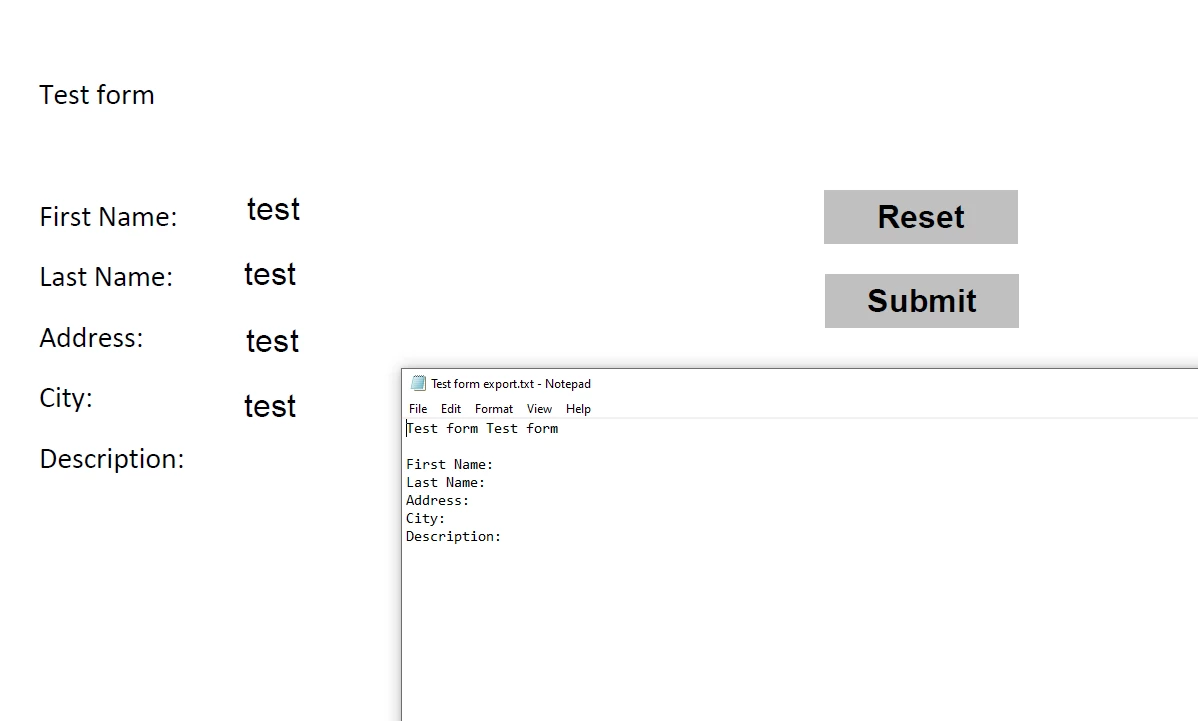
I'm using Adobe Standard 2017 and I'm trying to export the field names and corresponding data from a PDF form into a .txt file as shown in the screenshot below. The form is in the background and the txt file that is generated is in the foreground.

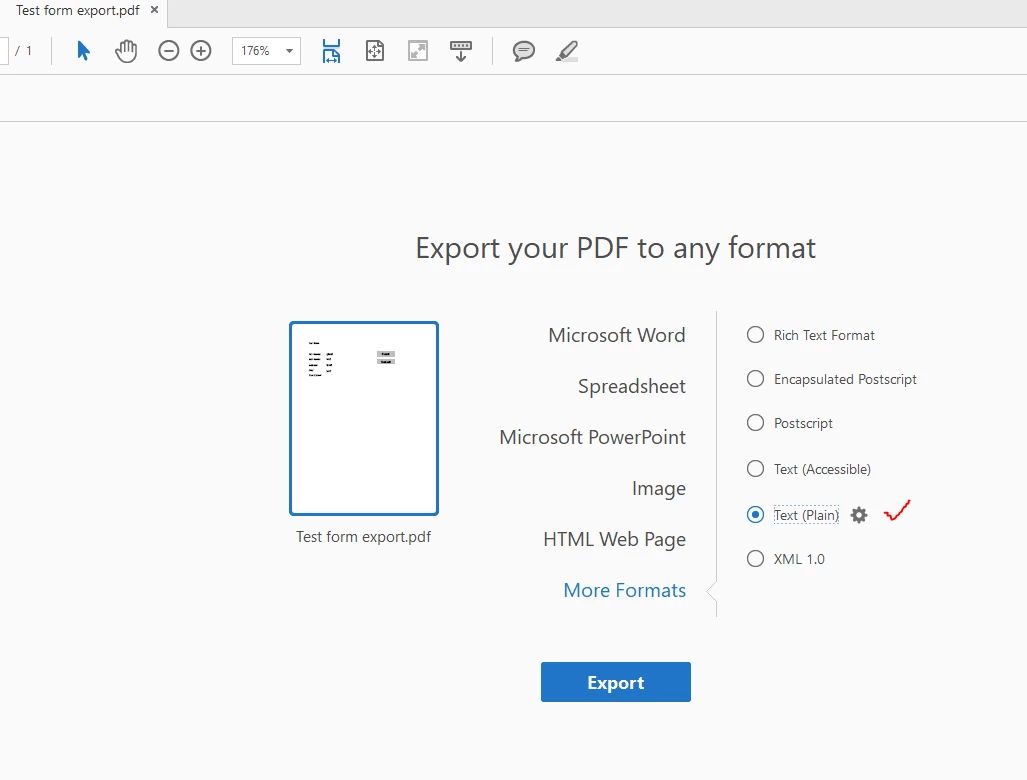
I'm opening the completed form then selecting More Tools > Export PDF >  More Formats (Plain Text)

The trouble is that whenever I export it, the field data does not appear. The field data appears when I export as a Word document, a spreadsheet, or an HTML file, but this particular .txt file format is what I require.

Perhaps I'm missing something simple. Can anyone point me in the right direction?
This topic has been closed for replies.
Correct answer try67

You're exporting the static contents of the file, not the form data. To do that go to Tools - Forms - More and use the Export Form Data command. Save the file as a text file and then you'll be able to open it in Excel (or even Word) to see the field names and their corresponding data.

2 replies

try67
Community Expert
try67Community ExpertCorrect answer
Community Expert
June 6, 2021

You're exporting the static contents of the file, not the form data. To do that go to Tools - Forms - More and use the Export Form Data command. Save the file as a text file and then you'll be able to open it in Excel (or even Word) to see the field names and their corresponding data.

Participant
June 6, 2021

Ah - I now see what I was doing wrong. What was confusing me is the behavior of the document when I used that export process to a Word or Excel doc, which brought the form data.

Using your method, I see I am able to use the Export Form Data command and select .txt as an option (I thought I only could do .fdf.

This process looks like it will work. Thanks for the guidance. Very much appreciated.

Inspiring
June 6, 2021

Try flattening the form fields before exporting to txt format. You can do this by opening the interactive JavaScript console by pressing Ctrl+J, entering the following line of code:

flattenPages();


and pressing Ctrl+Enter, of Enter on the numeric keypad, while on that line of code. Note that flattening is not reversible, so work with a copy of the document.

Participant
June 6, 2021

Thanks for the response. Not sure if it's my version, but the Ctrl-J doesn't seem to work for me. I find a possible workaround though. Again, thanks for the help!