


Participant
September 21, 2018
Answered

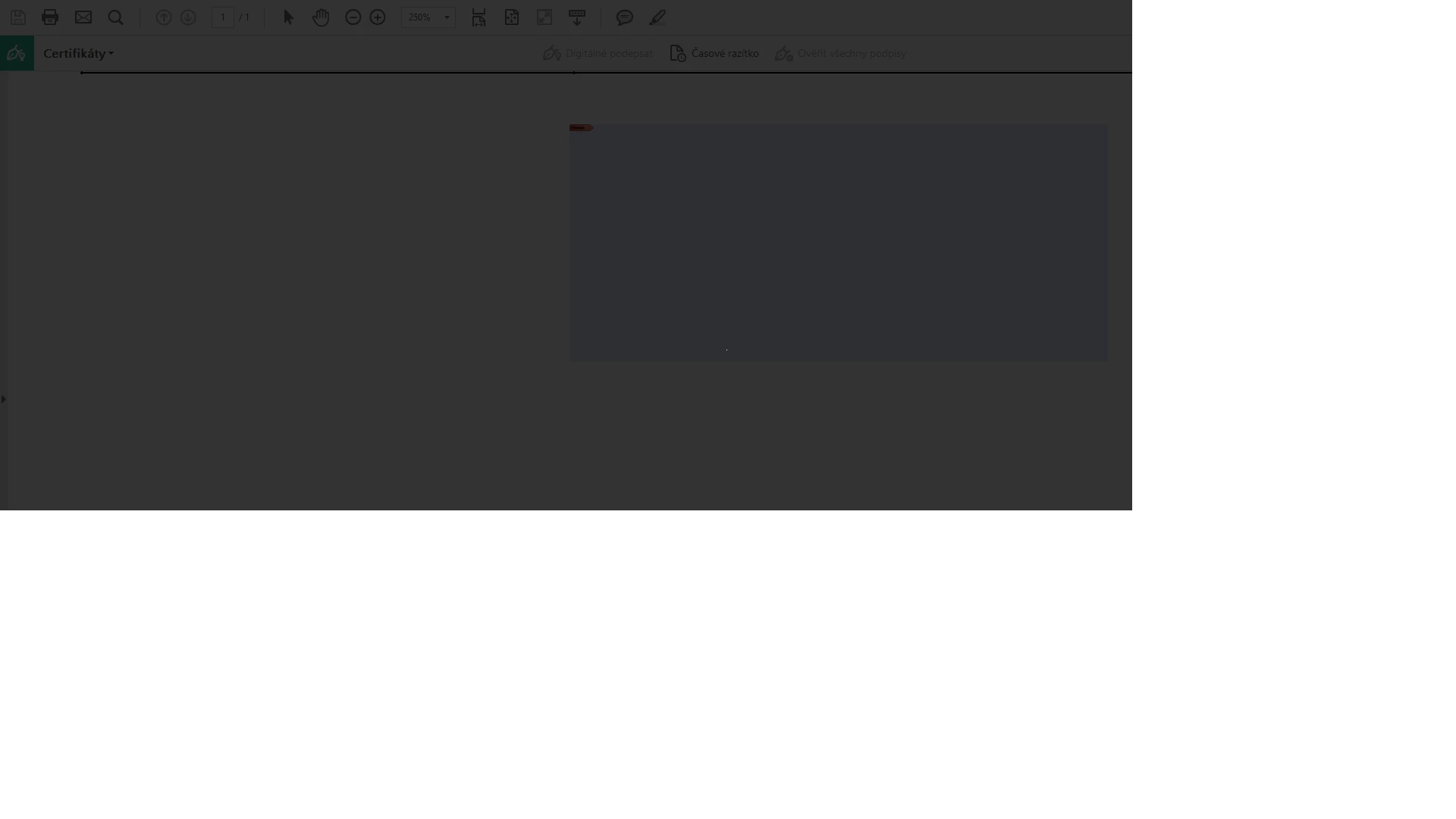
When trying to add digital signature screen goes black

  • September 21, 2018
  • 18 replies
  • 134255 views

Hi,

I am using Adobe Reader DC and I would like to digitally sign a document. I have installed my certificate, I think it was successfull. But when I try to digitally sign it, the screen goes black, nothing happens and I have to press Esc to return to the document.

I can see that under the black screen, there is the box where the singature should appear, but it is not working.

Thank you

Stepanka
This topic has been closed for replies.
Correct answer Adorobat

Hi Stepanka,

As per the issue description mentioned above, you are facing issue when trying to sign a pdf using digital signature, is that correct?

Please try following troubleshooting steps:

Launch Reader > Edit > Preferences > Signatures .

Under Creation & Appearance > click More > uncheck use modern user interface for signing....

Relaunch Reader and check.

Also, try signing another pdf file using certificates and try again.

Also, let us know dot version of Reader and the operating system installed on the machine? You may refer to the steps given in this link on how to check the version in Acrobat: Identify the product and its version for Acrobat and Reader DC

Let us know if you need any help.

Shivam

18 replies

Participant
August 25, 2020

Still happening for at Version 2019.021


The overlay appears over the interface and there appears to be one small pixel in the centre. I have tried the solution of unchecking "Modern user interface...." and restarted the software, but the same issue is still happening. 

Participant
August 24, 2020

This worked for me! It took me forever to find this answer! Thank you!

Victoria Art
Participant
August 21, 2020

This works, but only if you then uninstall and reinstall adobe - Thanks! my old signatures even came back 🙂 seemed like a weird glitch 

Participant
August 22, 2020

Ok, but then is the correct instruction just to re-install? 😃 And was that uninstalling just Acrobat? Or the whole suite? thx

Participant
May 13, 2020

I tried this and restarting the MacAir, but it's still showing a black screen and I don't know why. This worked on my other computer before, so I'm at a loss. I even tried importing a signature file. Not sure what to do next.


Thank you! Amy

Continuous Release Version 2020.006.20034

Architecture: x86_64

Build: 20.6.20034.366983

AGM: 4.30.98

CoolType: 5.14.5

JP2K: 1.2.2.45402

Participant
July 24, 2020

Didn't work for me either. Repeatedly tried. On iMac Pro. 


Architecture: x86_64

Build: 20.9.20074.389258

AGM: 4.30.101

CoolType: 5.14.5

JP2K: 1.2.2.46033

Participant
September 22, 2020

Hi,

I'm having the same problem except when the screen greys out I can't escape or do anything. The suggested troubleshoot did not work. Any other ideas?

Participant
April 15, 2020

This method does not work for me and the screen is still grayed out, like another responder stated.  Can you please suggest other things to fix this?

Participant
April 20, 2020

 I tried the method described above. At first it did not work for me but then I unistalled/reinstalled/logged out/logged back in and it seemed to fix it...good luck.


Participant
April 6, 2020

This helped very much! I had the same issue and it worked amazingly. Thank you a lot for solving this trick 🙂

Participant
November 7, 2019

Same symptoms using Adobe Acrobat Pro DC 2019 

  • Architecture: x86_64
  • Build: 19.12.20034.328841
  • AGM: 4.30.85
  • CoolType: 5.14.5
  • JP2K: 1.2.2.43391

The solution above (unchecking use modern user interface for signing, followed by a quit and relaunch of the application) didn't resolve the problem.


Any other suggestions?

Adorobat
Community Manager
AdorobatCommunity ManagerCorrect answer
Community Manager
September 24, 2018

Hi Stepanka,

As per the issue description mentioned above, you are facing issue when trying to sign a pdf using digital signature, is that correct?

Please try following troubleshooting steps:

Launch Reader > Edit > Preferences > Signatures .

Under Creation & Appearance > click More > uncheck use modern user interface for signing....

Relaunch Reader and check.

Also, try signing another pdf file using certificates and try again.

Also, let us know dot version of Reader and the operating system installed on the machine? You may refer to the steps given in this link on how to check the version in Acrobat: Identify the product and its version for Acrobat and Reader DC

Let us know if you need any help.

Shivam

Participant
September 24, 2018

Great, thank you for your help, it worked!

Stepanka