andreaj55497624
Participant
June 1, 2017
Question

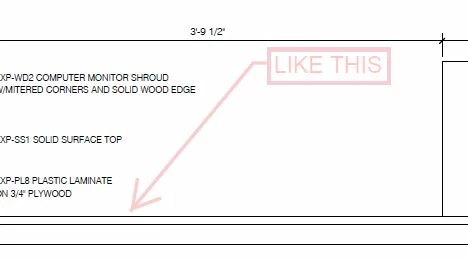
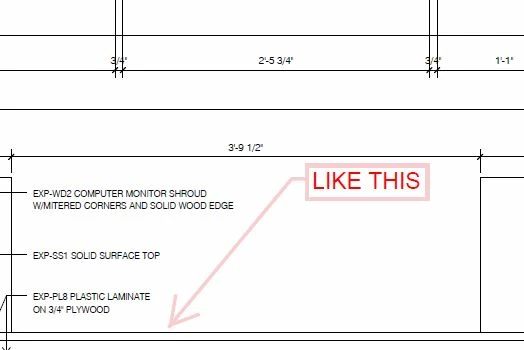
When using "Add Text Comment" my text goes translucent (increase opacity) when I complete it. Any idea as to why or how to stop this???

  • June 1, 2017
  • 1 reply
  • 480 views

When using "Add Text Comment" my text goes translucent (increase opacity) when I complete it.  When I click on the text it becomes "solid" again...

Any idea as to why or how to stop this???
HELP!!!

This topic has been closed for replies.

1 reply

Document Geek
Community Expert
Community Expert
June 6, 2017

At some point, a text box was made and the opacity was reduced, and then marked "Make Properties Default.

So what you need to do is to go to the Color Picker, change the opacity back to 100%, and then choose "Make Properties Default: from the right-click contextual menu. That should fix the problem.

Participant
October 14, 2021

When using the text tool, the text gets translucent after I get ready. I cannot find the setting to fix this issue. I already changed the settings like before, but it has no consequences to the settings of the text tool. As you can see the comment in the box is 100%, but the text is still translucent. I tried to changed the properties to default but it has also no consequence.