Participant
March 10, 2026
Answered

While editing text appears in Arabic, partly in Hebrew

  • March 10, 2026
  • 1 reply
  • 75 views

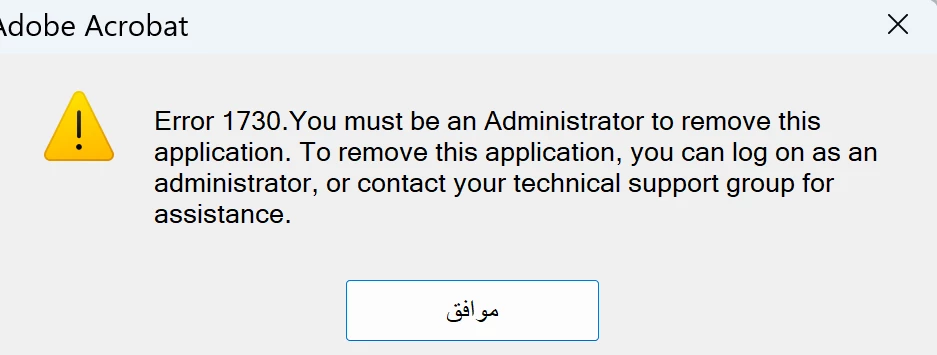
I'm trying to use an installation of Adobe Acrobat to edit a document. Colleagues in my office have successfully been able to edit this document with their installations of the software. When I try, I get this message:
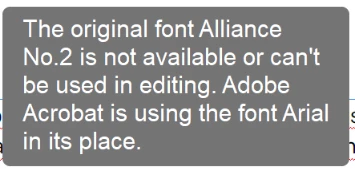
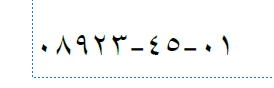
Typed text does appear to be Arial but if I try to type numbers, I get peculiar looking characters that might be from the Hebrew character set?
In trying to fix this I discovered, to my surprise, that if I try and "repair" the installation, I get wizard dialog boxes that are partly in English but with what looks like Arabic text on the buttons. 
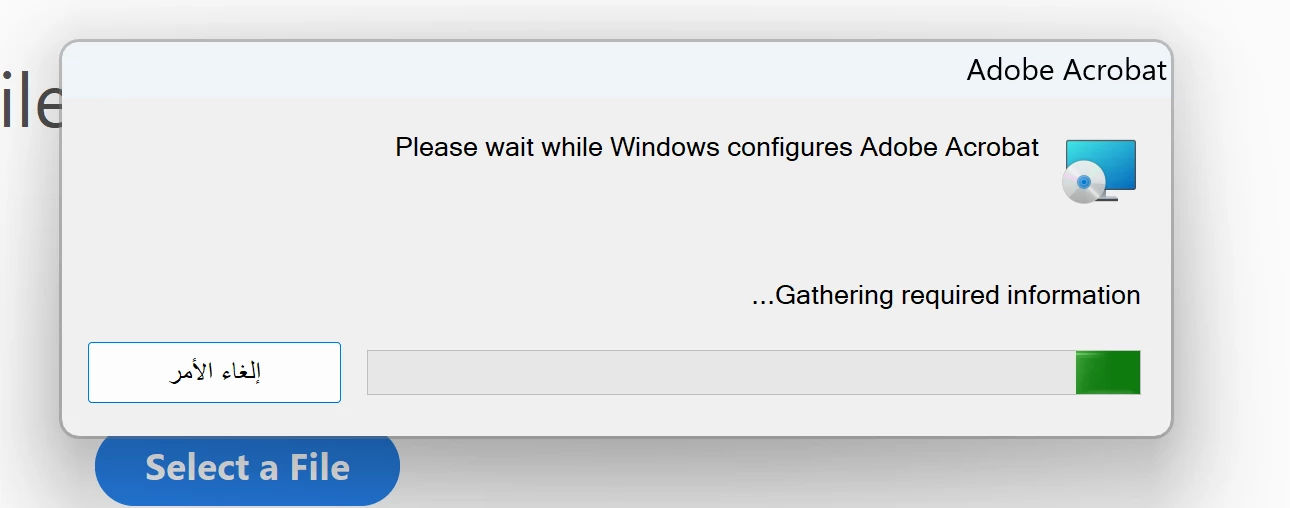


The repair did nothing. An uninstall and a manual delete of all acrobat associated data in AppData and other places followed by a reinstall didn't fix this either.


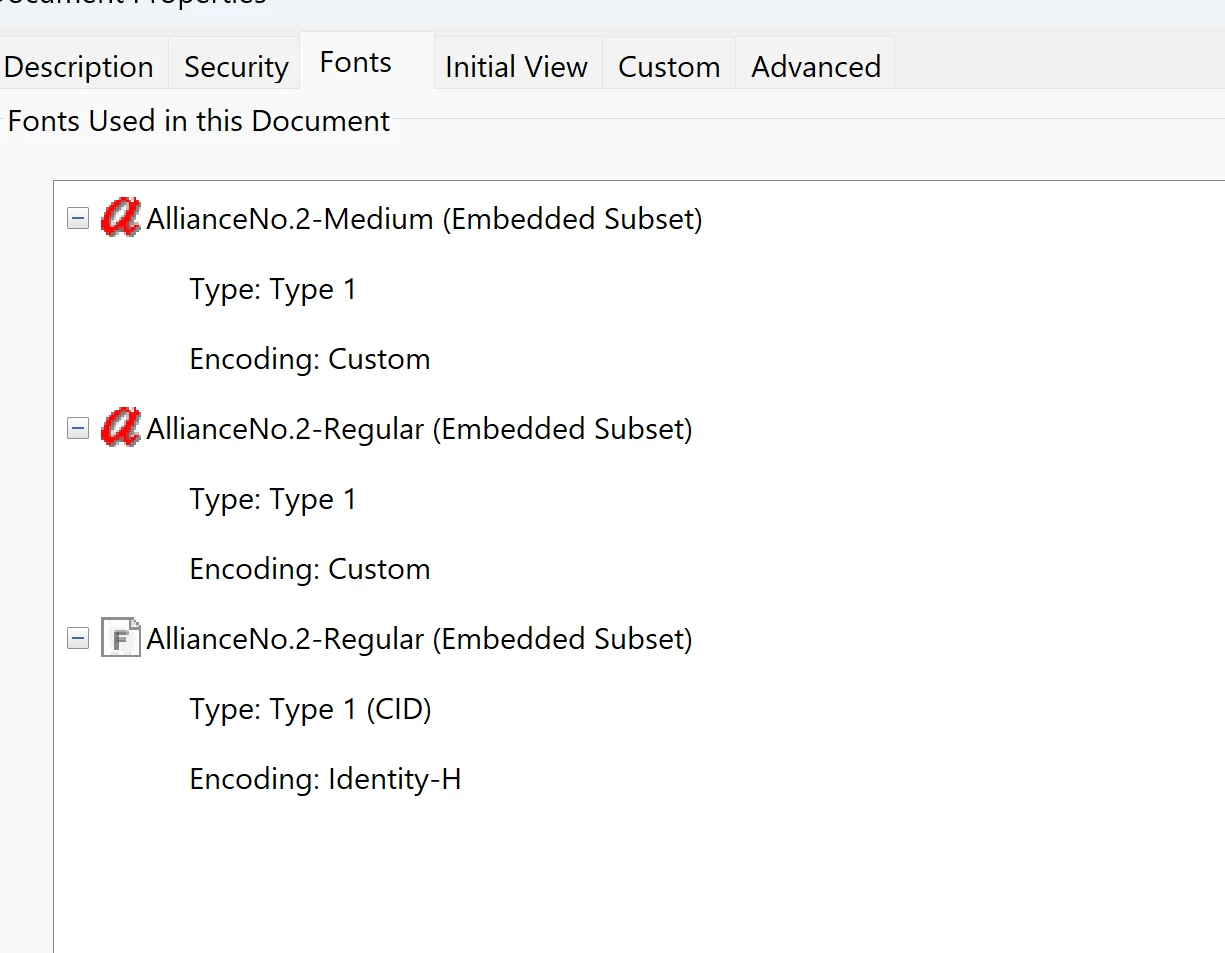
Alliance No. 2 is installed in Windows fonts and is fine in Office applications. In Acrobat under "fonts used in this document" it has the font listed three times:
Are the strange languages in the dialogs and the number substitutions linked? Is there anything else I can try to fix this installation so that typed numbers appear as expected?
    Correct answer Tariq Dar

    Hi ​@mattthr,

    Sorry for the troubled experience. 

    Let’s try the following: 

    • Launch Acrobat. 

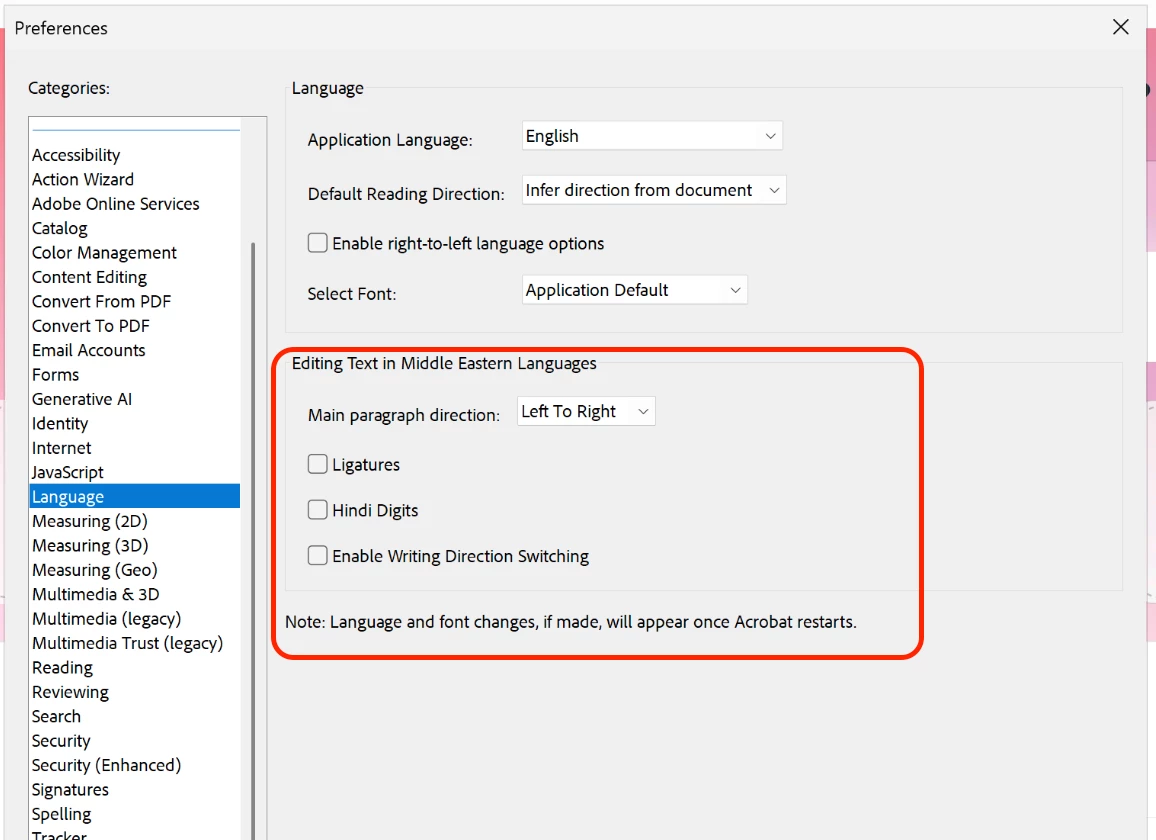
    • Menu > Preferences > Language

    • Try unchecking ligatures, Hindi Digits, and enabling writing direction switching. (Check screenshot attached)

    • If you are using a semantic language, such as Hindi or Asian languages, you may have to enable it again.

    •  Click Ok.

    • Relaunch Acrobat and try again.


    Also, could you let us know what your default OS language is, and whether you have a virtual keyboard that allows you to switch between languages? Or to be precise, do you switch between languages when you edit documents?


    Let us know how it works. 

    ~Tariq

    1 reply

    S_S
    Community Manager
    Community Manager
    March 10, 2026

    Hi ​@mattthr,


    Hope you are doing well. Sorry for your experience with editing PDFs on Acrobat.


    The mixed Arabic/Hebrew appearance and “original font not available” error usually happen because:

    • The PDF fonts are not embedded

    • Fonts are missing on your device, and thus, Acrobat is substituting another font on the system

    Since the first reason is not the issue in your case, installing the correct fonts should resolve the issue.


    If available, you can install them directly from https://fonts.adobe.com/ or download the font installer package from the internet and try again.


    Let us know if this helps.


    Regards,

    Souvik

    mattthrAuthor
    Participant
    March 11, 2026

    Thanks Souvik.

    The font in question is absolutely installed in Windows:


    It is not available in fonts.adobe.com:


    Colleagues in my office have been able to edit this document in Acrobat without difficulty, and without installing additional fonts.

    It may be worth adding that I can also edit this document without difficulty in third party PDF editors, but I’m not allowed to use them at work so I need to be able to do this in Acrobat itself.

    Also I’m not sure why a missing font specific to -my document- would cause dialog boxes -in adobe, using a different font- would have anything to do with each other as you appear to claim.

    Could you advise, please?