Why can't I resize the Tools Shortcut Sidebar?
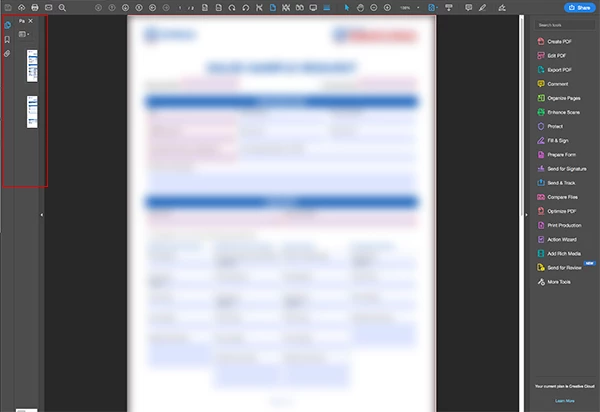
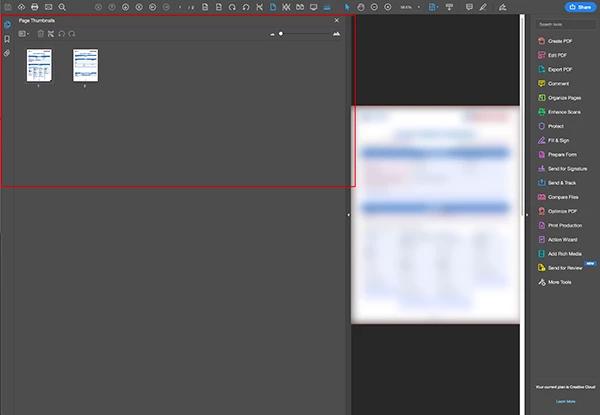
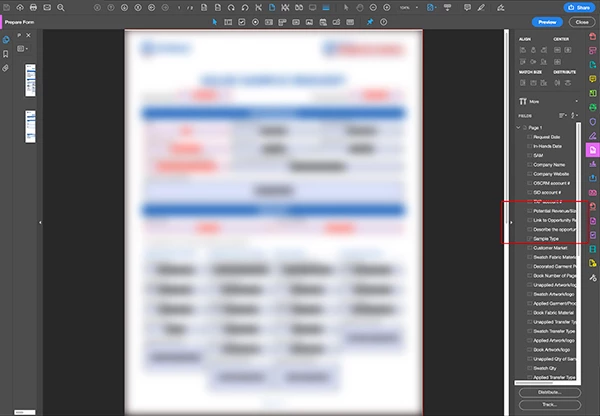
My Tools Sidebar/Panel/Pane (Create PDF, Edit PDF, Export PDF, Comment, Organize Pages, etc. on the right) in Acrobat Pro DC is too narrow and I can't find a way to resize it. There are scroll bars vertically and horizontally, but I want to be able to (for example) read the entire Field Name when Prepare Form is selected without scrolling. The Navigation Pane (Page Thumbnails, Bookmarks, and Attachments on the left) allows for resizing – for example, with "Pages" selected, I can hover over the left edge, cursor turns to double-sided arrow symbol, and I can drag it as wide as the document window or collapse it all the way into itself. Is this a bug or am I missing something??? Here are some visuals that hopefully illustrate what I'm talking about:
 AdChoices