December 27, 2018
Answered

Why is a scannned file in a pdf (8.7MB) that small and when I open the Pdf in Photoshop so big (700MB)? Zooming in it seems to be pixelperfect the same resolution.

  • December 27, 2018
  • 1 reply
  • 753 views

Hello,

i must admit that I am new to the world of scanning and editing.

I scanned a piece of paper with a high resolution with my Epson v600.

The PDF was quite small comparing to the resolution in there. 9MB

Opening it up in Photoshop, it lets me know that the file is now 700MB big.

Saving it as a PDF again made it 900MB big. All checkboxes with compression turned off.

Could somebody explain me, how this works?

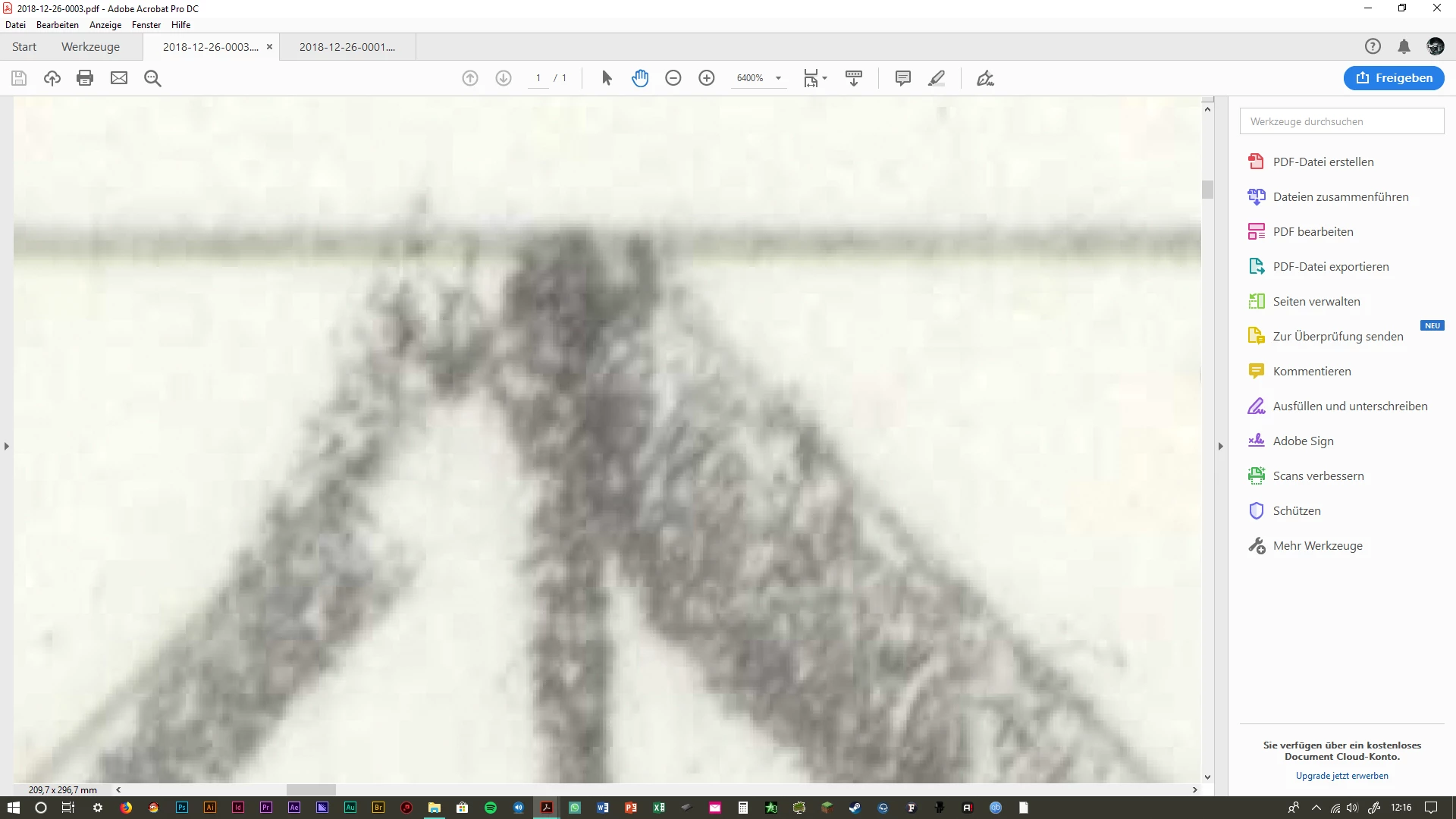
1st image original size.

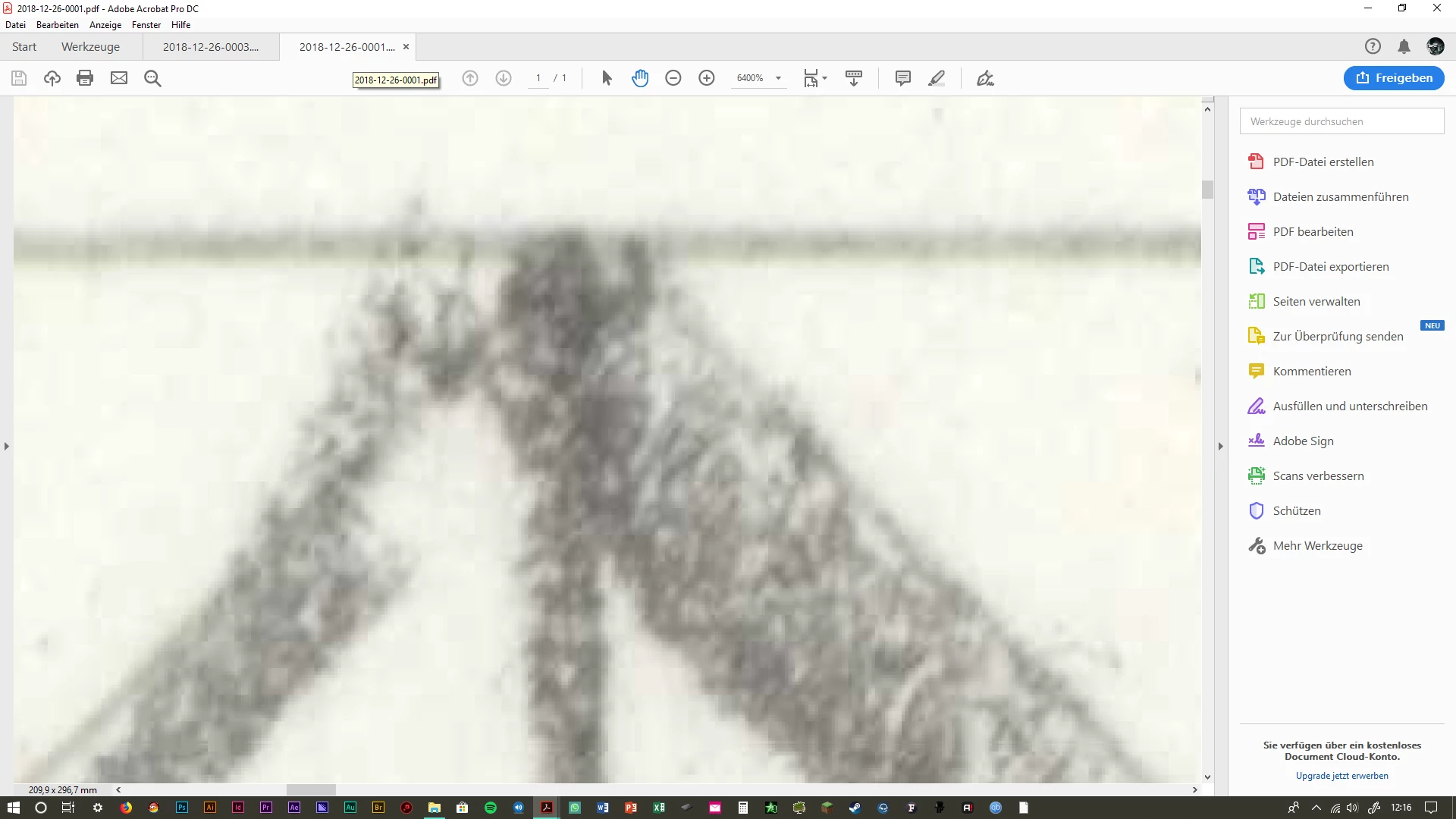
2nd image after saving in PS.

3rd image PS itself.

All zoomed in quite a bit.
This topic has been closed for replies.
Correct answer Test Screen Name

Please do NOT turn off compression. This is the reason your original file is small and your final file is large. Your scanner also is likely to do much smarter PDF compression than Photoshop can.

1 reply

Test Screen NameCorrect answer
Legend
December 28, 2018

Please do NOT turn off compression. This is the reason your original file is small and your final file is large. Your scanner also is likely to do much smarter PDF compression than Photoshop can.

Legend
December 28, 2018

Also... the size of the Photoshop file will depend on the resolution you choose when opening in PDF. Photoshop is not a native PDF editor. If you want to edit and have PDF, scan to TIFF, edit the TIFF, save as PDF.