


Participating Frequently
October 27, 2017
Answered

Why is this page printing gibberish?

  • October 27, 2017
  • 2 replies
  • 18812 views

I have a very simple question to ask.  I tried to print a page in Acrobat DC but it printed gibberish.  I tried it twice and both times it was just plain greek to me.  However, the same page prints just fine using Microsoft PDF printer in Windows 10.  Does anybody know why?  the link is here:

<Physics - Focus: Winds Can Make a Martian Mountain >

It prints something like this:
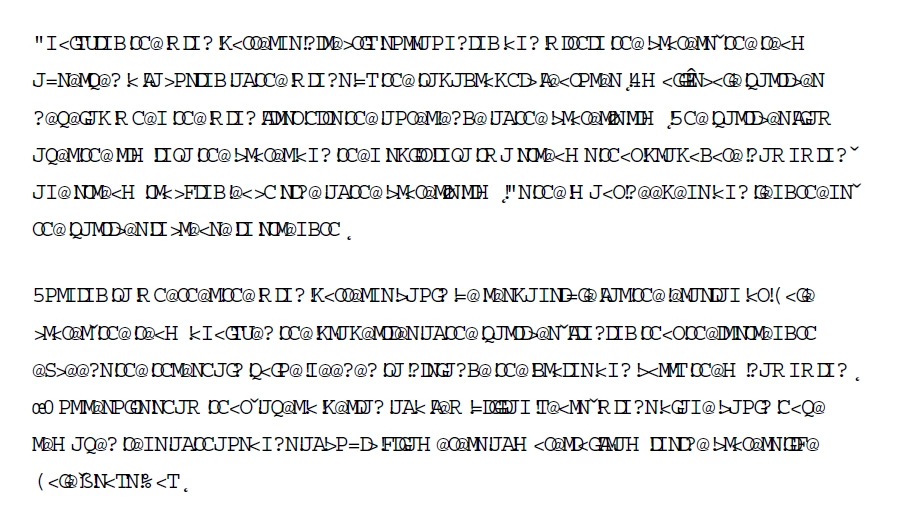
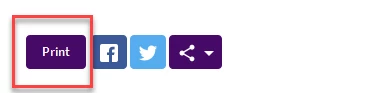
Can somebody try on their Win10 machine to see if they are getting the same.  There is a print button on top right corner of the page and that is what I am using.  See this picture:
This topic has been closed for replies.
Correct answer Dov Isaacs

You didn't say what browser you were using, but I did load the indicated web page with Internet Explorer 11 and pressed that Print button directing the output to the Adobe PDF PostScript printer driver instance under Windows 10 Pro 1709 (the most-recently released update) which yielded the PDF file attached to this posting. There were no issues whatsoever. This resultant PDF file displays and prints without any problems whatsoever under the latest version of Acrobat DC Pro.

          - Dov

2 replies

Dov Isaacs
Dov IsaacsCorrect answer
Legend
October 27, 2017

You didn't say what browser you were using, but I did load the indicated web page with Internet Explorer 11 and pressed that Print button directing the output to the Adobe PDF PostScript printer driver instance under Windows 10 Pro 1709 (the most-recently released update) which yielded the PDF file attached to this posting. There were no issues whatsoever. This resultant PDF file displays and prints without any problems whatsoever under the latest version of Acrobat DC Pro.

          - Dov

- Dov Isaacs, former Adobe Principal Scientist (April 30, 1990 - May 30, 2021)
Participating Frequently
October 27, 2017

OK thanks.  I tried in IE11 and  it does print fine.  I was using FF version 45.0.2 and it has a serious problem it seems.

Now I need to contact the ADMIN to upgrade the Firefox so that it works like IE or Edge.

Thanks for the help.

AnandSri
Community Manager
Community Manager
October 27, 2017

Hello Somali.Pirates,

We apologize for the inconvenience caused to you. As per the description above, you are not able to print a web-page as you get gibberish fonts, Is that correct?

Please refer to the following links and try the steps to fix the issue Printing Gibberish  Link: https://forums.adobe.com/thread/786974

Gibberish or garbage characters on printed PDF document (Print Production)  Link: https://answers.acrobatusers.com/Gibberish-or-garbage-characters-on-printed-PDF-document-q92993.aspx

https://acrobatusers.com/forum/printing-prepress/pdfs-printing-garbage-characters/

Hope this helps, and let us know how it goes.

Regards,

Anand Sri.