
Participant
April 9, 2024
Question

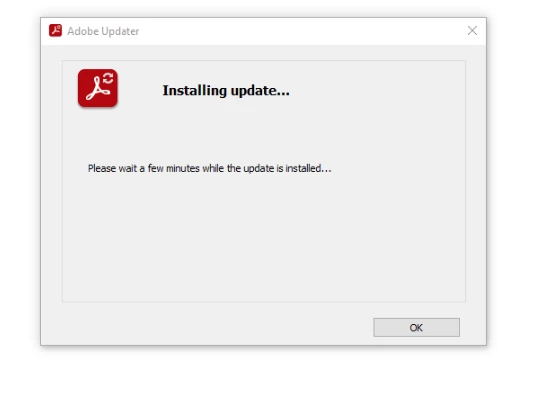
Windows 10 Adobe Acrobat Standard/Pro standalone Client Installing Update unable to close

  • April 9, 2024
  • 1 reply
  • 662 views

Hi, has anyone ran into this issue before? It keeps popping back up and takes over the screen, preventing me from taking any action until the update completes. Why is the standalone client doing this, and how can we make it install updates silently in the background?
 

This topic has been closed for replies.

1 reply

Participant
April 9, 2024

I tried looking for more information - apparently it can occur with creative cloud requiring an update for other adobe apps, but since this is the standalone client I'm not sure how to resolve this

Amal.
Community Manager
Community Manager
April 15, 2024

Hi there


Hope you are doing well and thanks for reaching out.


Would you mind sharing the version of the Acrobat standalone the user is using?


If it is Acrobat Pro 2020, please try to remove the application using the Acrobat cleaner tool https://adobe.ly/49HQGYm, reboot the computer and reinstall the application using the link https://adobe.ly/49TbtZn


Let us know if you are referring to a different version.


~Amal