2 replies

S_S
Community Manager
Community Manager
September 25, 2025

Hello,


Hope you are doing well. 


We are live with a new update (25.1.20744) that fixes this issue. Please update the app to the latest version and let us know if the issue is fixed for you.

To check for updates, go to Menu > Help > Check for Updates.


To know more: https://adobe.ly/4gD5IDP


Regards,
Souvik.

Meenakshi_Negi
Legend
August 1, 2025

Hi mechanical-one,


Thank you for reaching out, and sorry about the trouble caused.


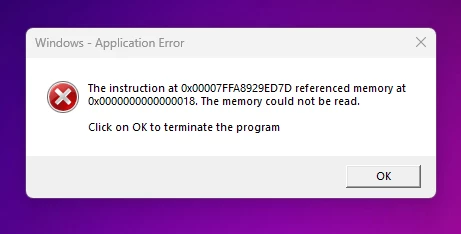
This is a known issue, and the team is working on the fix. We will let you know once the fix patch is available.

Please share details of your current Acrobat and OS version. 


In the meantime, please try the workaround mentioned below:

- Right-click on your Adobe application icon and select Properties.

- Select the Compatibility tab.

- Click on Run Compatibility Troubleshooter.

- Select Try Recommended Settings.

Check if that helps.


We appreciate your patience.


Thanks,

Meenakshi