Mike28680540du8p
Participant
April 8, 2026
Answered

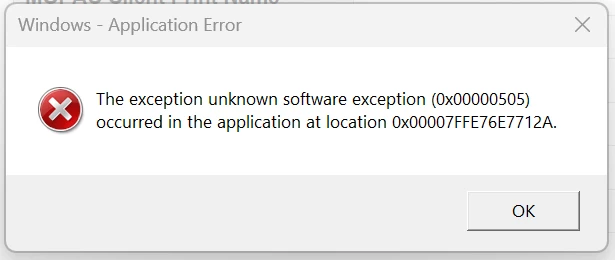
Windows - Application Error: The exception unknown software exception (0x00000505) occurred in the application at location 0x00007FFE76E7712A

  • April 8, 2026
  • 1 reply
  • 55 views


Hi

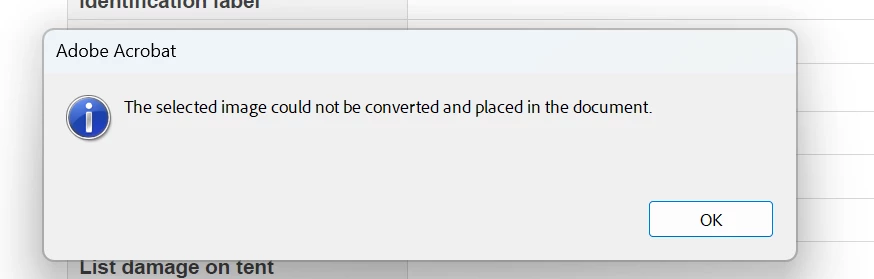
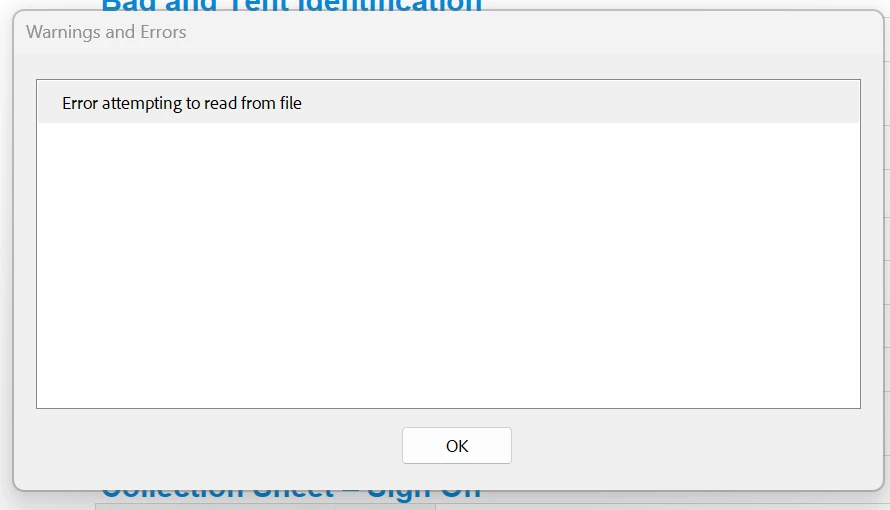
I am getting this error whilst editing a PDF. I am using the Add Content, clicking on Image, Choose Image and then going into my screenshots folder to select a screenshot (screenshot of a signature) to add to the PDF. Once I have selected my image and pressed the Open tab, I get the following messages ( I have been doing this for months without a problem. This started yesterday)


​​​                                                                                                                                                                                                 

​​​​


    Correct answer Karl Heinz Kremer

    The error message does refer to an issue reading from the file, which usually means either permissions, or access issues. I can verify that this is working on my system (but I use a Mac) in both the new and old Acrobat user interface. It is possible that something got corrupted in your setup, so I would recommend to repair your installation. If you are not running the latest version of Acrobat, I would also suggest that you update. Both options should be available in Acrobat’s Help menu. 

    1 reply

    Karl Heinz  Kremer
    Community Expert
    Community Expert
    April 8, 2026

    Does this also happen for other image files? Is the file on a server or a cloud storage drive? If so, does it also happen for local files? 

    Mike28680540du8p
    Participant
    April 8, 2026

    Hi Karl

    Thanks for the reply.

    My screenshot file is located on my computer.

    The images are saved as PNG files.

    I have just tried to add a photo from my downloads folder which is a JPEG file. I get the same error messages.


    Mike28680540du8p
    Participant
    April 8, 2026

    So, in answer, files are on my local server