Beantwortet
Won't let me print 24x36 page size...stuck on 30x42?
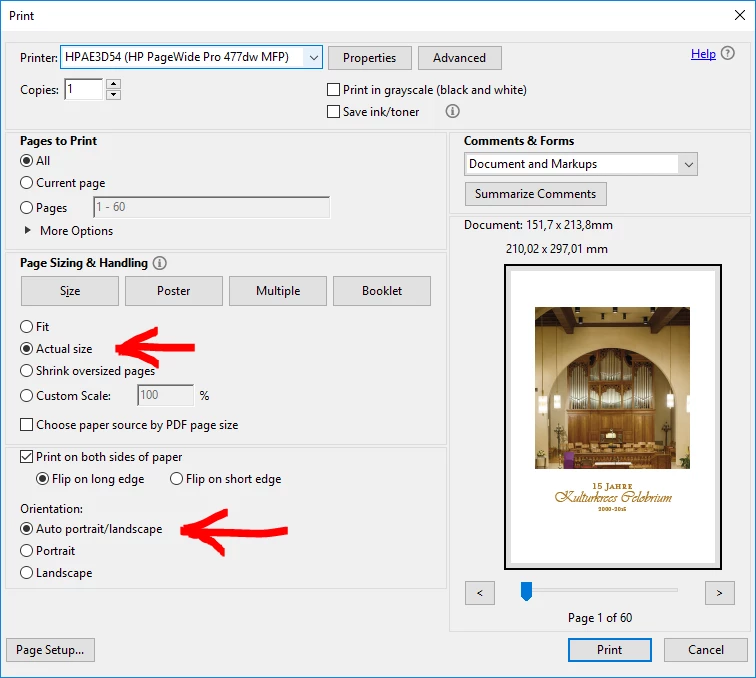
PDF created in AutoCAD at 24" x 36" as I've done thousands of times, but then go to plot the PDF on my Ricoh W6700 and the preview window shows it on a 30" x 42" sheet...so I go to Properties to change page size and it is already set to 24" x 36"?!
I have tried updates, and restarts and uninstall/ reinstalls...even tried printing it from Adobe Photoshop CC and same issue.
I also tried printing a PDF that I had created and plotted successfully weeks ago, and it is having the same issues.
I can print it to the Ricoh at 12"x18" with no issue?!
I can use Adobe to Export it to a .TIF and it prints from Windows Photo Viewer at 24x36 with no issue.
Is this an Update BUG, or am I missing something?
 AdChoices