Participant
June 7, 2018
Question

Word document shrinks when saved as PDF

  • June 7, 2018
  • 1 reply
  • 7264 views

Hi,

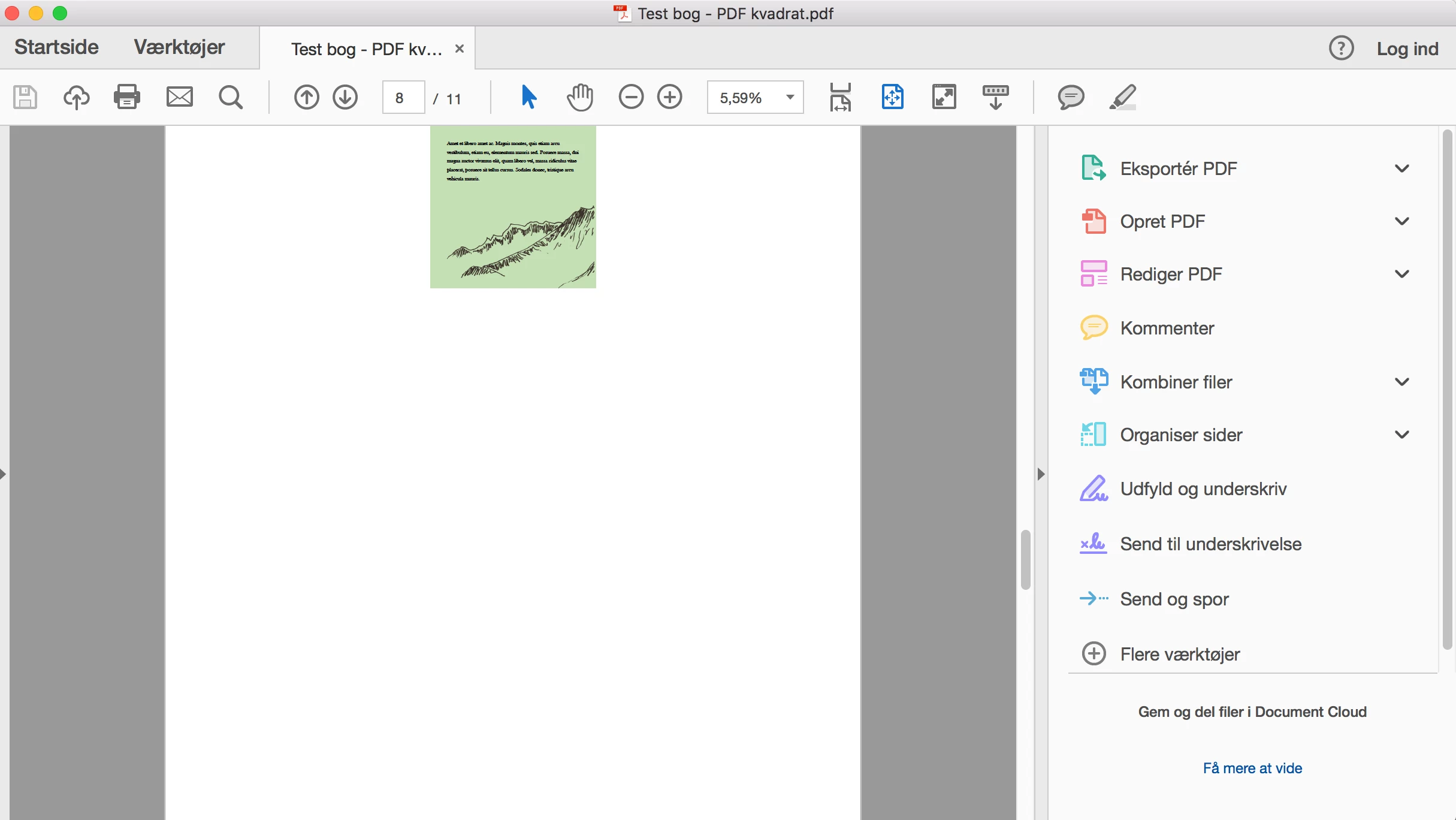
I have customized a word document to a squared format for an ebook that I would like to save as a PDF.  I am using pictures and colored backgrounds in the book. Therefore I would like the PDF to be squared and have NO margins. But when I save as PDF the word document shrinks in Adobe Acrobat Reader DC.

How can I make this work?

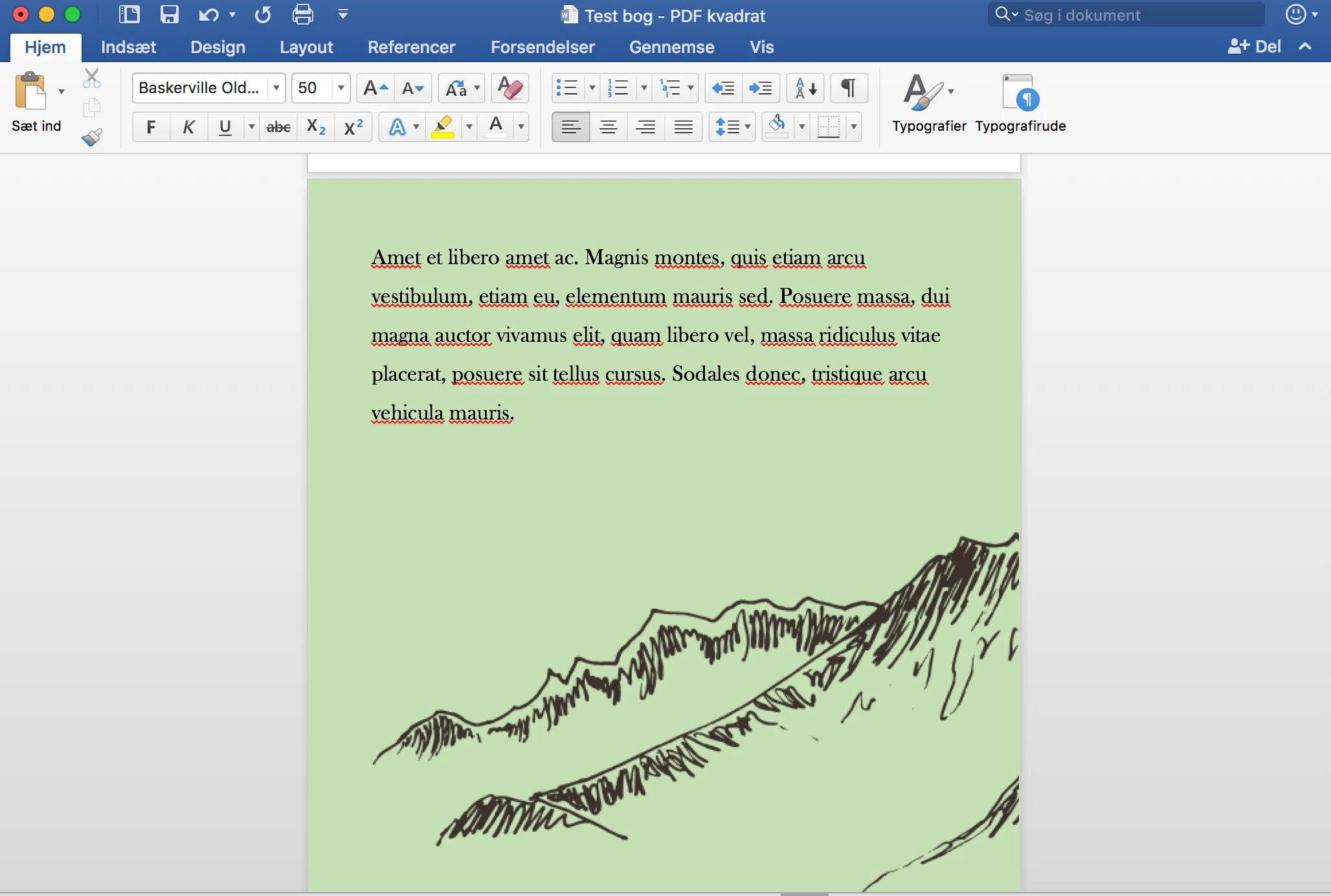
This is how a page looks like in word:
This is the same page when saved as PDF:
Bonus info:

- The format is 23 cm x 23 cm

- Is dosen't help to view in 100%

Hope someone can help. 

This topic has been closed for replies.

1 reply

AnandSri
Legend
June 11, 2018

Hello Katerasm,

Sorry for the delayed response and inconvenience caused. As per the description above, the word document shrinks when saved as PDF, is that correct?

Are you trying to save the Word document as Save As Adobe PDF or just PDF? If you are saving the file as PDF, it may not preserve all the settings from the Word file to PDF and due to this, freeware Adobe Reader is not able to view the correct formatting.

In Adobe Reader, navigate to Edit>Preferences>PageDisplay>uncheck Show large images, and see if this brings any difference.

You may try converting the Word doc to Adobe PDF through the URL https://cloud.acrobat.com/convertpdf as converting to PDF does result in the compression of data. Using the CreatePDF service on Acrobat.com, the compression should be relatively minor.

Do you see any ACROBAT ribbon Word? If you don't have any license/subscription of Acrobat, you will not have the Acrobat plug-in in Microsoft Word.

To make advanced settings changes in PDFMaker, you have to subscribe to Acrobat Pro License/subscription.

You may refer and try the suggestions from the following Adobe discussions How to retain correct margins/page size when converting a Word 2010 document to PDF?

images shrink as pdf

Let us know how it goes and share your findings.

Regards,

Anand Sri.

[Edited response]