Inspiring
August 17, 2021
Answered

WORD hyperlinks not working in PDF

  • August 17, 2021
  • 2 replies
  • 35679 views

Just started happening last day or two, what changed?

Spelled out links work i.e. https://github.com/lammps/lammps/issues/2040

Links with descriptive titles, which have a hyperlink added via WORD do not.

This is a big issue, sent out documents that no longer work please advise.

Acrobat DC 32 bit, Microsoft Home and Business 2019.

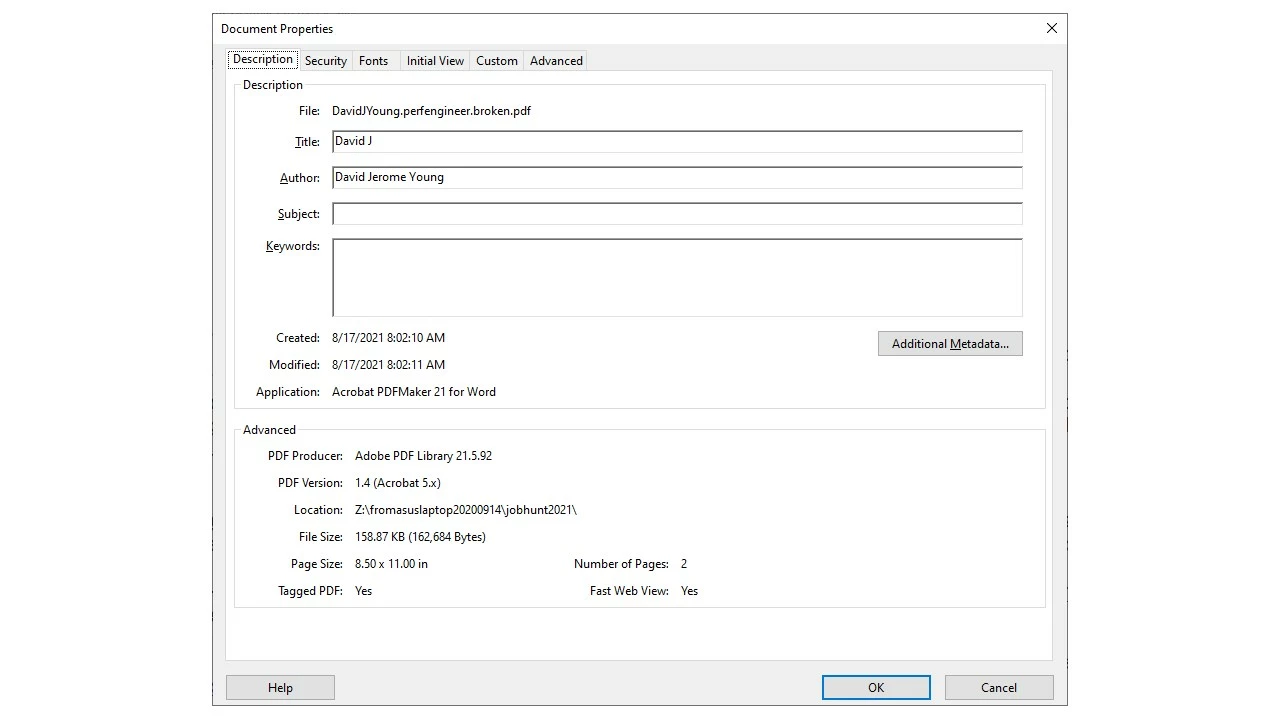
Attaching two PDFs, one that works, one that is broken.

Thanks
This topic has been closed for replies.
Correct answer djyhome

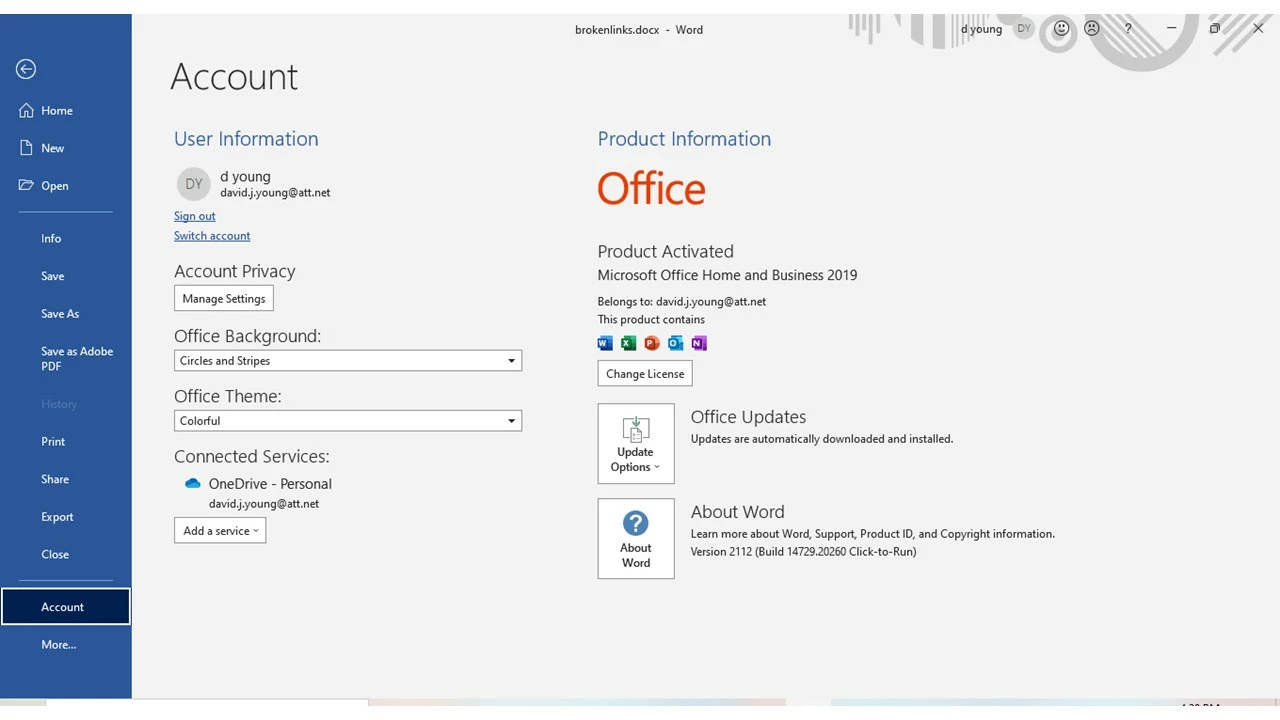
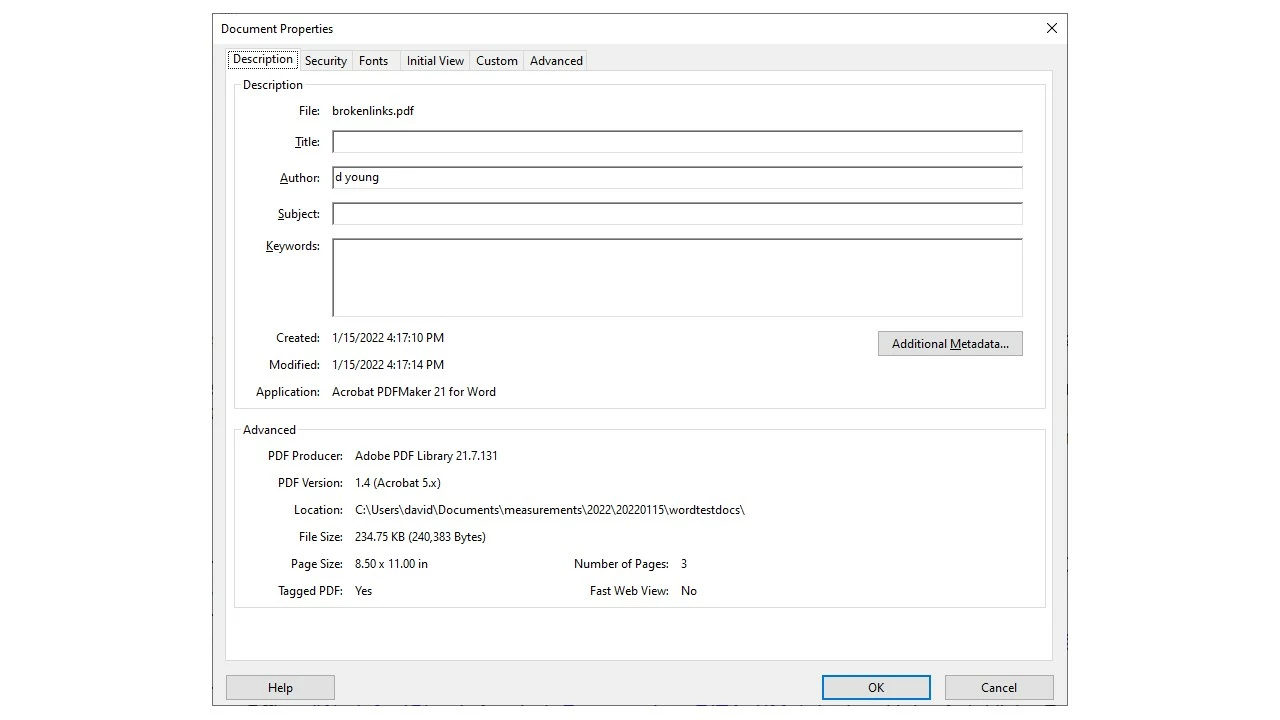
FWIW Should have checked back sooner thanks for contributing.  As of today I am unable to recreate documents with missing links, word to pdf.  Old Acrobat:


Current Acrobat, Word, and Windows which produces working documents no missing links:

2 replies

Participant
May 19, 2022

Hopefully this will help people like me still looking for answers, and seems a compatibility issue. This is not just a Word/PDF issue. I have serious problems with Word 2016 and Arbortext 2020 using Acrobat DC 32 Bit. Even deleting all links in the PDF and recreating them does not completely work. In Word I get different dysfuntctional results with both the Adobe > Create PDF button and the File > Save As > Save As Type > PDF (*.pdf). There's only one preset route in Arbortext.


My larger documents won't even convert if using the Adobe "Create PDF" button. It stalls/crashes when processing tags. One conversion method changes all my link properties from "Open a File" to "Open a web link". Then those are blocked because Adobe does not allow them. UGH! IT security settings.


I ran test after test, documenting each result. Ultimately, the only way I could get an almost entirely functional PDF was:


- Unchecking the "Create Bookmarks" box before conversion. Reader does not use this navigation function, and is likely with what my customers view the PDF. This fixed/finally allowed the second/third occurrence of a link to the same document to work. Seemingly randomly only the first, and maybe second would work.

- Press the Control button while clicking the link. That fixed the issue of links to other PDFs from opening in the same window as the parent PDF, even though the links are created and properties show to open in an new window. Found this on another community thread. 

- Viewing the PDF in Reader, not Acrobat DC.

- For the Arbortext PDFs, I had to delete and reinsert all links in the PDF.


Participant
May 19, 2022

Another tidbit: Macro-enabled files are a problem when converting from both Word and Arbortext. Arbortext won't even publish to PDF if one exists in the document.

djyhomeAuthor
Inspiring
August 17, 2021

Hello again.  FWIW been doing the same conversions since Office 2003 and Acrobat 7, first time I've seen this issue which  started on or shortly after August 12, 2021.  Is there a way to drop back to a prior level of Acobat DC 32bit? Thanks:

Account Detail:
User Rights: Admin
User Account Control: Limited
Process Integrity: Medium
Profile Type: None
Acrobat Detail:
Sandboxing: Off
Protected View: Off
Captive Reader: No
Multi-Reader on Desktop Support: Off
Applications Installed:
Available Physical Memory: 22107348 KB
Available Virtual Memory: 3812380 KB
BIOS Version: _ASUS_ - 1072009
Default Browser:
Default Mail:
Display Detail:
Screen Width: 1360
Screen Height: 768
Number of Monitors: 1
Number of Mouse Buttons: 16
Has Mouse Wheel: Yes
Has Pen Windows: No
Double Byte Character Set: No
Has Input Method Editor: Yes
Inside Screen Reader: No
Graphics Card: NVIDIA GeForce GTX 1050
Version: 27.21.14.6647
Check: Not Supported
Installed Acrobat: C:\Program Files (x86)\Adobe\Acrobat DC\Acrobat\Acrobat.exe
Version: 21.5.20060.443953
Creation Date: 2021/07/23
Creation Time: 11:39:22 PM
Locale: English (United States)
Monitor:
Name: Intel(R) HD Graphics 630
Resolution: 1360 x 768 x 60
Bits per pixel: 32
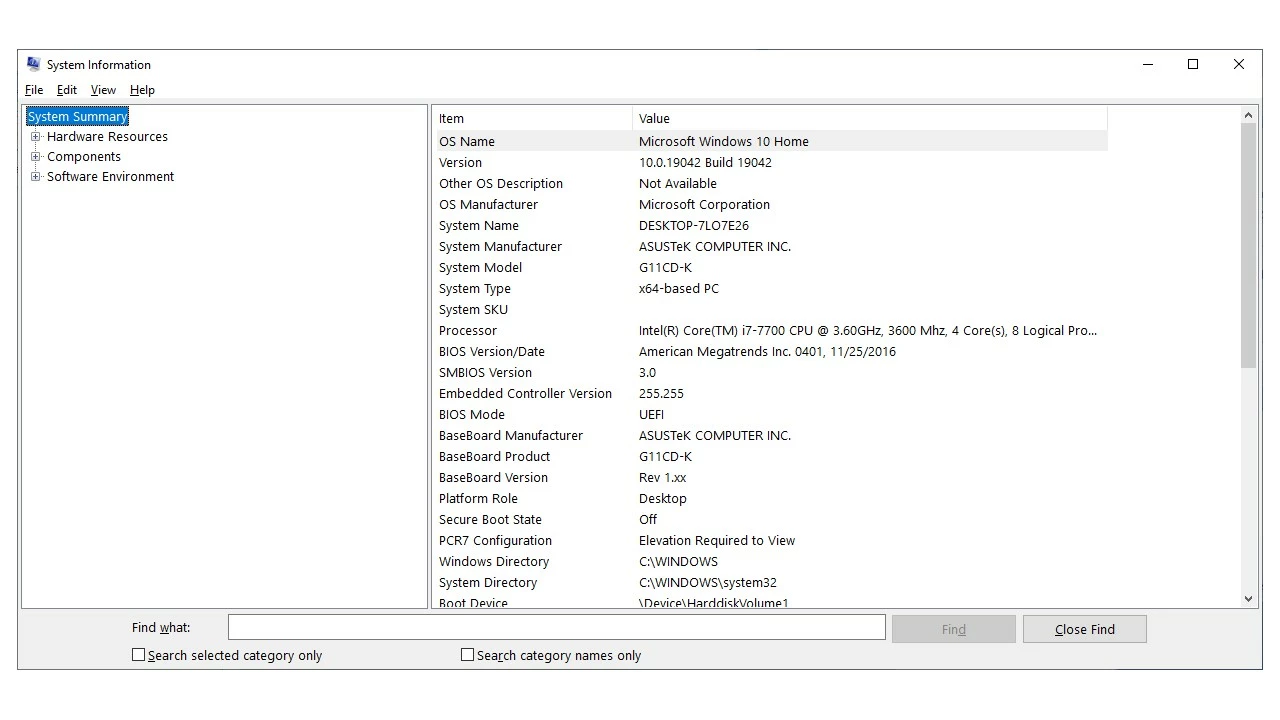
OS Manufacturer: Microsoft Corporation
OS Name: Microsoft Windows 10
OS Version: 10.0.19042
Page File Space: 38443400 KB
Processor: Intel64 Family 6 Model 158 Stepping 9 GenuineIntel ~3600 Mhz
Session Detail:
Boot Type: Normal
Is Shutting Down: No
Network: Available
Inside Citrix: No
Inside VMWare: No
Remote Session: No
Remote Control: No
Using JAWS: No
Using ZoomText: No
Using Windows-Eyes: No
Using NVDA: No
System Name: DESKTOP-7LO7E26
Temporary Directory: C:\Users\david\AppData\Local\Temp\
Time Zone: Pacific Standard Time
Total Physical Memory: 33462664 KB
Total Virtual Memory: 4194176 KB
User Name: david
Windows Detail:
Tablet PC: No
Starter Edition: No
Media Center Edition: No
Slow Machine: No
Windows Directory: C:\WINDOWS

djyhomeAuthor
Inspiring
August 18, 2021

Good morning FWIW attaching a PDF created with LibreOffice with working links.

Peculiar issue, removed Acrobat DC, installed old Acrobat Pro X, same broken links.

Also removed latest Windows maintenance KB5005033, KB5004331 same broken links.

Thanks.

djyhomeAuthor
Inspiring
August 19, 2021

Good morning, progress!  Tried converting just a portion of the subject document, all the links work.  This is acrobat DC 32 bit, I've seen comments regarding acrobat DC 64 bit suggesting 64 bit is not any faster than 32 bit, but may be better at handling more complicated documents.  Will attempt acrobat DC 64 bit on the entire document. 

Thanks.