
Participant
January 27, 2021
Answered

Wrapping text around inserted image

  • January 27, 2021
  • 1 reply
  • 3310 views

I'm new to Acrobat and am using it to make some final tweaks to my syllabus. I've generated a PDF with Pandoc (which itself is using LaTeX), and now I'd like to use Acrobat to add a few images into the document with styling and specificity that my Pandoc workflow wouldn't allow.


To wit: I'd like to insert a small image into the text and have that text flow (wrap) around it. When I use the "Add Image" button, I'm able to place it right where I want, but the text does not flow around it, like so:
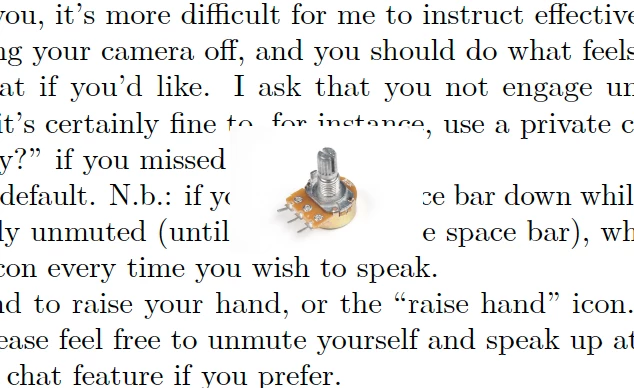


How can I get the text to wrap around the image?

This topic has been closed for replies.
Correct answer gary_sc

Welcome to Acrobat!


Acrobat is not a page layout application, if you want to do something like that you'll need to it in Word or Indesign. 

Sorry, this is not under the intent of Acrobat. 

1 reply

gary_sc
Community Expert
gary_scCommunity ExpertCorrect answer
Community Expert
January 27, 2021

Welcome to Acrobat!


Acrobat is not a page layout application, if you want to do something like that you'll need to it in Word or Indesign. 

Sorry, this is not under the intent of Acrobat. 

Participant
January 27, 2021

Thanks for the quick answer, Gary.


This is quite annoying!


InDesign is unreasonably expensive to access, and I don't have (and prefer to stay away from) Word. 


LibreOffice's "Drawing" environment is able to do the same sort of image manipulation in a PDF that Acrobat can. I was hoping Acrobat would add something extra for the cost, but I guess not. So it goes.