
Answered
yellow box pops up over links with wrong link info in Chrome
We have noticed that when a pdf is opened in the latest version of Chrome, the yellow popup tooltip box that shows on rollover shows some gibberish instead of the proper content of the links. It is only a problem in the TOCs. The other links in the document show the correct text. This happens on all our pdfs.
Apparently we have to edit the tag for the Content section and paste in the correct TOC entry but this would take a long time to do for each TOC entry for all our posted pdfs.
Is there a way to disable the yellow boxes from popping up in Chrome? I have reached out to them but haven't gotten any help.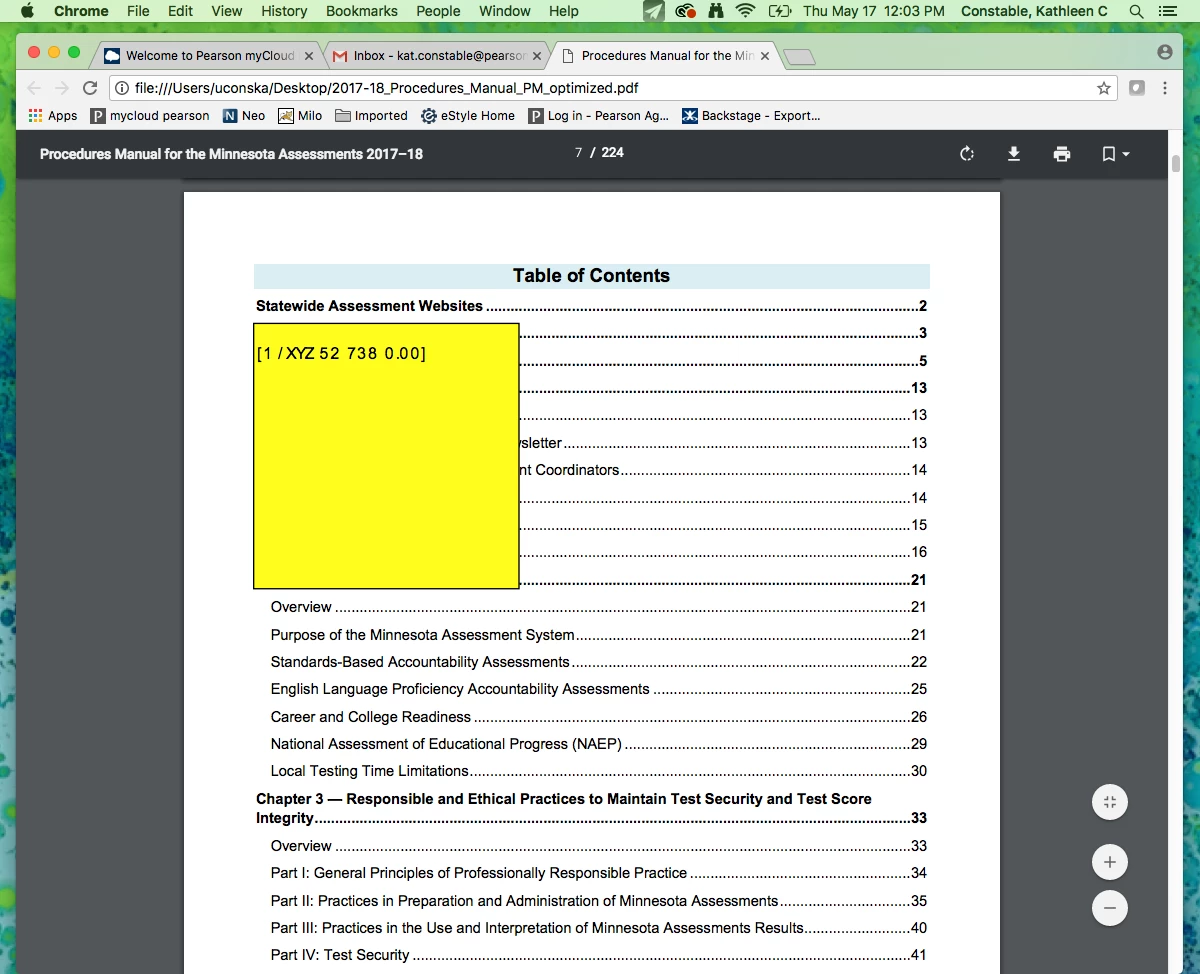
 AdChoices