Participant
December 19, 2019
Question

yellow light around all black pixels with blendmode darken Acrobat Pro DC

  • December 19, 2019
  • 1 reply
  • 1628 views

Hi everyone,

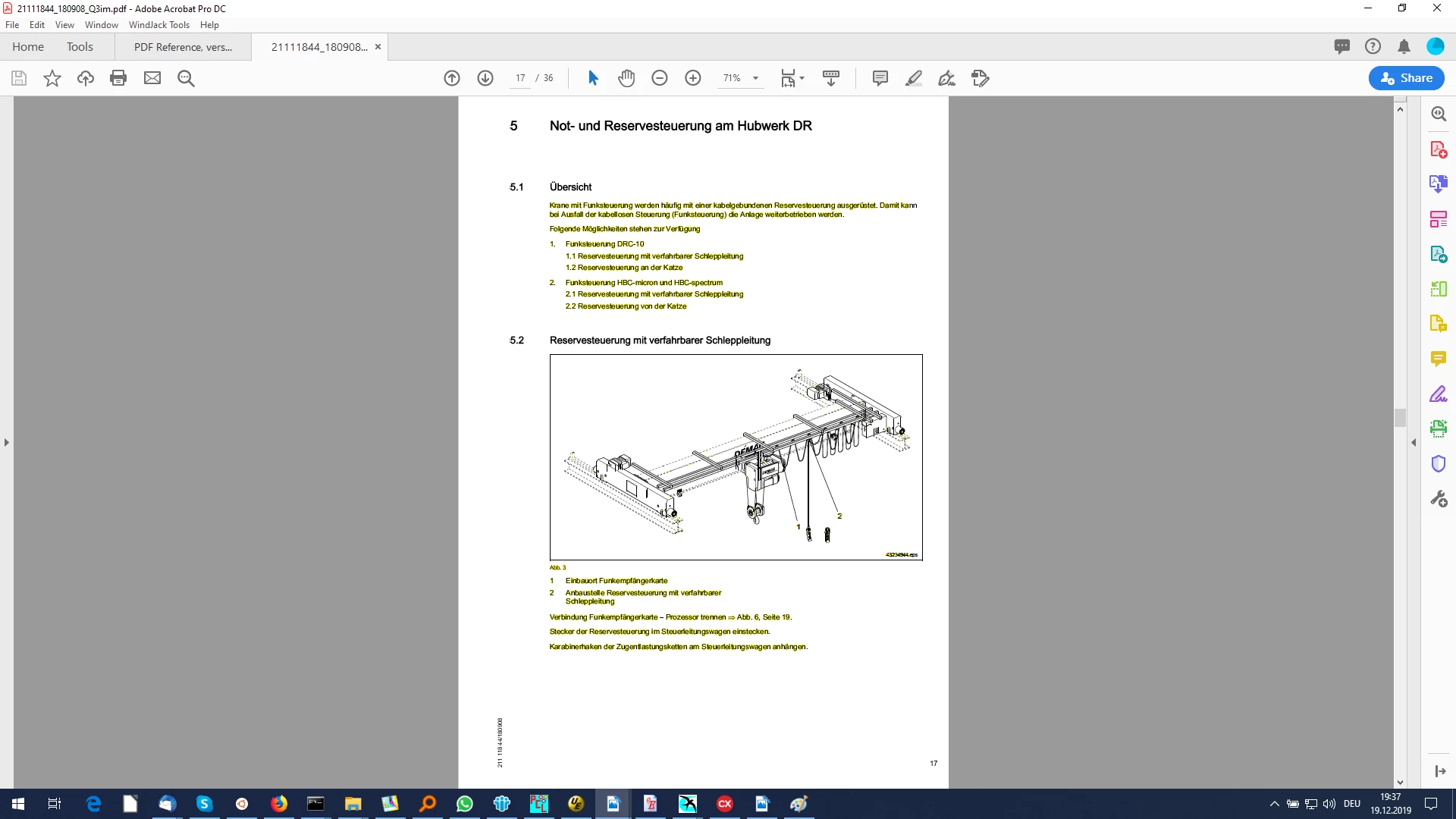
Acrobat Pro DC is displaying all of the elements  which use "blendmode darken" with some yellow light around  black.  Printscreen attached.  All other thirdparty PDF viewers are showing such documents correctly,  in black and white.

What can I do about it? 

Thank you very much in advance,

Yuliana


This topic has been closed for replies.

1 reply

Amal.
Legend
December 20, 2019

Hi there,


We are sorry for the trouble. As described above, Acrobat Pro DC is displaying all of the elements  which use "blendmode darken" with some yellow light around  black.


We need some more information for a better  understanding:


  • What is the version of the Adobe Acrobat DC installed? To check the version of the application please use the help article (https://helpx.adobe.com/acrobat/kb/identify-product-version.html
    Make sure you have the latest version 19.21.20061. Go to Help > Check for Updates. For more information about the new release please use the link: https://www.adobe.com/devnet-docs/acrobatetk/tools/ReleaseNotesDC/index.html
  • Is this a behavior with a particular PDF file or with all the PDF files? Try opening a different PDF and check. If its a file specific issue please share the file with us through private message for further investigation. Click on the message icon on the top right corner of the screen to start the private message.
  • Is the file located locally on your computer or is it on a shared network drive? If the file is located on shared network drive please download the file locally to your computer and check.
  • Try to recreate the file, open the file with web browser. Right Click on the PDF > Open with Google Chrome and download the file and save as with different file name and check.


Let us know how it goes


Regards

Amal

Participant
December 20, 2019

          My version is 19.21.20058 - this is what I get when I click "check for updates"


  • Is this a behavior with a particular PDF file or with all the PDF files? Try opening a different PDF and check. If its a file specific issue please share the file with us through private message for further investigation. Click on the message icon on the top right corner of the screen to start the private message.

         This is a behaviour with all PDF files of a specifik sort - which uses "blendmode darken".  I have a lot of different files with this issue, I can send you one of them.


  • Try to recreate the file, open the file with web browser. Right Click on the PDF > Open with Google Chrome and download the file and save as with different file name and check. 
  • I have done all of the above, it does not help. And, as I already have said,  all other thirdparty PDF viewers show such files without any problems,  this yellow effect comes only with Acrobat.
  • Thank you very much for you help,  Yuliana


Amal.
Legend
December 24, 2019

Hi there,


Thanks for sharing the information.


A new version of Adobe Acrobat / Reader DC is now available. version 19.21.20061. Please update the application to the new version. Go to Help > Check for Updates. 


Also, you may download the patch manually from the link: https://www.adobe.com/devnet-docs/acrobatetk/tools/ReleaseNotesDC/index.html


Please share the sample file with us through private message for testing. Click on the message icon on the top right corner to start the private message.


Regards

Amal