DNG showing this rainbow artifact: Dropbox - 20170723_172131.dng
Associated JPG (as far as I can tell, not showing this artifact) Dropbox - 20170723_172131.jpg
DNG of the black exposure, showing same circular rainbow artifact (although I had to increase the exposure in LR by +2 to be sure I see it): Dropbox - 20170727_172425.dng
Associated JPG, no apparent rainbow artifact at exposure +2: Dropbox - 20170727_172425.jpg
Hi
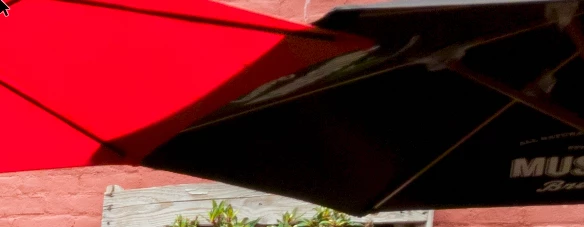
The difference between the jpeg and the DNGs as you sent them was that the jpegs had not pushed up the shadow detail. Whereas ACR opened with the shadow controls pushed up to +100 and clarity pushed high emphasising that banding.
This is your "Dark" image which was taken at ISO 500. All ACR controls are at 0 except the Exposure which I have pushed up to +5.0 to see the effect
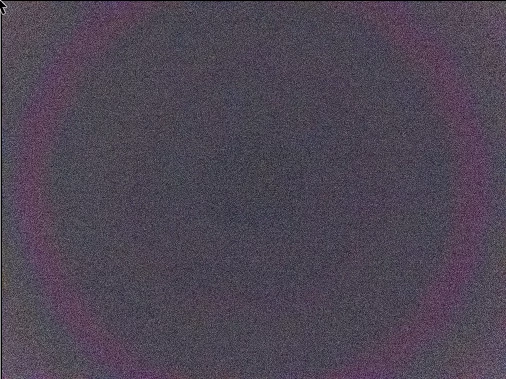
On my Galaxy S7 I tried the black test (photographing the black foam in a dark room).
Using ISO 100 : I got this by pushing the exposure control in ACR up to +5.0
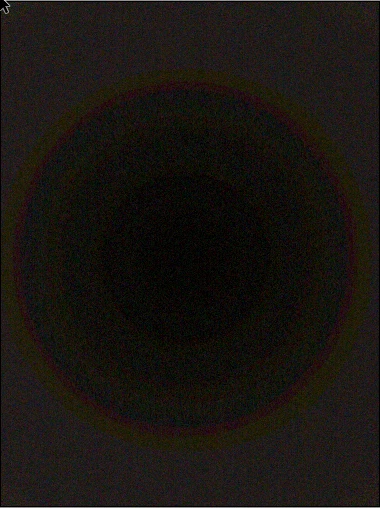
At ISO500 - the banding is just say visible but the image noise has helped hide it (once again exposure is pushed up to +5.0 in ACR)
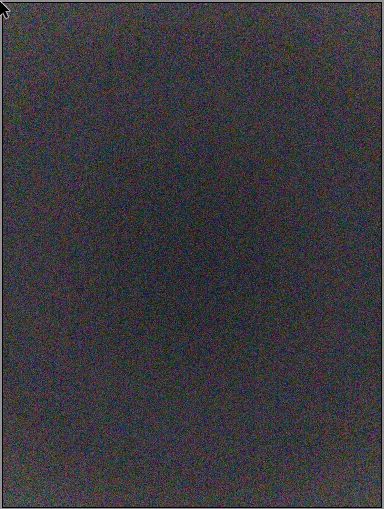
At ISO 1250 - the banding was hidden by excessive noise (again this is with ACR exposure right up at +5.0 - something I just wouldn't do with a phone image at that ISO)
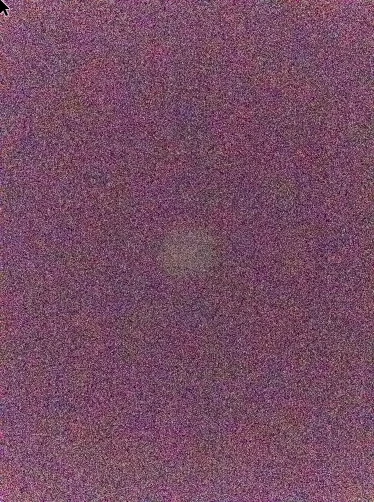
My view is this is just banding in the shadows ( I don't know what bit depth the DNG files from Samsung are as native but I doubt it is 14bit like a DSLR )
With all that in mind I reprocessed your café DNG keeping the near blacks near to black
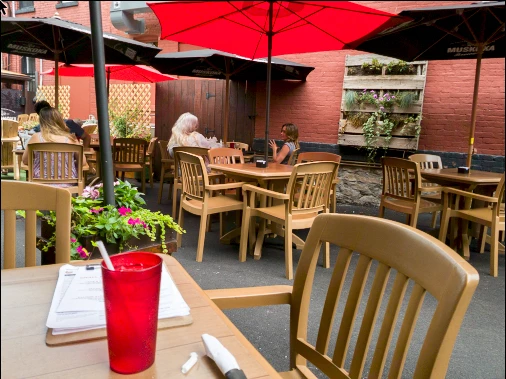
It looks like you just have to accept with the tiny sensor in the phone (and probably limited bit depth even in RAW) you cant push the near blacks in the same way as you can a DSLR
Dave





 AdChoices

